
A vision board is an inspirational collage of images and words that represent what you want to be, do, or have in your life. It acts as a visual reminder of your goals and dreams, and helps keep you motivated towards achieving them. Some people call it a dream board or treasure map, but they all mean the same thing: a tool that gives you the power to see what you want out of life and go after it.
Vision boards are a great way to set goals and keep yourself accountable. If you’re looking for the best apps for vision boards, we’ve got what you need. Here are our top picks:
Table of Contents
Best Apps For Vision Boards
Discover the most recommended options with the following vision board apps and websites:

Corkulous Vision Board App
Corkulous is one of the most versatile vision board apps, allowing users to add a wide range of content to their boards. Along with photos and text, you can add sticky notes, contacts, emojis, and bookmarks
The app is designed to resemble a real vision board with a cork board background. You simply drag elements onto the cork board to arrange and edit them.
The app even includes a sub-board feature, giving you the option to separate a large goal into a series of smaller boards. You can break down your goals into achievable steps.
Corkulous is available as a free or paid download for iOS devices, including iPhones and iPads. With the free version, you can select different layouts for the board, including portrait or landscape.
The paid version lets you choose different sizes and shapes for the board along with providing a variety of extra features. The paid version also provides the option to add PDF documents, lines, sketches, and grids.Download for IOS
DreamItAlive Vision Board Website
DreamItAlive is a free online vision board. You can select images from the website’s library or upload your own. Adding inspirational quotes and text is easy.
The website includes a guided wizard to walk you through the process of creating your first board.
While this website may lack some of the versatility found in other vision board apps, it includes several unique features. One of the unique options of DreamItAlive is Dream Funding. The crowdsourcing funding option allows friends and family to help fund your dream through online donations.
You may also connect with other users through the web interface. Users have employed this feature to find mentors or motivational support.
The website is free to use. However, DreamItAlive has a variety of optional products available for purchase. As a web-based service, you can also access your boards from any Internet-connected device including your home computer or laptop.DreamItAlive.com
Dream Vision Board App
Dream Vision Board is designed to take some of the hard work out of designing your own boards. It comes with a large collection of templates and affirmations to choose from.
You may also select from a variety of fonts and colors for the text. When you are done with the board, you have the option to share it via email or as a social media post.
Dream Vision Board is a free app available for Android and iOS devices, but it comes with in-app purchases. The in-app purchase unlocks additional content for your boards such as more images, symbols, and affirmations.
The free app includes plenty of content. Choose from eight templates and close to 400 affirmations. The drawback is that you cannot upload images or find images on the web. You need to use the content included in the app’s network of photos and text.
The main advantage of this app is the simple layout and interface, making it easier to quickly build a dream board.Download for IOS
Jack Canfield Vision Board App
Jack Canfield is a popular motivational speaker who believes that visualization is a powerful technique.
To help others visualize their goals, Canfield worked with Mogulworx to develop his Success Visionboard for the Apple app store.
The app has a streamlined interface. It allows you to drag and drop images and text on the board.
After adding photos and phrases, you can resize and rotate the content. The app also allows you to add a background image.
To find images and affirmations, the app lets users choose from a collection hosted on its network. You may also search the web or browse public boards created by other users.
Jack Canfield’s Success Visionboard App is available for Android and iOS devices. While it is a paid app, it offers one of the most intuitive interfaces.Success Vision Board

Visuapp Vision Board App
Visuapp comes with several useful features to help it stand out compared to other vision board apps.
It includes a function that allows users to categorize goals into different areas of their lives, including health, family, career, travel, and creativity. You can create separate boards for your work goals and personal goals.
The app also includes the ability to share boards. You can make specific boards public and share a link with friends, family, or colleagues.
Visuapp provides several methods for adding images to the board. You may take a picture with your device, upload photos from your gallery, or search Google images for relevant pictures. After creating your board, you can add music.
Another useful feature is a thorough analysis of your visualization sessions. The app tracks the amount of time that you spend creating and viewing the boards.Download for IOSDownload for Android

Hay House Vision Board App
Hay House is a dream board app developed with the help of Louise Hay. She is one of the early advocates of using affirmations and was a bestselling author and highly sought-after motivational speaker.
The app includes a variety of useful features including the option to upload your images or grab photos from the web.
If you need help finding inspirational messages for your board, Hay House has you covered. The in-house team of motivational speakers has created a collection of quotes and phrases that you can easily add to your board.
Along with images and messages, you may add music and use the Hay House Vision Board Community to find like-minded individuals. Connect with others to receive support and stay on track.
The app also provides the option to record voice memos such as reminders or personal affirmations.
Browse the public Hay House vision boards for inspiration. The community section lets you share, like, follow, and comment on boards. The app is free to download through the Apple App Store.
best vision board app for android
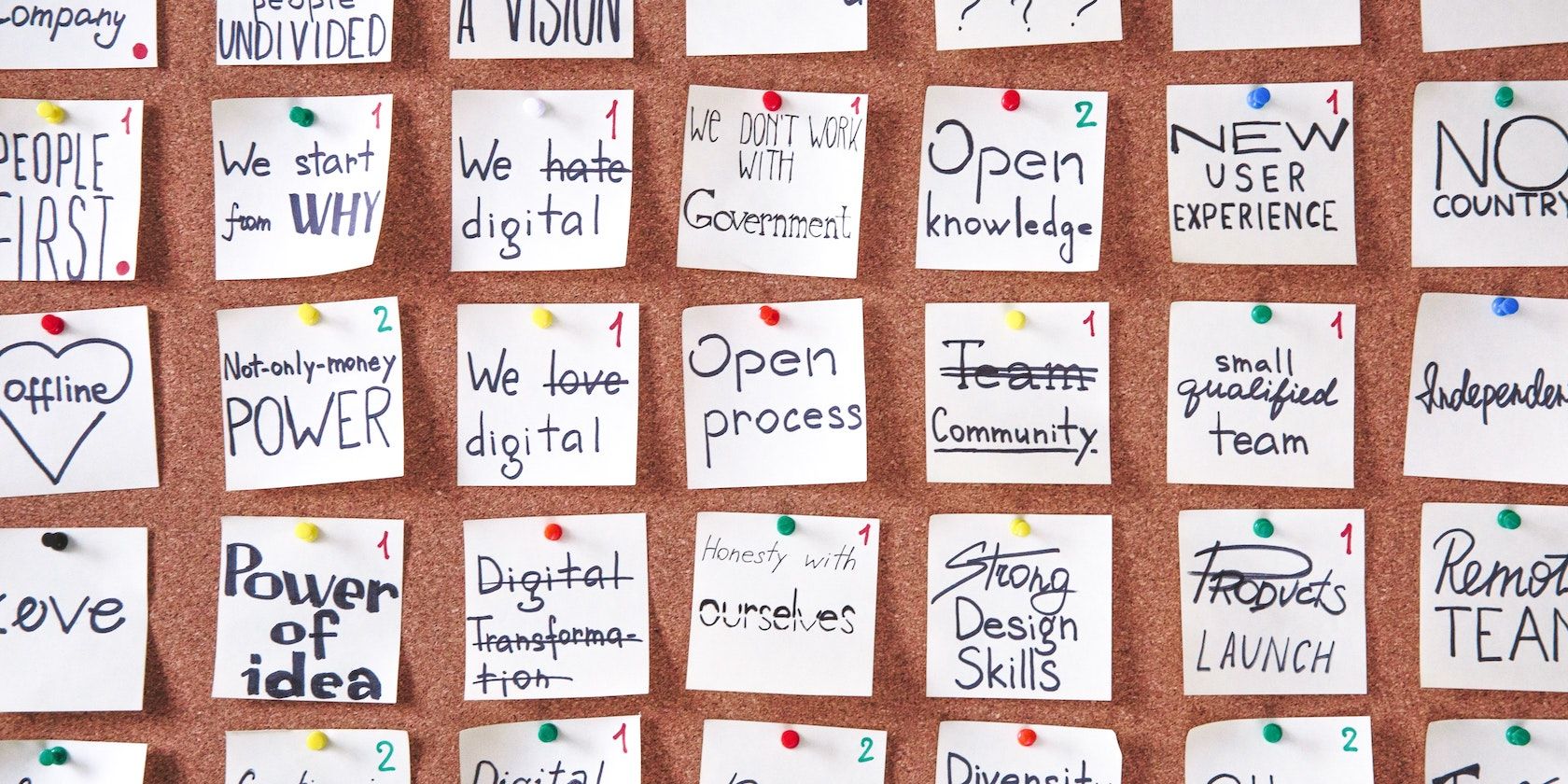
vision board
Dream boards, or vision boards, are a collage of texts and images that help you visualize what you want to achieve in your life. Vision boards will help you get a better idea of your dreams and the goals you need to meet to get there. The various photos, videos, and graphics available make creating your vision board more fun while you plan for your future.
With mobile apps and websites, you can create a virtual vision board to take with you everywhere. Below are some of the best vision board apps available on Android to help you accomplish your life goals.
- My Vision Board
3 Images
MyVision board homepage
Purpose on My Vision Board
settings on My Vision Board
My Vision Board lets you plan your life’s purpose and vision for the future you desire. In this app, you can write your vision and goals in detail in the Life Purpose section, whether it is about your business, personal life, or hobbies. After creating your vision board, you can play the slideshow with images and text you include.
You will get affirmations to keep you motivated while working on your dreams. You can download these affirmations to your Android device to refer back to anytime, and can also write in the journal to track your progress.
The constant ads can be a bother when going through the affirmations. The backup and restore feature is a great highlight of this app, so you won’t lose your data if you ever need to uninstall. Other great features include the daily reminder, background music, and auto-play of your affirmations to help you visualize your dreams.
Download: My Vision Board (Free, in-app purchases available)
- MyGoals
3 Images
homepage on My Goals
My Goals Dashboard
Add vision list on My Goals app
MyGoals is excellent for making your virtual vision board as it offers ideas and examples to inspire you. It includes your Life Purpose and a gratitude journal for you to stay grateful while recording your progress. With additional affirmations, you can improve your outlook on life while working on your goals.
Creating your vision board is simple; you have to fill in details like description, the date you will accomplish your goal, and add an image. The dashboard categorizes your vision board according to pending goals and completed goals.
With five-year goal plans, you will have more time to plan and achieve your dreams extensively. This app is very similar to the My Vision Board app, even down to the constant ads, and the extra features like affirmations.
Download: MyGoals (Free, in-app purchases available)
- Visualize
3 Images
Visualise homepage
vision board on visualise
Visualise slideshow
With Visualize, you can see your dream life on your Android phone. The large collection of images makes creating your vision board easier on this app, and you only have to add a description of your intended goal.
You can also add actions to keep track of your specific life goals, from your career, love life, or reputation, to your wealth and spiritual goals. After creating your vision board, you can place morning and evening reminders to keep you motivated. The vision board also has specific affirmations according to the goals you have set for your life.
You get to listen to soothing music or your choice of song from Spotify while watching your vision board slideshow. You also have the option of sharing your vision board to other apps like WhatsApp and Facebook.
Download: Visualize (Free)
- VISUAPP
3 Images
Visuapp homepage
Visuapp slideshow
visuapp categories
With VISUAPP, you get a vision board maker and a free gratitude journal to help you along the way. You can use other apps to figure out your long-term goals and new year’s resolutions before adding them to your vision board. By adding images from your gallery, you can create more goals to add to a specific category on your vision board.
You can also enjoy soothing music when viewing your vision board slideshow. Unfortunately, to access the gratitude journal, you will need to pay. This also applies to watching a slideshow of your vision board all at once. The other apps on this list offer most of these features for free.
Download: VISUAPP (Free, in-app purchases available)
- Vision Board
3 Images
vision board homepage
vision board on vision board app
Edit vision board app
The Vision Board app is simple to use with a tutorial to show you how to get started. All you have to do is tap on the picture to add your own goal with a specific description. On the left corner, you can also add a particular deadline to achieve each goal. This is a fast vision board maker for users who want to save on time.
You can, however, use other digital journal apps to boost your mental health alongside this Vision Board app. If you are looking for an easy-to-use application for short goals to achieve the lifestyle you want, this app will work for you. You only have to watch an ad to unlock additional features like additional themes to suit your tastes and preferences.
Download: Vision Board (Free)
- Vision Board Maker
3 Images
Homepage for vision board maker
List of goals on vision board maker
vision board maker slideshow
This Vision Board Maker app features a similar design to the other apps on this list. To create your vision board you have to fill in various details, including your vision, a detailed description, category, and end date. You will need to add an image from your gallery to complete your vision board before saving it.
You can input these details using the voice recorder. With the Vision Board Maker app, you can benefit from different affirmations to keep you going throughout your journey. There is, however, some lag when opening the gratitude journal to track your progress with your goals, and the ads after completing each task can also make this app less enjoyable to use.
Download: Vision Board Maker (Free)
- Personal Vision Board
2 Images
Homepage for personal vision board
TRavel vision board on Personal Vision Board
This Personal Vision Board app has a bright display and is enjoyable to create vision boards on your Android. This app is straightforward, offering different categories like wealth, family, love, and career to better organize your goals.
You can add images with short descriptions under each category for better tracking. If you are a visual person, this app will help you get a clearer picture of the life you want to live in the future.
Download: Personal Vision Board (Free)
Conclusion
Let us know your thoughts in the comment section below.
Check out other publications to gain access to more digital resources if you are just starting out with Flux Resource.
Also contact us today to optimize your business(s)/Brand(s) for Search Engines