
If you’re a writer, your Mac is one of your most important tools. But if you want to use it to its fullest potential, you need the right apps.
The best writing apps for Mac are those that help you edit text files and documents, keep track of your ideas, organize research, and write more efficiently. As writers ourselves, we know the importance of good writing software. We’ve compiled a list of our favorite apps for writing on a Mac, so you can find exactly what you’re looking for.
Read on to get started!
Best Apps For Writers Mac
OmniOutliner
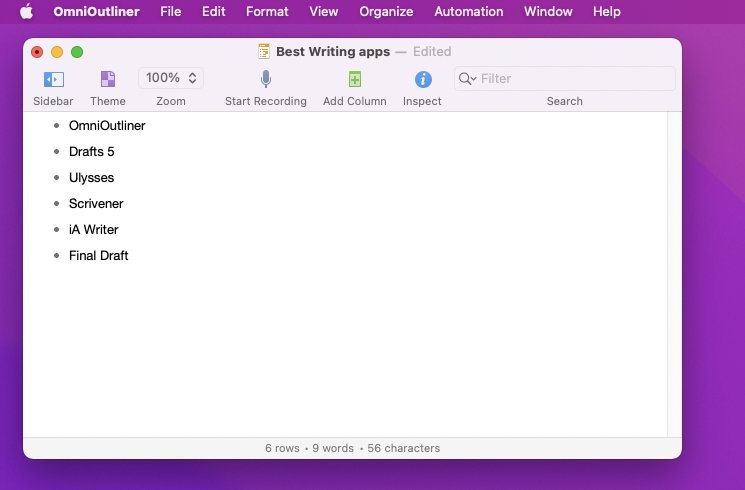
OmniOutliner is, as the name stresses, an outlining tool. It’s also very good at outlining everything from novels to non-fiction tomes. However, it’s really rather more than that, as its core strength is in expanding ideas.
Whether your idea is for a story, or your boss has thrown five events at you to create, OmniOutliner lets you jot down any thought. Dump every idea you’ve got into it and then you can arrange, massage, grow it all until you’ve got a complete, working project.
OmniOutliner
OmniOutliner is available on both Mac and iOS, beginning with an Essentials version that costs $20 on either platform.Buy for $20
Drafts 5
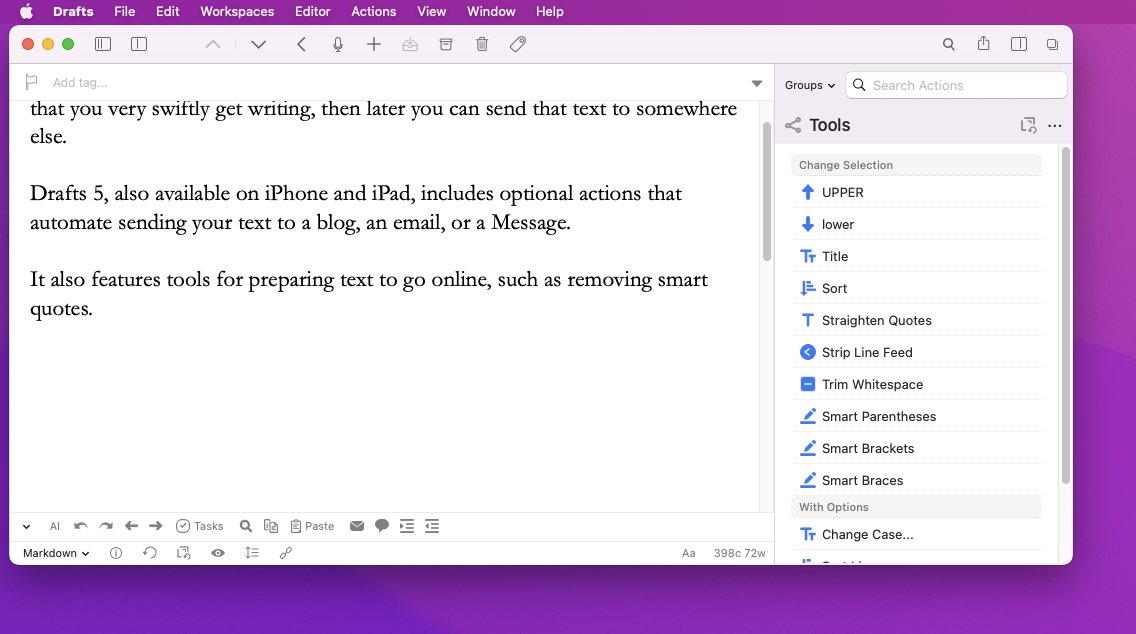
On the surface, Drafts 5 is as basic a notetaking app as you can get — but that’s specifically to make using it quick. Whether you’re just learning the app or have used it for years, you can get starting writing fast.
Then while that could be all you need from Drafts 5, you also get the ability to decide what to do with text once you’ve written it. Get it written in Drafts, then you can tell the app to send it as an email, to post as a blog, or any of countless actions that are available.
Drafts 5
Drafts 5 is free to download and use, but those actions require a Drafts Pro subscription, which costs $20 per year.Buy for $20/yr
Ulysses
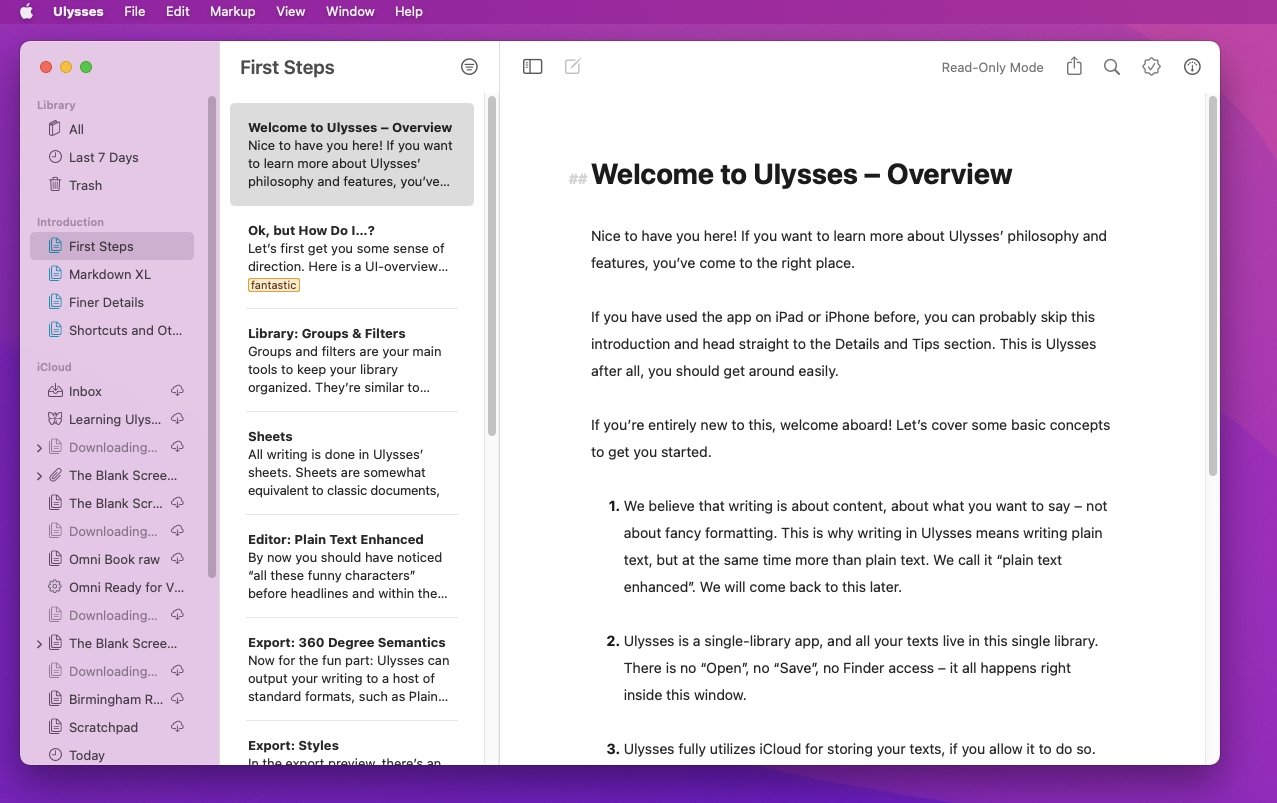
Ulysses is also an apparently simple text editor that hides a lot of power. In this case, the strength is in how it’s as much a writing environment as a basic word processor.
Rather than having documents that you create and then have to manage yourself, Ulysses treats everything you write as one document. It’s all divided into books and chapters and topics as you need, but open Ulysses and you have immediate access to everything you’re writing.
Ulysses
Ulysses is a subscription app that costs $50 per year for use across Mac, iPhone and iPad.Buy for $49.99/yr
Scrivener
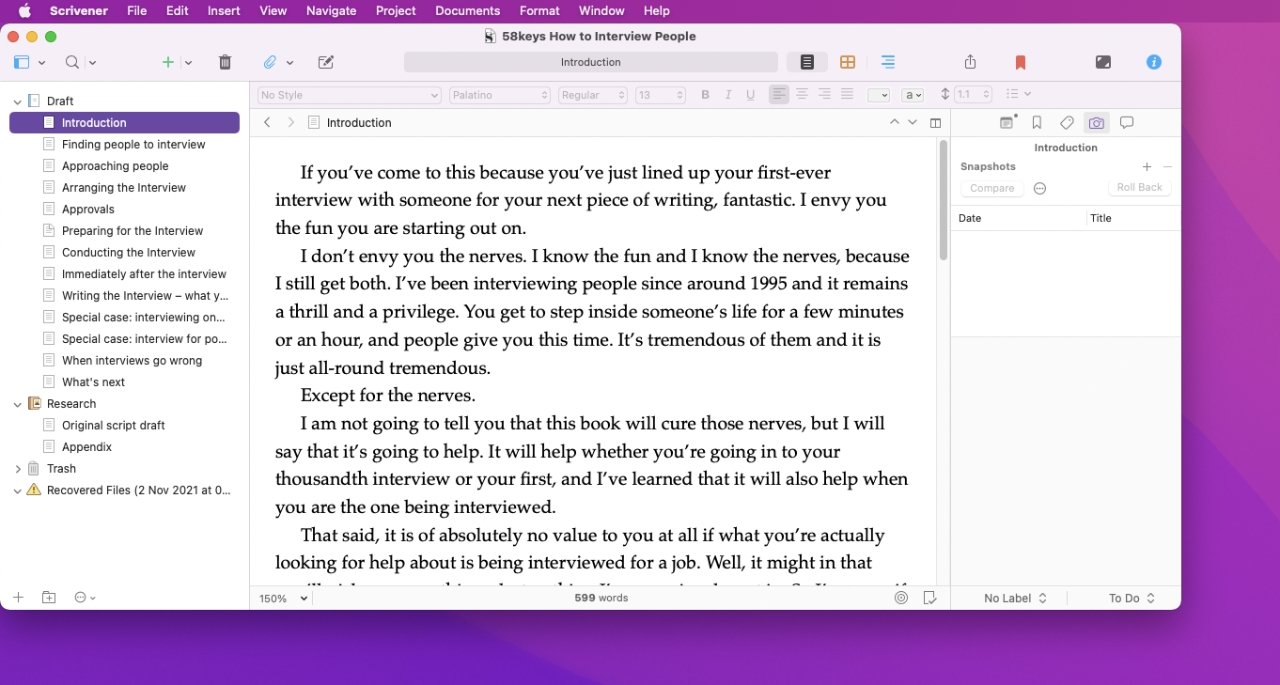
As a word processor, Scrivener is simply enjoyable to write in. Then as you write more, its ability to organize your work — and let you rearrange whole chapters — is far better than that of Pages or Word.
You’re able to see, for instance, just chapters 17 and 33 of your novel. You can see those side by side, or one after another. You can set writing targets for the book, or just for this session.
Then it’s ability to take all of your writing and output it ready for book printing, ready for sending to publishers, is famous. And so is how you can store any research — notes, drafts, weblinks, PDFs, audio, video, and more — in your book.
Scrivener
Have quick access to everything you need to refer to, yet also have none of that be shown to your readers.
Scrivener costs $49 for the Mac.Buy for $49
iA Writer
Long before the Mac introduced Focus Mode, iA Writer had its own version. In iA Writer, if you choose, you can have all of your writing fade to grey — except the sentence you’re working on right now.
Then, again optionally, iA Writer can highlight adjectives, verbs and so on, surfacing your use or over-use of them. It’s about giving you the ability to see the wood for the trees, except when it’s trees you want to see.
The iA Writer app is built around Markdown, meaning that formatting and styles are done with text commands right in the text.
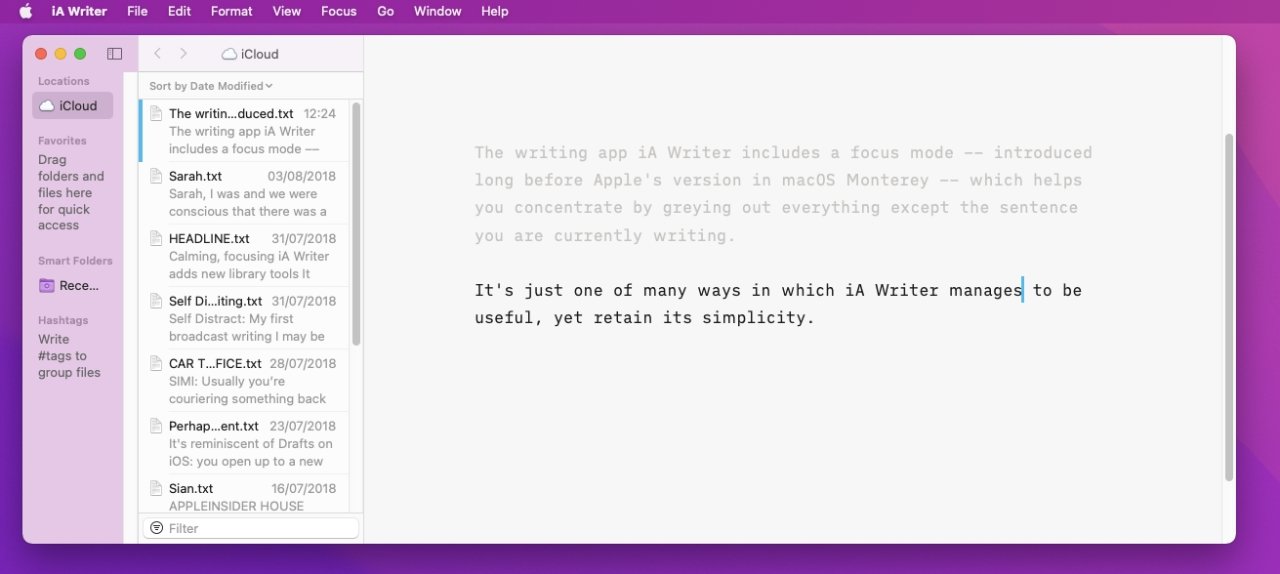
iA Writer
It costs $29 for Mac.
best writing apps for mac free
| Tool | Desktop | Mobile | Web app |
|---|---|---|---|
| Ulysses | Mac | iOS | |
| Storyist | Mac | iOS | |
| iA Writer | Windows, Mac | iOS, Android | |
| Hemmingway | Windows, Mac | Yes | |
| Byword | Mac | iOS | |
| Grammarly | Windows, Mac | * | Yes |
| Evernote | Windows, Mac | iOS, Android | Yes |
| Medium | * | Yes | |
| Typora | Windows, Mac, Linux | Sites & apps | |
| Google Docs | Windows, Mac | iOS, Android | Yes |
Conclusion
Let us know your thoughts in the comment section below.
Check out other publications to gain access to more digital resources if you are just starting out with Flux Resource.
Also contact us today to optimize your business(s)/Brand(s) for Search Engines