
The Samsung Galaxy Z Fold 3 is one of the most exciting new smartphones to be released this year, and if you’re looking to make the most of your purchase, you’ll want to find all the best apps that work with it.
We’ve put together a shortlist of some of our favorite apps for the Z Fold 3 so that you can see what this phone has to offer.
Table of Contents
Best Apps For Z Fold 3
Talon for Twitter
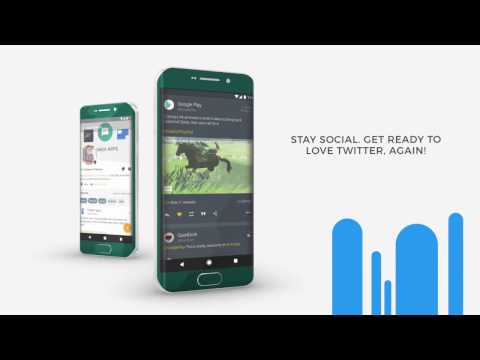
While the official Twitter app is fine for many, there are a lot of problems that you might have if you use it on a regular basis. From promoted tweets to an interface that isn’t customizable, there’s a lot missing from Twitter’s app. Talon for Twitter solves many of those issues, as just about every aspect of the app can be customized and tweaked to your liking. There are several different layout options to take advantage of your screen real estate, along with changing up the general theme and more.DOWNLOAD TALON FOR TWITTER
Infinity for Reddit
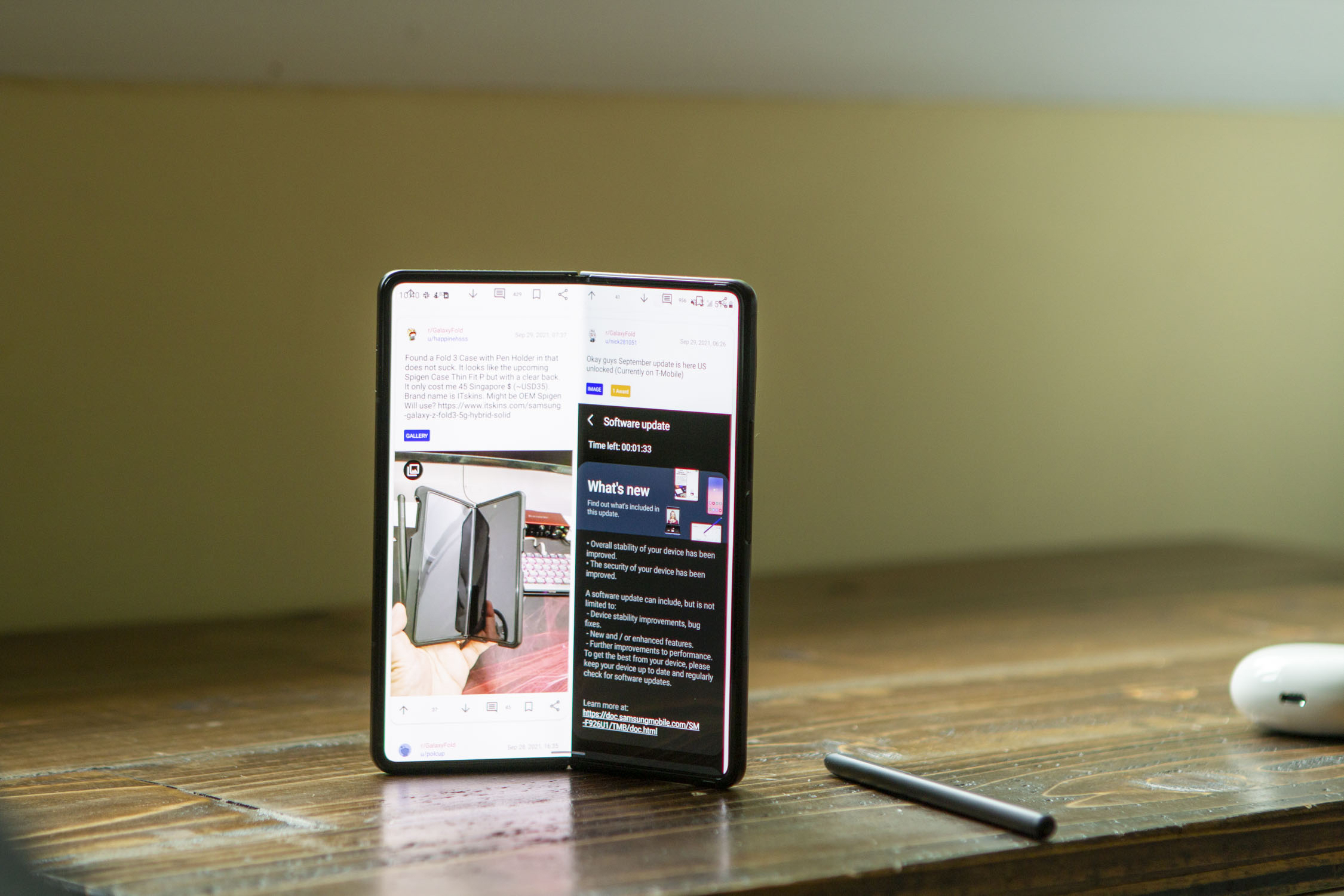
We would say that you could argue that the official Reddit client is better than what Twitter has done, but it still leaves a lot to be desired. But unlike Twitter, Reddit doesn’t actually limit the important APIs, which is why we are recommending Infinity for Reddit. When you have a display the size of the Galaxy Z Fold 3, you want an app that can take full advantage of it. Infinity can do just that with its dual-pane layout, that can also be customized and changed around to meet your wants and needs.DOWNLOAD INFINITY FOR REDDIT
Todoist
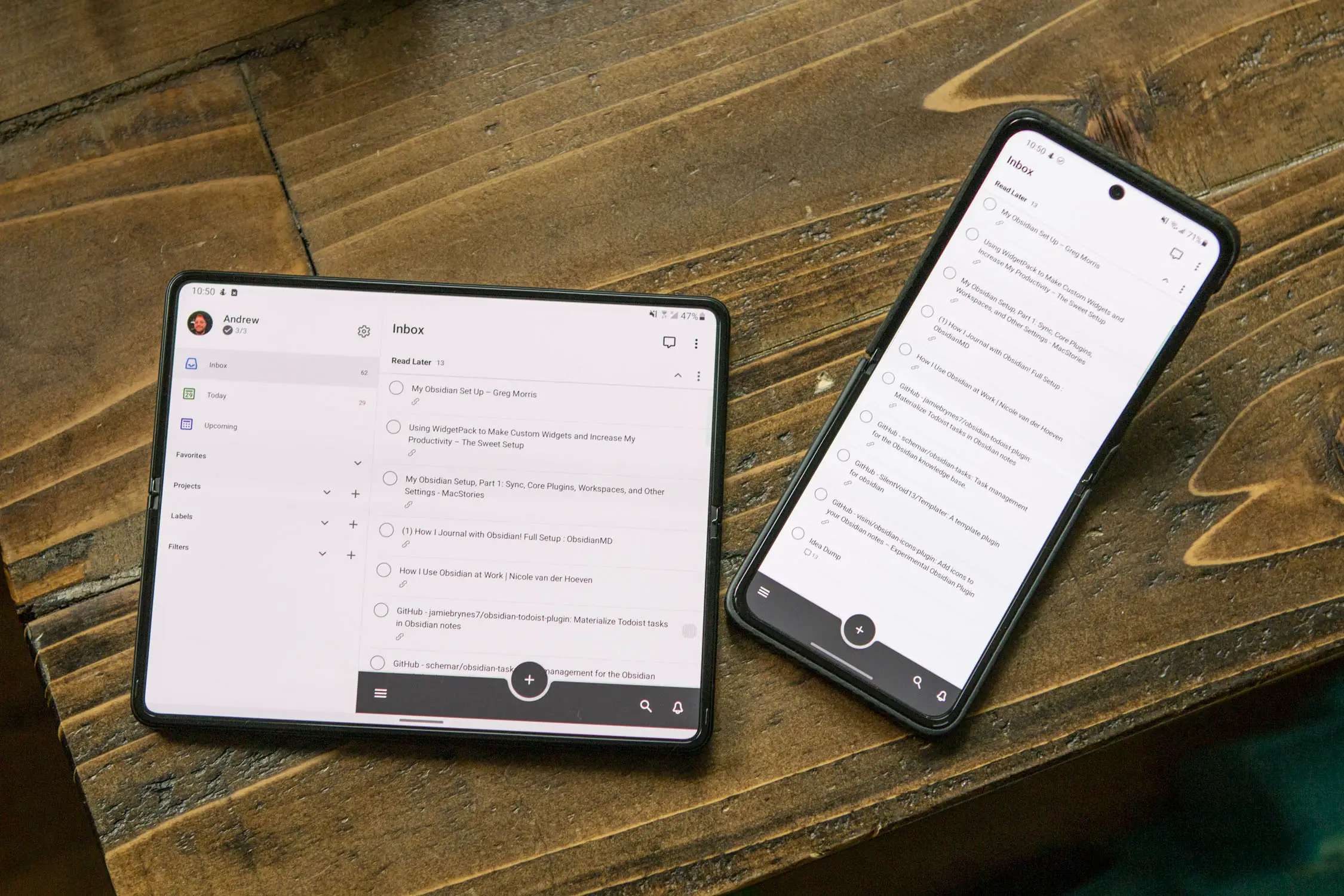
Finding the best to-do app is already an annoying task as it is, but Todoist makes it a little bit easier. The app is highly-customizable, and just recently went through a design overhaul. But it still takes full advantage of the larger display on your Galaxy Z Fold 3, giving you access to a sidebar and main area where your to-do lists live. Todoist is largely considered one of the best task management apps, and is well worth the $3 per month for Premium.DOWNLOAD TODOIST
Microsoft Outlook
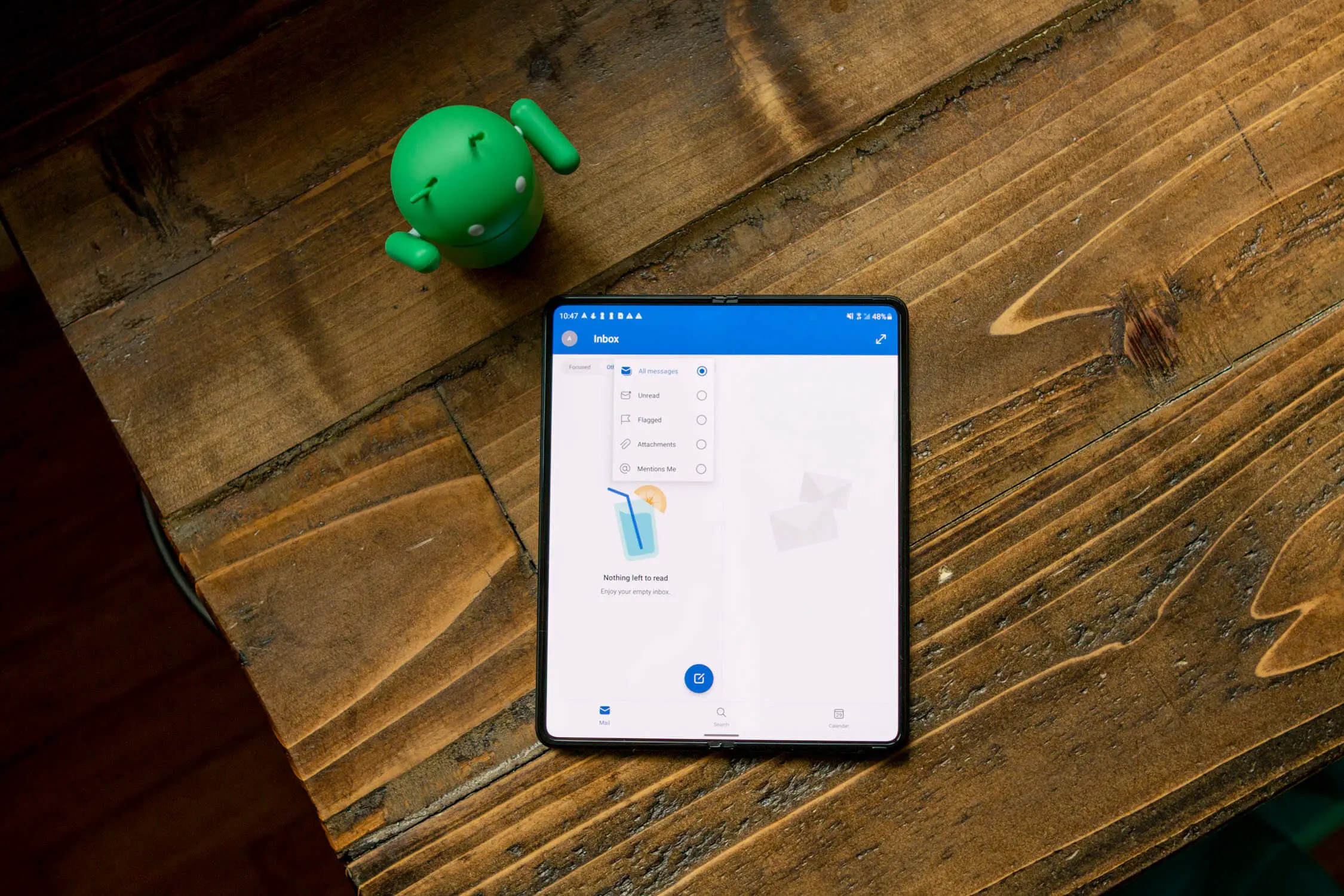
There was a long period of time where nobody wanted to touch Outlook with a 10-foot pole. Those days are behind us now, as Microsoft has put a lot of work into making Outlook a great email client. From managing your calendar to handling your inboxes, Outlook is one of the best email apps available. Thanks to Samsung and Microsoft working together on the foldable form-factor, this app also looks great on the Fold 3, along with any of your other Android devices.DOWNLOAD MICROSOFT OFFICE
Duet Display

From time-to-time, you might find yourself wanting to have just a little bit of extra screen real estate. Whether you’re working from a laptop or at a desktop with a larger monitor, extending your screen can really help you get some work done. With Duet Display, you can install the app on your Fold 3, and turn it into an extra display for your computer. The app can occasionally be a bit finicky to use, but when it works, it’s absolutely wonderful.DOWNLOAD DUET DISPLAY
Notion
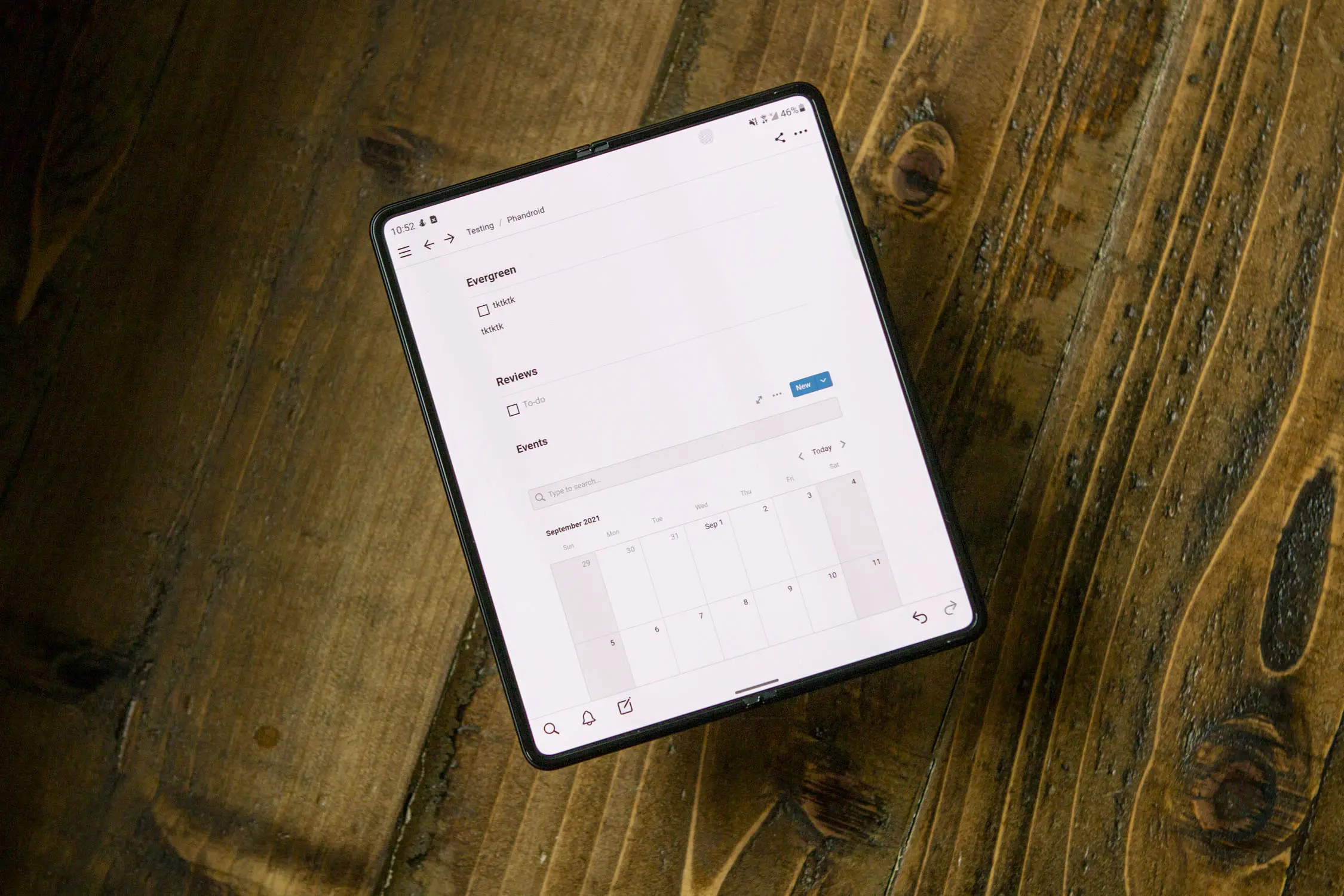
Going back to task management, Notion is like a to-do app on steroids. The interface itself remains the same, but you can create different pages complete with different templates and configurations. If you want to use a KanBan-style task management system, or create a shared budget with a partner, you can do that and so much more with Notion.DOWNLOAD NOTION
Spotify
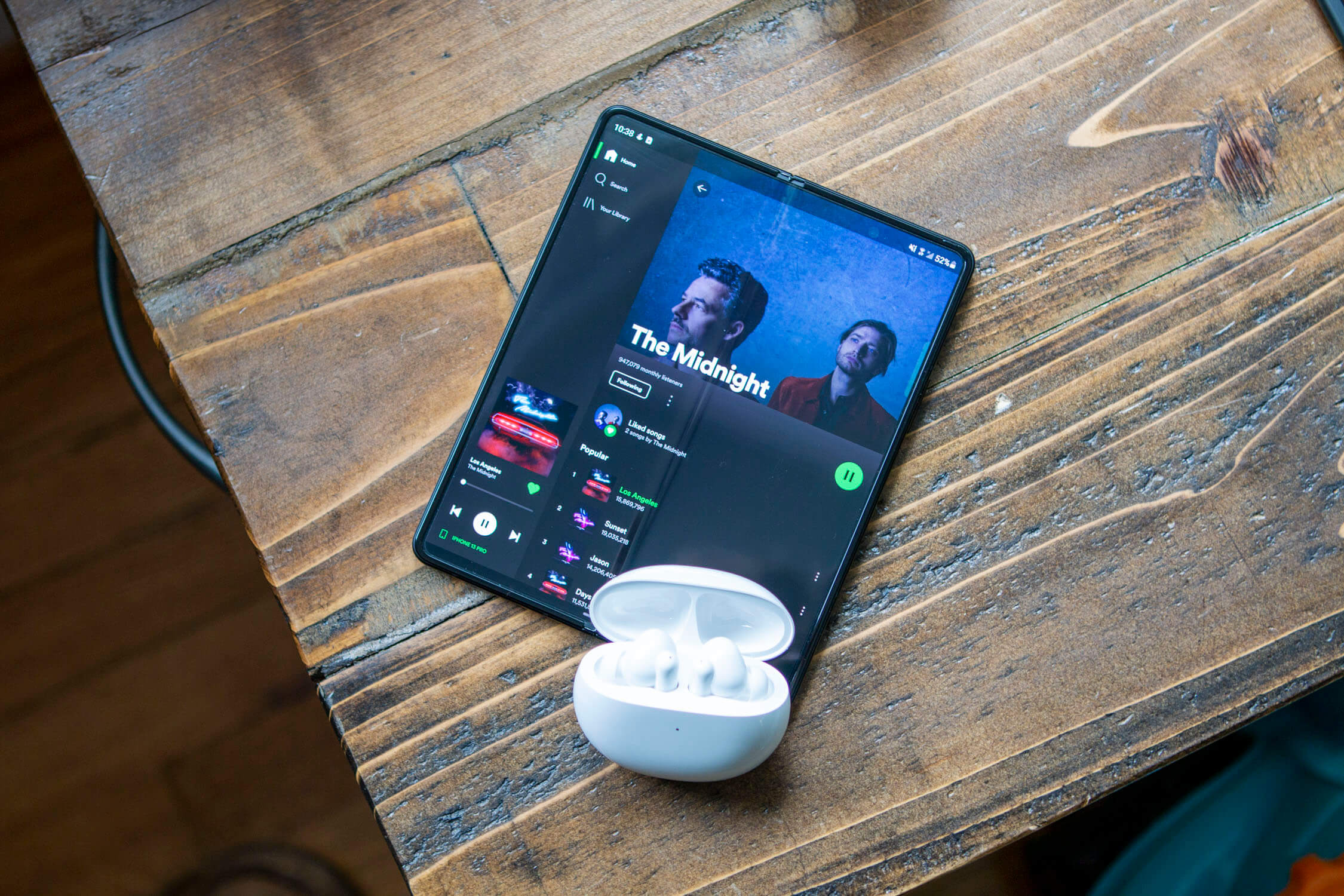
Adding Spotify to the list may seem like a pretty obvious choice, as it’s one of the most popular music streaming services available. But instead of trying to just stretch out the interface we see on slab phones, Spotify on the Galaxy Z Fold 3 offers a sidebar complete with a mini music controller in the bottom left corner. Then, you can browse different playlists, artists, and podcasts from the right side of the screen.DOWNLOAD SPOTIFY
Kindle
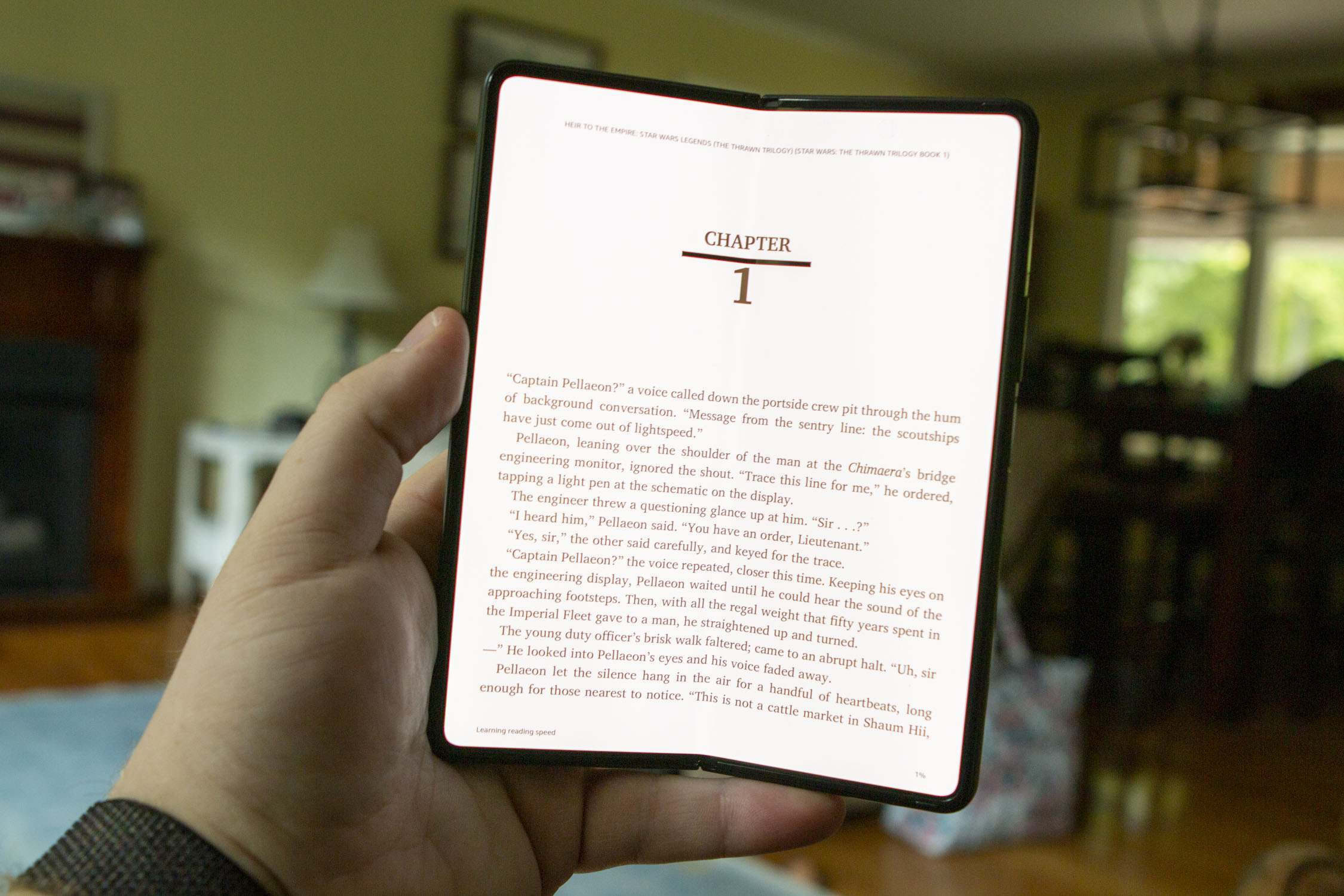
Aside from being a productivity machine, the Galaxy Z Fold 3 is also an incredible reading device. When reading using the Fold 3, you’ll enjoy a larger display compared to a traditional Kindle, along with being able to actually adjust the hinge to make it feel like you’re reading an actual book. Amazon has also included many great features to customize the look and feel of the Kindle app so you won’t harm your eyes when you get caught up in a book for a few hours (or longer).DOWNLOAD KINDLE
PENUP
![[PENUP] Official Introduction Video 2021](https://i.ytimg.com/vi/WGe4dKrY4Mo/hqdefault.jpg)
Since the Galaxy Z Fold 3 is the first foldable phone with stylus support, you’ll definitely want to try out this functionality at some point. With PENUP, you can flex your artistic muscles a bit and start with a blank canvas to create your masterpiece. But PENUP also offers the ability to color along with acting as a tutor of sorts as you can follow various videos to learn how to hone your craft.
best drawing app for z fold 3
1. Astropad Studio
The first Astropad app did a fantastic job of turning your iPad into a video graphics tablet for your Mac, making for an excellent companion for anybody using Adobe Photoshop and similar software. Astropad has since upped its game with the new Astropad Studio, a subscription version of the app aimed squarely at graphics professionals using the iPad Pro and the Apple Pencil.
Designed to work through Wi-Fi or a USB connection, Astropad Studio boasts improved responsiveness, gesture controls, keyboard support, and more.. The app comes with a free 7-day trial, after which it will cost you $11.99 per month, or $79.99 for a year’s subscription.
Download Astropad Studio: iOS(opens in new tab)
2. Pixelmator
Pixelmator’s iOS port delivers a powerful image editing and digital painting tool to mobile devices that syncs well with its bigger macOS version.
Pixelmator on iOS costs $4.99 and supports editing images of up to 100 megapixels in size, with numerous color correction and manipulation tools and effects, as well as handy presets for fast edits. On the painting end, the app comes with more than 100 different brushes, simulated paint effects, layers and layer effects, and support for a variety of active stylus devices like the Apple Pencil.
You can import and export Photoshop files, JPEGs, PNGs, and other popular image and photo formats, and iCloud support means your projects can sync across devices and to your Mac.
Download Pixelmator: iOS(opens in new tab)
3. Autodesk Sketchbook
The free Sketchbook app has all the power and ease of use you could need, as well as a unified the experience across Android and iOS. Sketchbook comes with a variety of drawing tools and brushes, all of which you can customize on the fly, pinch to zoom, a gallery organizer, and support for saving and storing your works to Dropbox or iCloud.
The app’s great for freeform drawing, due to its sleek and elegant interface. But when precision is called for, you’re covered as well, with a range of grid tools and rulers to draw along. Given that there’s no price tag attached to this app, it’s a must-have.
Download Autodesk Sketchbook: Android(opens in new tab), iOS(opens in new tab)
4. Adobe Photoshop Sketch
The free Adobe Photoshop Sketch ranks among the best drawing apps for giving users a set of expressive drawing tools. Users can choose from utilities that mimic a graphite pencil, ink pen or marker. The app supports a variety of Bluetooth styluses on the market such as Adobe Ink, Pencil, and others by Wacom and Adonit.
Sketch aims to replicate the analog drawing experience, augmented with a few digital flourishes such as a color picker and an undo history. Users can import in assets from other Creative Cloud tools such as custom brushes and colors, and your creations can also be exported into Creative Cloud as layered PSDs to Photoshop, or flat images for Illustrator.
Download Adobe Photoshop Sketch: Android(opens in new tab), iOS(opens in new tab)
5. Adobe Illustrator Draw
The free Adobe Illustrator Draw is a versatile vector graphics drawing app that can be further enhanced with Creative Cloud integration. The app offers a range of customizable pens to suit any style; and affording you maximum flexibility, you can work across unlimited layers to craft complex illustrations.
Users can import in assets from Color CC and Shape CC, and can export drawings straight to Illustrator CC on the desktop, or PNG files to Photoshop CC. That allows you to begin a creation whenever inspiration takes you, and then flesh it out fully on a desktop rig.
Download Adobe Illustrator Draw: Android(opens in new tab), iOS
Conclusion
Let us know your thoughts in the comment section below.
Check out other publications to gain access to more digital resources if you are just starting out with Flux Resource.
Also contact us today to optimize your business(s)/Brand(s) for Search Engines