
Content is everywhere; it’s the lifeblood of our digital age. Users consume content on their phones before they roll out of bed. They watch content on the subway. They look at content on their laptops at work, on their tablets in the bathroom, and on their TVs while they’re eating dinner. And they have no plans to slow down anytime soon.
So how can you make sure your business can keep up with the growing demand for high-quality content? Start by making use of some of these top [category] tools that are helping companies deliver more eye-catching, unique, and relevant content to their audience.
Table of Contents
Best Content Creation Tools 2018
Internet is now possibly the most influential source of information. That’s why it is important to know that in order to make yourself known you need to stand out. Everything you do to gain a subscriber, ship client, or a facebook follow is attributed not only to the “service” you provide, but also to the way you present it to others.
Many of users have no money to hire a professional staff to do all the work. We have prepared a list of various services, which are very easy to use and may help you show yourself to the world in a style – whether its graphics, infographics, mail marketing, or videos – everything can be found here.
Tools for Social Media
Piktochart
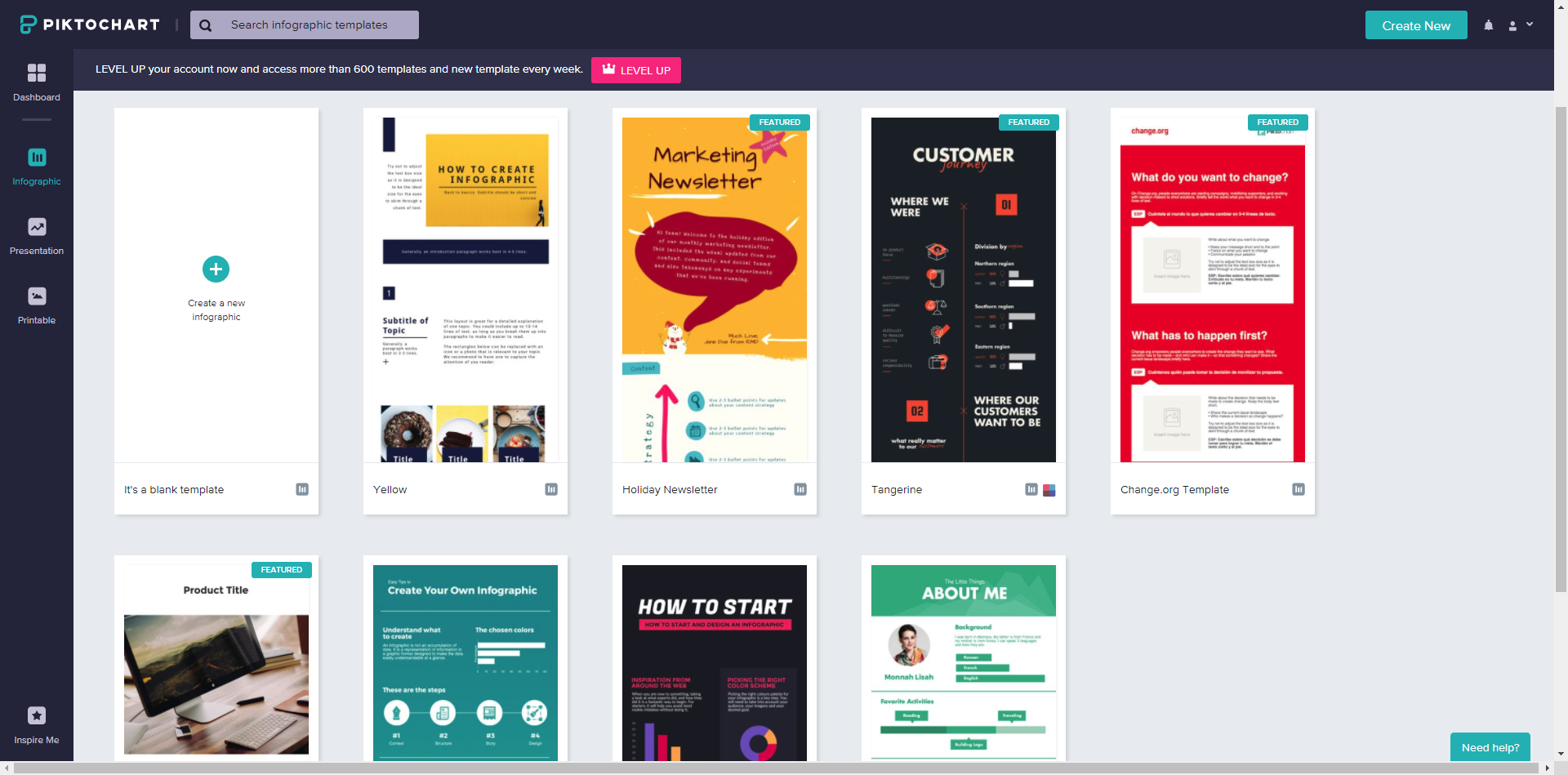
Piktochart is a great tool when you need to create quick and pretty graphics that can be used on your Facebook or any other social media page. Their service provides various customizable templates to be chosen. You can mix their graphics with your own elements such as PNG files and other elements.
Service is free to use on a Basic level. Paid service provides additional 600+ templates available, as well as some additional features such as bigger image size upon upload, exporting images in HD quality as well as PDF files export. Higher payment plans allow you to also add custom color schemes and insert brand colors. Of course there are much more features but those are one of the more important ones we found.
Pixabay
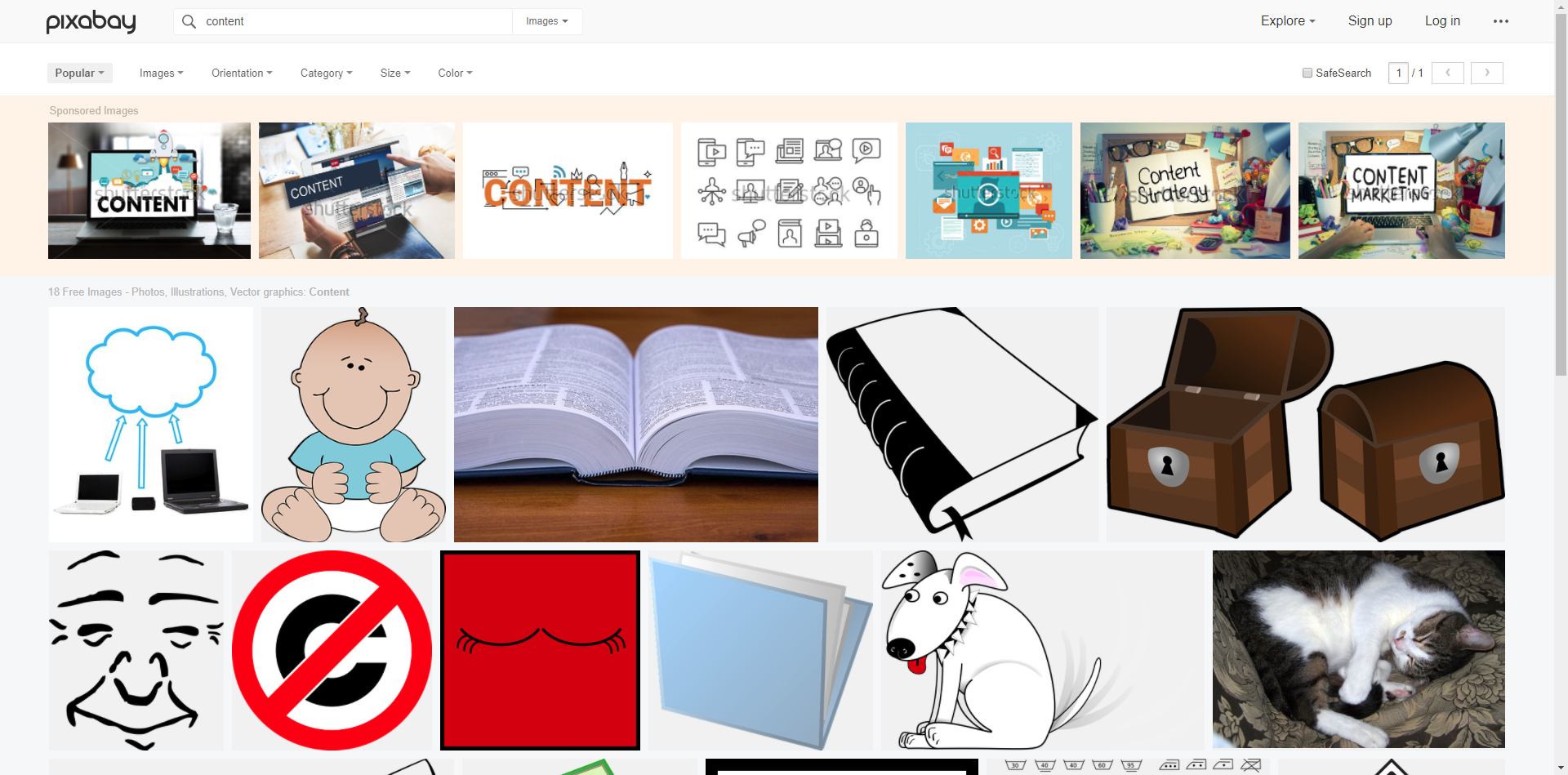
Pixabay is a community driven website where they upload their own works and allow everyone to download the pictures for free to over 1.3 million stock photos and illustrations. If you are struggling to find or make a great picture for your social media post, try to search around Pixabay and see if you can find something that would fit your content. There is no “paid service” – everything you find there is free to use without any need for attribution.
Videos, graphics, slideshows
Magisto
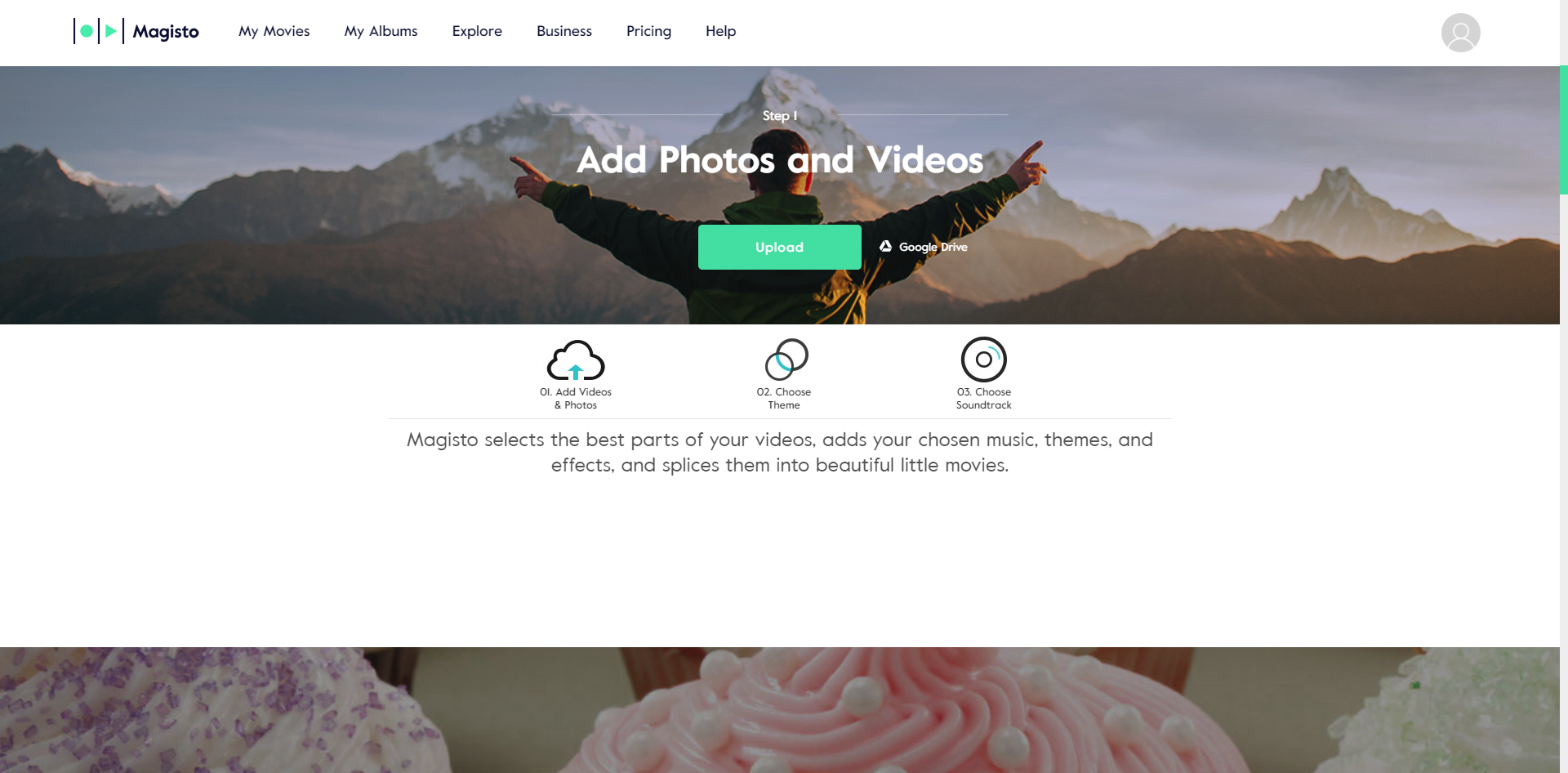
Magisto is an interesting and pretty easy to use tool that lets you create professional video from your own resources such as photos and other videos clips. Your clips will receive a professional look with tons of features such as captions, themes, special effects and adding your own brand logo to the video. Of course you may also edit your video at will with variety of editing tools, add music and more. Creating a single video shouldn’t take any longer than 2 hours, depending on the amount of resources you provide.
Using Magisto costs from $2.49 to $39,99 monthly, depending on the pricing model you are using.
SlideShare
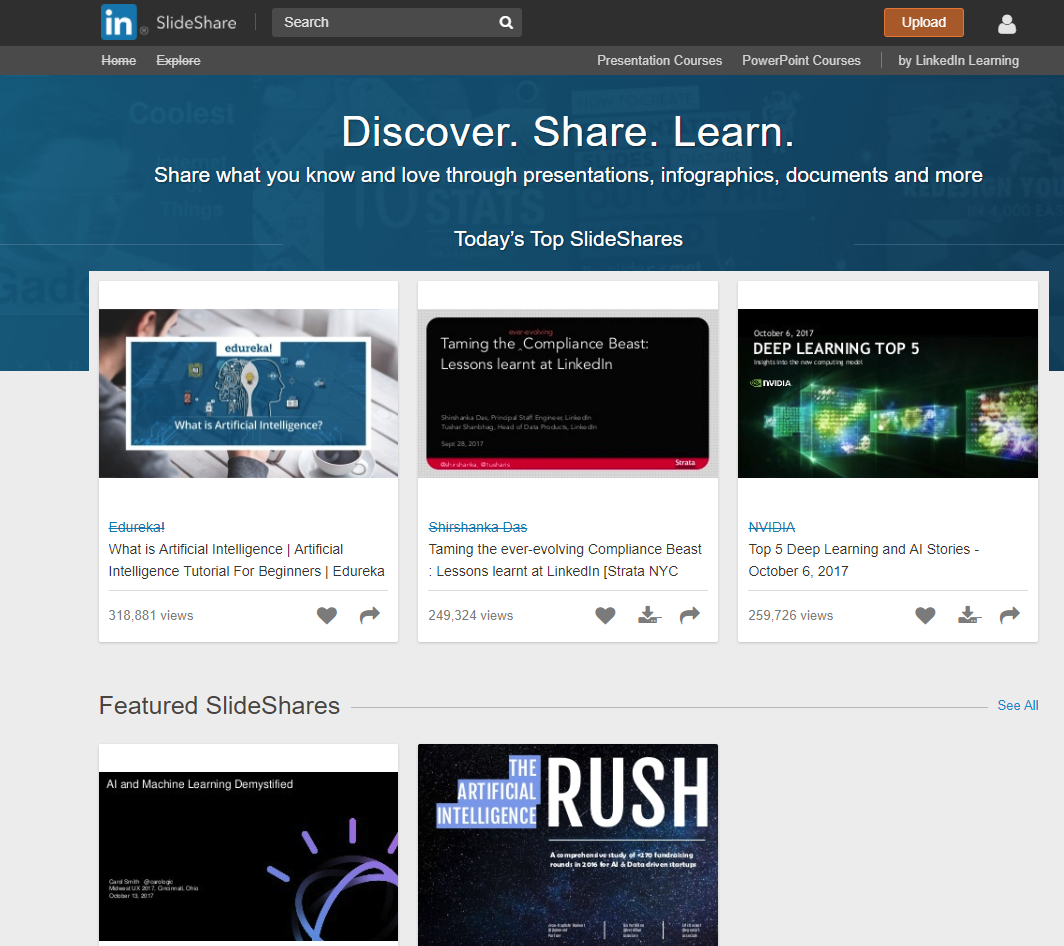
Owned by Microsoft and LinkedIn, Slideshare, despite being a tool with limited use, lets you upload your presentations and share them easily with others, completely free of cost. This is very convenient for all types of companies and is completely free and easy to use. Additionally, it is worth mentioning, that you may use your PowerPoint files to upload them directly to SlideShare instead of converting it into some strange format.
Infographics
easel.ly
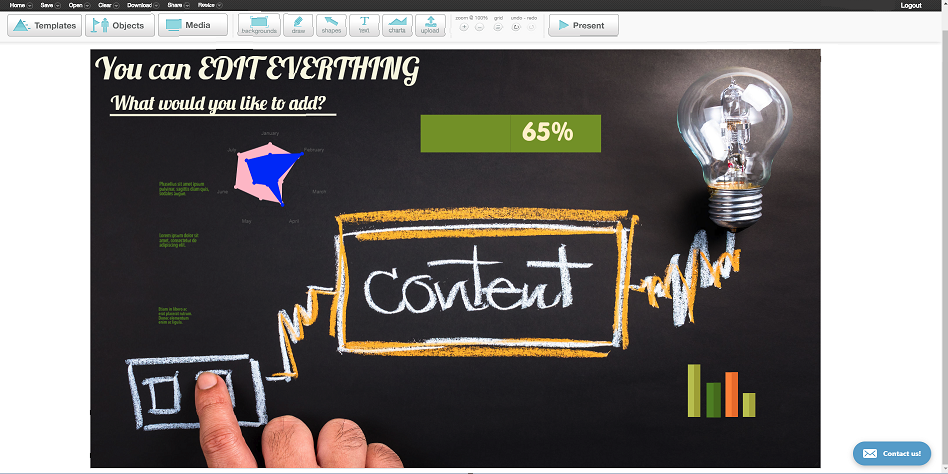
Good infographics are the best “selling point” for many companies and content creators. If you want to draw more attention to your website, create an immersive and enticing infographic with easel.ly which provides many templates, ability to fully edit the information within graphics. This way you may very quickly create great piece of infographic you can share with the world. Not only it is easy to use, but it’s also relatively cheap – only $3 monthly for Pro Account.
Visme
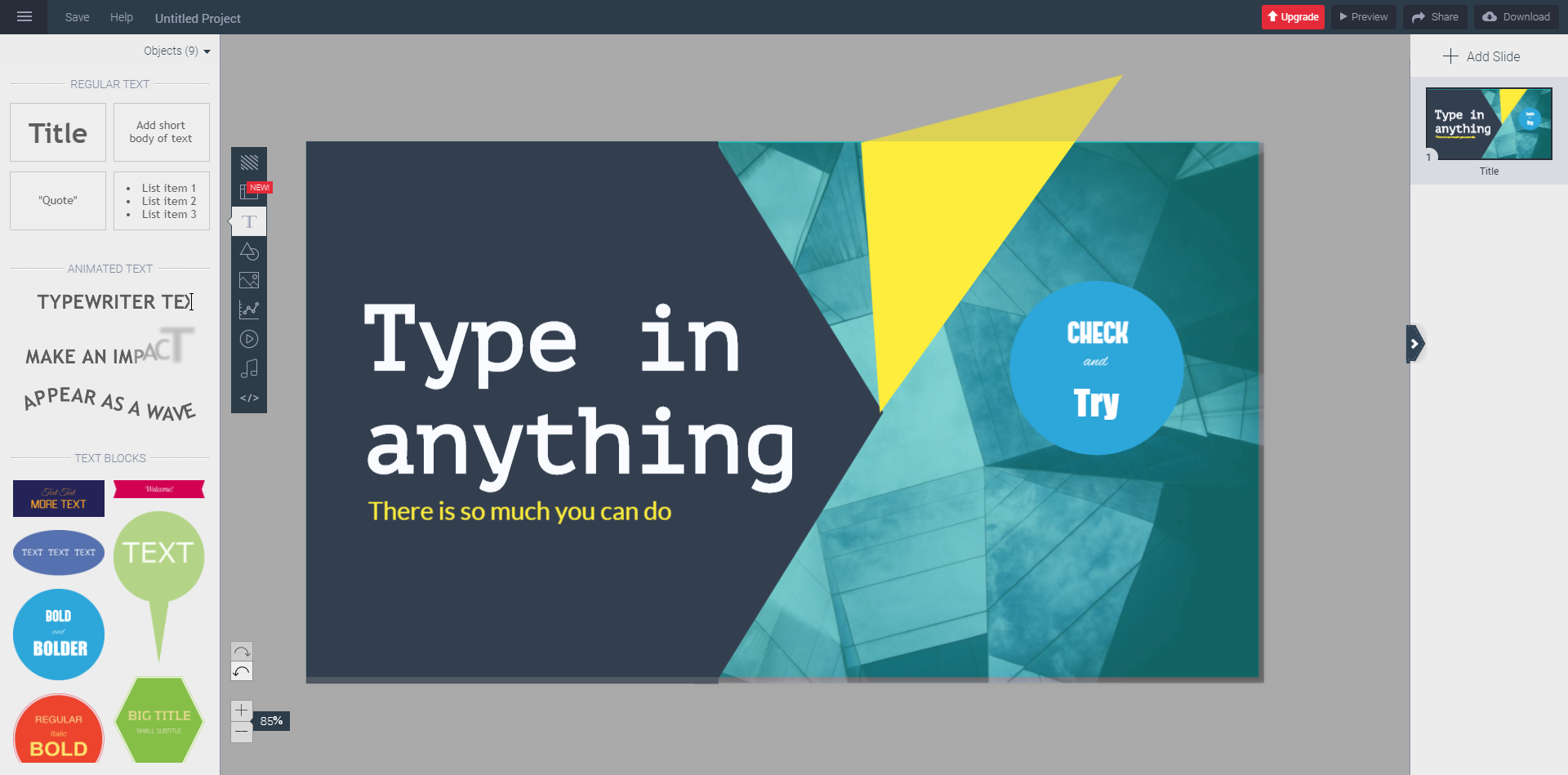
This is a great tool, made especially for creating various infographics. Everything about visme speaks “both beautiful and professional”. Vast amount of templates and icons allows you to create unique content every single time. You will easily be able to interest your clients or subscribers to check your work. The entire process of creating infographics is very easy and intuitive. You may start creating right now for free, but if you want to have additional amount of graphics you can use, you may purchase Standard package starting at $10 monthly.
Podcasts
Audacity
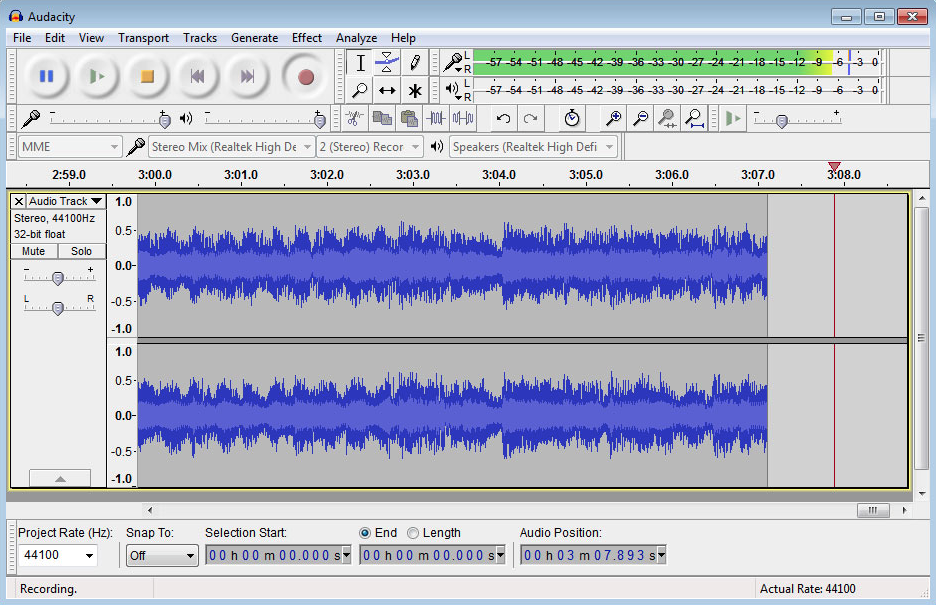
If you are looking for a software that will help you create professional podcasts, but you don’t actually want to spend money, Audacity is the way. Audacity, is a free, open source software available to multiple platforms audio software that allows you to record and edit the recorded audio file. Currently it is used in majority by podcast creators. It is also relatively easy to use, however you might need to read a guide or two to get you started.
E-mail marketing
Mailchimp
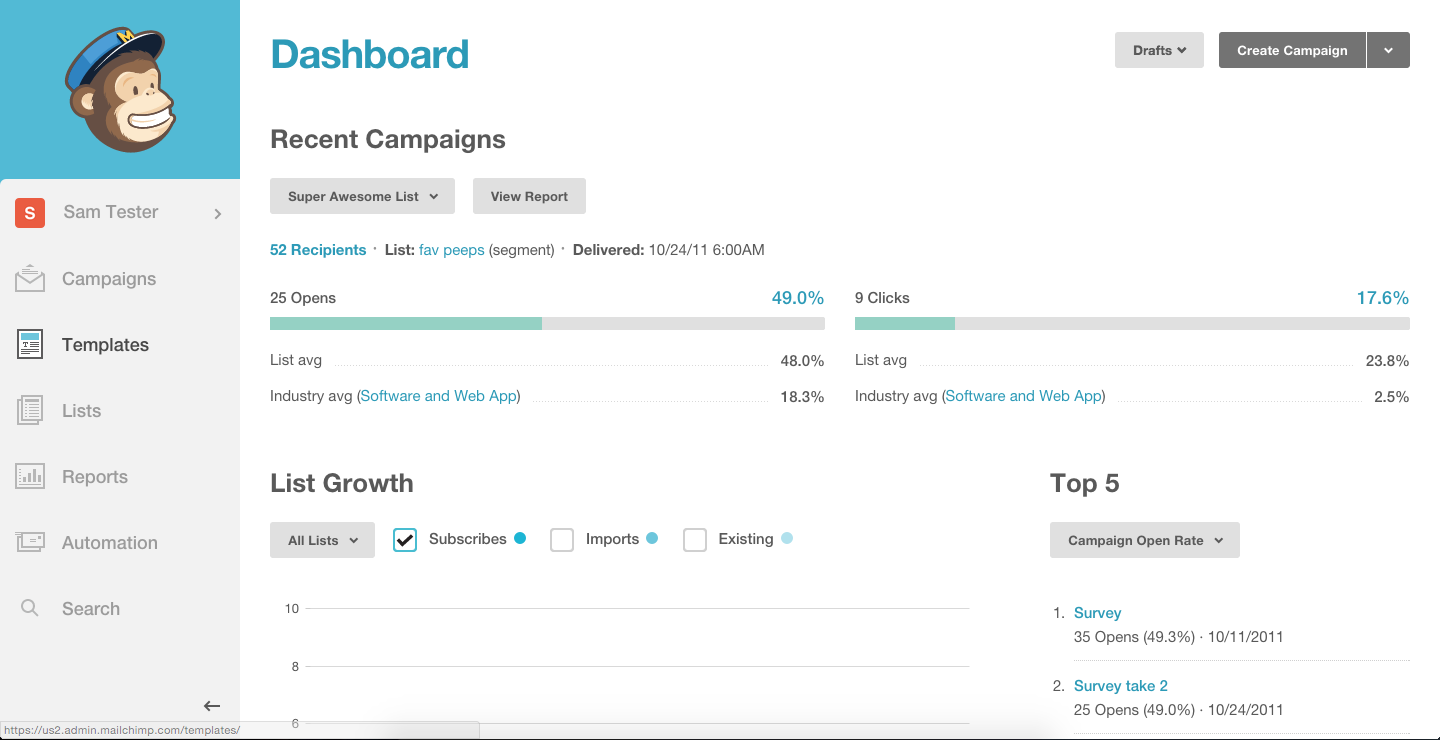
Many companies, blogs, news websites struggle to keep their clients/readers for longer, thus they need an e-mail marketing solution, and mailchimp comes for rescue. With this service you may create automated marketing campaigns to draw new users, create newsletter queue, and conduct general e-mail automation. You may check your e-mail marketing results in analytics section of mailchimp. Service is relatively cheap, and is very good for new businesses.
Get response
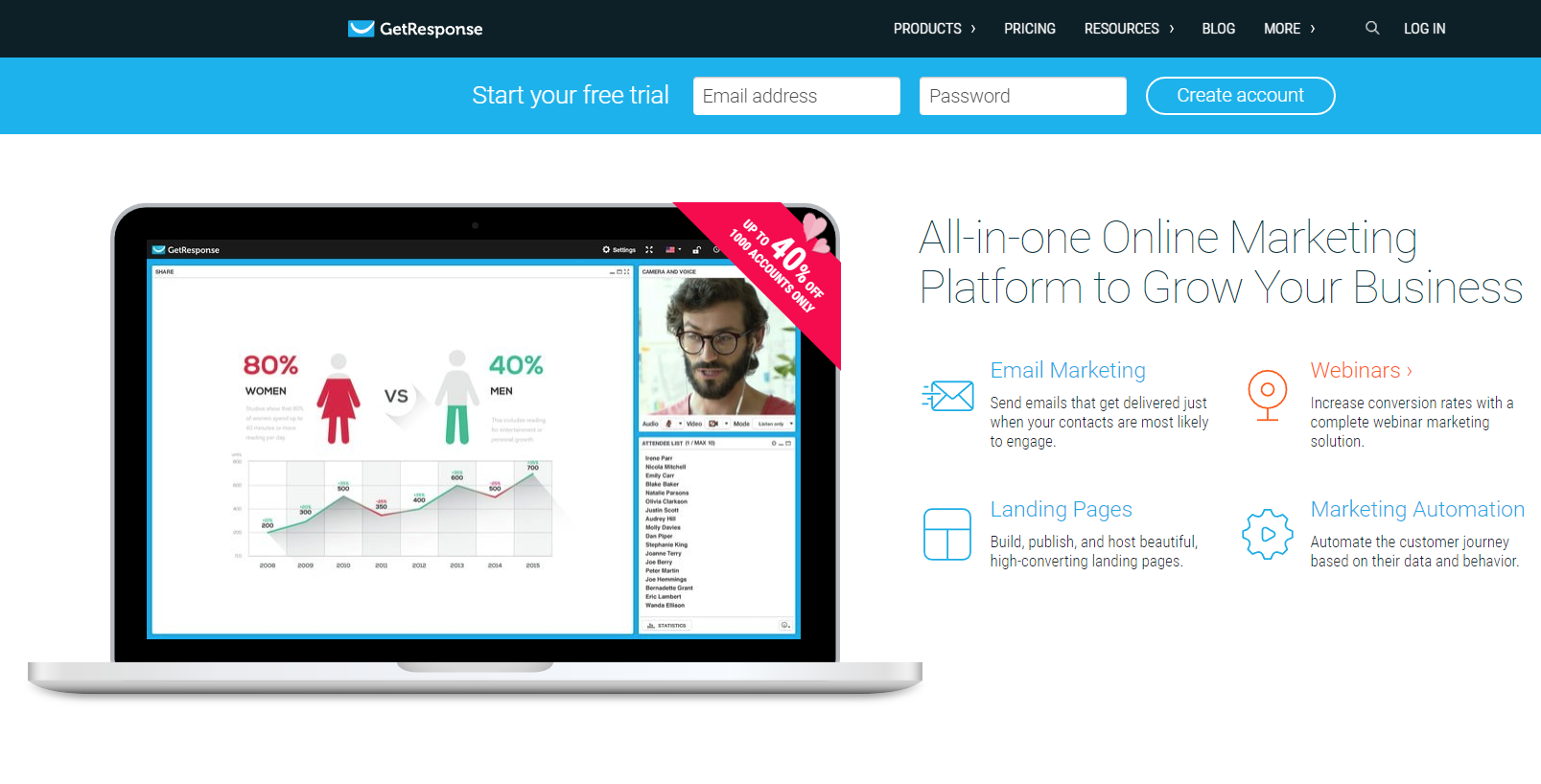
Do you need a tool to create successful e-mail with a great look to them both on PC and mobile devices, tablets, laptops? Then GetResponse is a solution for you. GetResponse allows you to design great landing pages and email marketing campaigns. All the tools you get from this service will allow you to increase the conversion rate and bring new clients with you. You may plan the email marketing based on the movements of users visiting your page. Getresponse is easy to use and intuitive and the cost begins from $15 monthly.
Blogs
ClearVoice
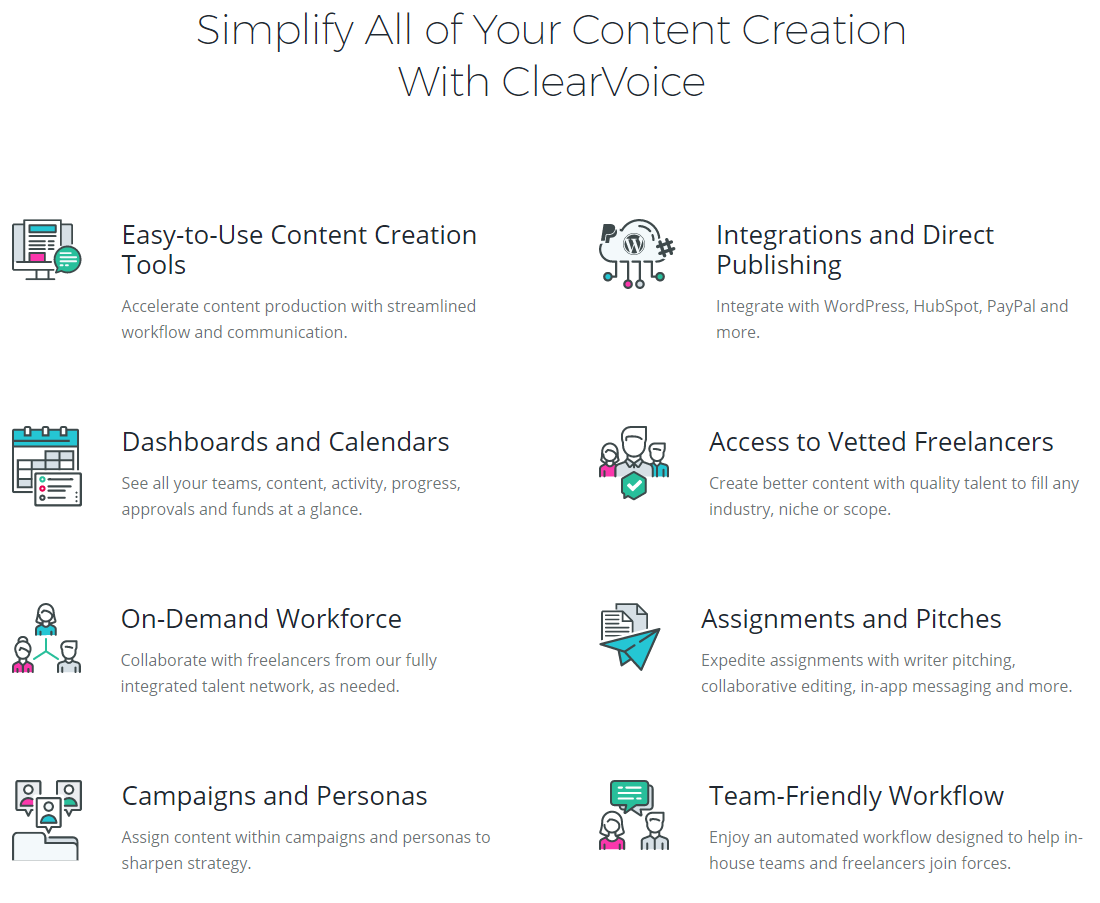
ClearVoice aim is to help you create new content by finding new ideas, or providing you with some expert freelancer that can create a great blog post for you. If you are a freelance blogger yourself, you might list yourself, and ClearVoice will match your strengths with needs of other people searching for freelancer specialized in specific niche. The harder the content you’re trying to create is, the more helpful ClearVoice becomes for you. When it comes to price of ClearVoice, it all depends on your order. Learning the site takes a moment, but if you will be using it for longer time, it shouldn’t cause any problems.
Webinars
GoToWebinar
When you want to start creating webinars, GoToWebinar is the way to go. It is the most popular platform for this type of activity and you definitely won’t regret using it, that’s for sure. Automate your emails, by sending custom invitations or reminders, or alternatively GoToWebinar can do this for you instead. You may also add your own watermark to your webinars to create your own brand. Finally, one of the newest features is Simulated LIVE – a pre-recorded content that imitates the live-streaming session – it is still interactive. The service costs nearly $90 for standard tier, and pro level costs $199.
Creating video content and professional LIVE Streams
Mirillis Action! 3.0
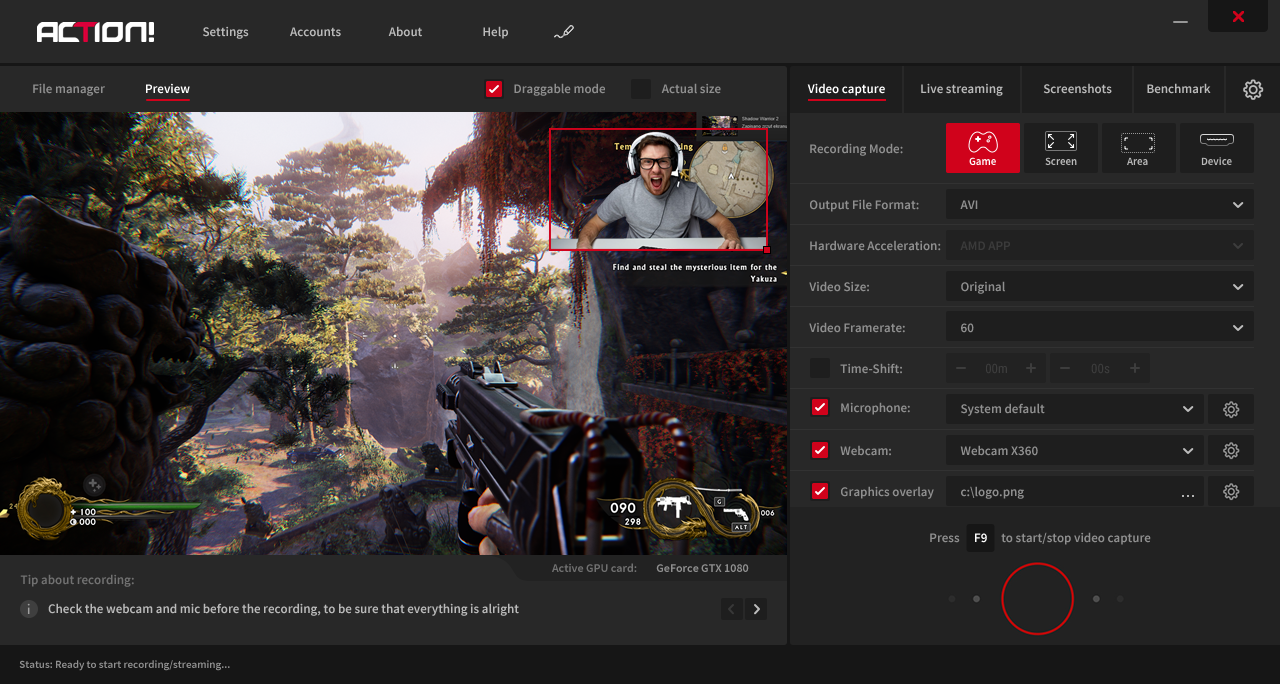
Did you know that we have released our newest update for our Game and Screen recording software?
With Action! 3.0 you may record you Screen and Games in fullHD quality, LIVE stream to Facebook, YouTube and other popular live streaming services. New features of Action! allow you to add custom URL overlays (for example from streamlabs), monitor your CPU and GPU temperature and draw on your screen. Benchmarking has been reworked to better present the result of your test. Benchmarked files are saved in html files.
video content creation tools
Content Creation Tools for Blogs
Naturally, blogs involve lots of written content. However, the multimedia content on a blog can help separate it from competitors. With that in mind, let’s look at some writing and image editing tools for blogs:
- BeFunky- This browser-based image editor allows anyone from novice to expert to make awesome collages and fun graphic designs.
- Edubirdie- This free online tool will check your written content to ensure none of it is plagiarised.
- Ginger- This website offers a great grammar checker to make sure your copy is clean and free of errors.
- Easel.ly- This tool makes one the most effective pieces of digital content—infographics—a breeze. With customizable templates, infographics will be as easy to create as they are to read.
Video Content Creation Tools
Video content is some of the most easily digestible content for consumers. For creators, it can be a little tricky to put it all together. Fortunately, there are several helpful tools for video creation:
- Splasheo- This tool takes your raw footage and helps create a full-on video production. Simply upload the clips, select the preferences you want, and wait for the delivery of your finished product.
- Camtasia and SnagIt from TechSmith- This recording tool provides video creators with an easy tool to capture what’s happening on their screens, whether it’s a walkthrough or a collection of webcam clips. It also has built-in editing tools like transitions, animations, title cards, music, and more.
- Canva- This tool is conventionally used for graphic design, but has the capacity to animate static designs into GIFs and videos.
Content Creation Tools for Free
Many of the tools mentioned above are free, with some pay-to-use features or premium upgrades. While entirely free tools may offer fewer features, there are several content creation tools available to use for free, such as:
- Google Docs- A less-than-glamorous option, this application enables written content, collaboration, and trackable feedback and changes, and it’s totally free to use.
- Unsplash- This website gives users access to thousands of free photos and pictures to help populate their websites and blogs.
- iMovie- Free for Apple customers, this program is an easy-to-use video editor.
Conclusion
Let us know your thoughts in the comment section below.
Check out other publications to gain access to more digital resources if you are just starting out with Flux Resource.
Also contact us today to optimize your business(s)/Brand(s) for Search Engines