
If you are planning to start a new business and you want to create a professional-looking logo for your company, then you must look for the best free logo design software for pc.
There are many websites that offer free logo designing services, but when it comes to choosing the right one, it becomes difficult. To make your task easy, we have picked up some of the top free logo making software that you can use on your Windows PC.
Table of Contents
Best Free Logo Design Software For Pc
Windows and Mac
1. Tailor Brands
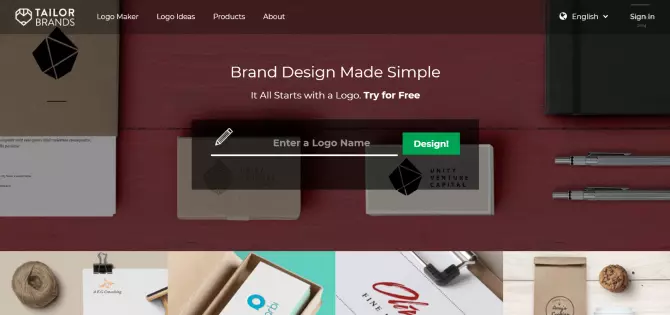
Tailor Brands is a logo design and branding platform powered by AI. With it, you can create a memorable logo in a couple of minutes. This free logo design maker will ask you to enter the general information about your business: name of the company, the industry you’re specializing in, and a business’s short description. Then the platform will ask you to choose the preferred font. When you’re done, Tailor Brands will suggest several variants of a logo based on your corporate identity to choose from. The platform is intuitive and simple and suggests versatile design options.
Pros
- Add-on products
- Provides good value for the money
- Offers lots of branding tools
Cons
- Limited customization
- Limited contact options
2. Logaster
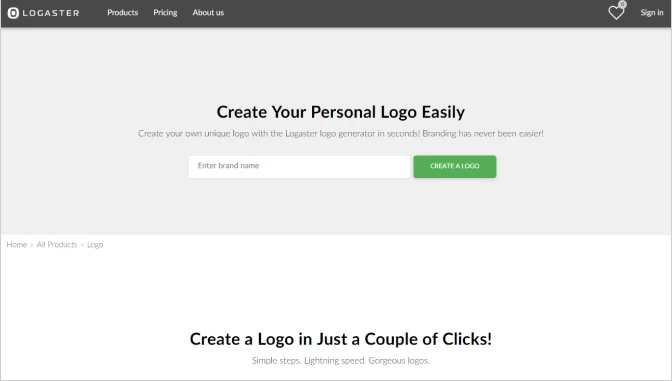
Logaster is one of the best free logo design software for your business. You don’t need any designing skills to make use of it. The website is user-friendly, so making a professional logo for a commercial takes no more than a few minutes. You only need to enter the name of the company and click the button. The system uses AI to program a design in two formats: raster and vector. Most professionals prefer to save their logo in a vector format because editing such images is easier. Unfortunately, you can’t download your work without registration on the Logaster website.
Pros
- Intuitive interface
- Auto creation of a logo
- Efficient customer service
Cons
- Generates only simple logos
- Suggestions may seem a bit random
3. Canva
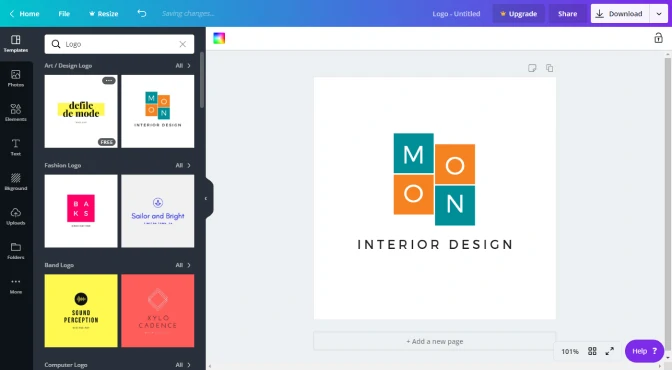
Canva is more than just a social media platform. It also has a free logo maker software functionality. Canva’s website has a user-friendly interface, so no professional or unique graphics skills are needed to create a logo. Canva gives you a choice between using premade fonts and creating your own. Also, there are one-time-use premium images that are relatively cheap. All in all, the Canva logo generator is one of the best tools to easily create images in high resolution.
Pros
- A lot of photo effects
- Access to a wide variety of icons, shapes, and stickers
- Extensive font library
Cons
- You cannot create unique elements
- Templates seem generic
4. Fotor
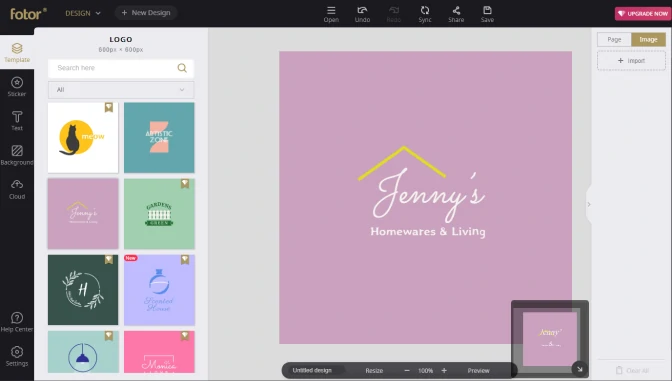
Fotor is one of the best free logo maker software for PC. It is easy to use and does not require special skills in creating a logo to announce your presence online. It features a drag-and-drop editor making the logo creation process even easier. Fotor offers logo dimensions specific to social media platforms such as YouTube, Facebook, Instagram, Twitter, and others. It is also completely free to use. Simply select the desired logo template, then choose one of the already made photos and drop it in the template. You can create and customize your own template as well. You can now edit the background and tweak the title. Finally, preview and save your logo. The online version works with both Windows 10 and Macintosh computers.
Pros
- Smart filters and effects
- The service has web, mobile, and desktop versions
Cons
- Can’t create artwork from scratch
- The mobile and web apps have a lot of ads
5. Desygner
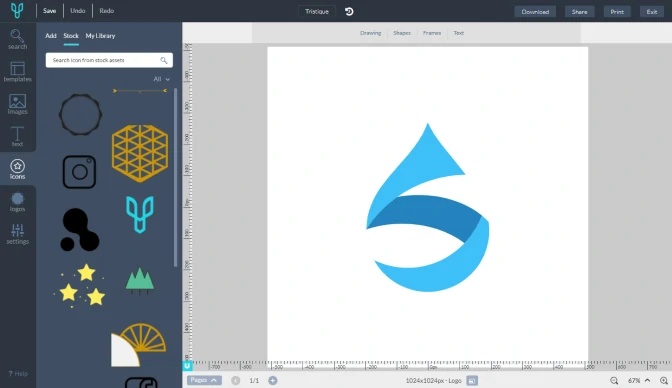
Desygner is one of such mobile apps that is on par with desktop software applications. With it, you can create not only logos but also flyers, business cards, etc. Desygner gives you a lot of design choices and elements to create your personalized logo. Make use of the vast number of art templates and editing tools to resize the logo and change its color. You can tweak the text font and texture as well.
Without a doubt, it is one of the best apps for logo construction to create a unique emblem for social media platforms like Youtube, Facebook, Twitter, and others. Desygner continually updates its graphics store to make available superb graphics designs and elements. The good thing is that it is compatible with both Android and iOS.
Pros
- Simple interface
- High-quality templates
- Wide range of free tools
Cons
- Only premium users have access to the best templates
Read more: https://www.movavi.com/learning-portal/free-logo-maker-software.html © Movavi.com
best logo maker software free download for windows 10
Logo is a symbol which is used for representing commercial organizations, social organizations and even individuals. It is used vastly for identification, marketing and promoting. There is an increase in the development of the logo with the growth of the computer technology. You can create them by using many different methods and one of the effective methods for creating them is by using logo design software.
You can use all these free logo design software to create various type of logo designs easily. Three of these provides a large number of objects or icons from many different categories to create logo. They let you add images from the computer and you can also add various effects in the logos by using them. You can save the generated logos in popular image file formats with transparent background.
Lets see each of these free logo generators one by one. Also check out these business card maker, icon maker and flowchart software.
Here Are The 4 best Free Logo Maker Software For Windows:
Logo Design Shop

Logo Design Shop is a resourceful, feature-rich and one of the best logo design software. It provides many useful features for designing logo, some of them are:
- It provides many logo templates from more than 20 categories, such as: Business, Technology, Health & Beauty, Food & Beverage, Construction, etc.
- It lets you design the logo templates of your own by using various shapes, colors, effects and canvas shapes. It can create 4 different types of effects; they are: Shadow, Frame, Blur, and Emboss.
- You can import images from the computer in popular image file formats, such as: JPG, PNG, GIF, BMP, TIFF, etc.
- This free logo design software provides a large number of objects from 4 different categories, these are: Alphabet Art, Base Elements, Flags, and Seals.
- It provides many taglines which you can add in the logo.
- It can export created logo design in popular image file formats with transparent background, such as: JPG, PNG, GIF, TIFF, HCK, etc. It can also export designed logo to gray scale.
How to make a logo using Logo Design Shop
- After running this software, select a template or select a blank logo canvas.
- Start making the logo by using various objects, effects and editing features. You can also insert images from your computer in the logo.
- After the logo is created, export it to popular image file formats.
Note: You need to register on its website to install this free logo maker software. Registration is free.
Jeta Logo Designer

Jeta Logo Designer is a quality software for designing logo. It provides a large number of logo templates, objects and styles with many other useful features. Some of its key features are:
- It provides more than 50 free good looking logo templates for designing logo from various categories.
- It lets you create logo from more than 70 objects, some of the objects are: circle, square, pentagon, triangle, arrow, etc.
- It lets you make stylish designs by using the large number of objects from various style categories, such as: Glossy, Button Style, Gradient/Shadow, Simple Gradient, Bold stroke, etc.
- Using it, you can also insert text and images of popular image file formats in the logo design. Image formats include: PNG, GIF, JPG, BMP, TIFF, etc.
- You can design logo with transparent background and save it in PNG, GIF, JPG or BMP file format.
- This free logo design software is a small program with a setup file size less than 10 MB.
How to make a logo using Jeta Logo Designer, steps are:
- After opening it, select a template or simply select a blank template.
- A small Image Option window will open. Here you can set the logo canvas and logo background color.
- Add various objects or shapes from a large number of predefined shapes and edit them as per your requirement. You can also add text and images from the computer.
- Last, save the project or save the logo image in popular image file formats.
Note: This free logo maker software also has a paid business edition with a lot more handy features.
Free Logo Maker

Free Logo Maker lets you make a logo design from a large number of icons or objects and two text lines in different font styles. It is a user-friendly logo creator software. Some of the effective features of this logo design software are:
- It provides a large number of icons from 14 different categories, such as: technology, building, food, transportation, medical, etc.
- It lets you rotate the icons or text clockwise or anti-clockwise and resize them.
- It provides more than 50 font styles for creating logo with stylish fonts.
- It can generate logo in JPG, PNG, GIF or BMP file formats with transparent background.
Steps to make a logo using this free logo maker are:
- After running this software, select an icon or object from any of the available categories.
- Add text in the logo (if desired) and you can only add two text lines. You can rotate and resize either text or icon.
- Save the created logo in any of the popular image file format.
Note: This free logo creator software has an ad-supported installation and it will try to install third party software.
Color Logo Maker

You can use Color Logo Maker if you are looking for a software which can make only text logo. Some of its handy features are:
- It can easily generate text logo using many different colors.
- You can use many different fonts for creating logos and add shadows to the logos.
- You can save the generated logo in PNG, BMP and JPG file formats.
Designing logo is easy by using this logo design software. Steps to make a logo using this free logo creator are:
- After opening this software, enter the logo text.
- Then, edit font style and create effect in the logo.
- Last, save the logo in the computer.
This free logo creator is a very small software with download zip file size about 50 KB and it is available in portable format.
Conclusion
Let us know your thoughts in the comment section below.
Check out other publications to gain access to more digital resources if you are just starting out with Flux Resource.
Also contact us today to optimize your business(s)/Brand(s) for Search Engines