
There are some great apps available for Windows phones. The problem is you have to dig through a lot of junk to find out which one is the right one for you. We did all the digging so you don’t have to. Below you will find a list of various apps that we think are standouts in their category, no matter what your needs are.
Table of Contents
Best Apps For Windows Phone
Password Padlock
Having an app that lets you generate and save unique passwords is essential. Use Password Padlock to create unique password and manage them conveniently. This app also lets you manage passwords across the Windows app version for OneDrive. All passwords are encrypted with AES-256, the latest encryption standard. So, rest assured, your passwords are safe.

Wallpaper
This app brings background images in various sizes and categories and lets you download them with ease. Use this app to have more background selections to attach in your Windows Phone Start and Lock screen.

Life360 Family Locator
As the name implies, Life360 Family Locator allows you to monitor your current family members’ locations in real-time. This app also lets you chat with your family in person with its built-in chat system. In a world full of uncertainty, this app is essential to help you keep tabs on your family members, with regards to safety, of course.

Photosynth
Photosynth is a Microsoft-owned app that allows you to capture amazing interactive 360 degrees panorama pictures. In the new version, aside allowing you to share your photos to Facebook and Twitter, it also ships with a Photosynth social; a niche community that shares panorama taken with Photosynth.

Adobe Photoshop Express
Adobe Photoshop Express gives you Photoshopping powers on your Windows phone. You can edit, crop, flip, rotate, and give your photos nice filters then immediately share your photos to your favourite sites. Note however that Adobe Photoshop Express would only run on Windows Phone 8 and 8.1 and requires at least 512 MB of memory.

This probably goes without saying but we’re pretty sure you are getting the Facebook app for our new Windows Phone. Luckily, Facebook is one of the social media sites that have made its way to Windows Phone Store with an official app. Additionally, a new version of Facebook app for Windows Phone dubbed as Facebook Beta has also been released. On Windows Phone, you can access the Facebook app straight from the lockscreen.
Other social media: Twitter, Instagram BETA, FourSquare, LinkedIn, Vine

WhatsApp has finally returned to Windows Phone after being pulled for having compatibility issues with Windows Phone 8.1. The comeback is accompanied by a number of long-awaited features such as Custom Chat Background, Custom Sound Notification, and Media Autodownload.
Other messaging apps: Messenger, LINE, KakaoTalk, Telegram Messenger BETA

Office Lens
Scanning your document is so old school, nowaays you can scan your documents with your phone. Office Lens not only lets you scan your docs, but also trim and resize your document automatically to an appropriate readable size. It’s a very handy app to take digital copies of your important printed documents like receipts and business card details.

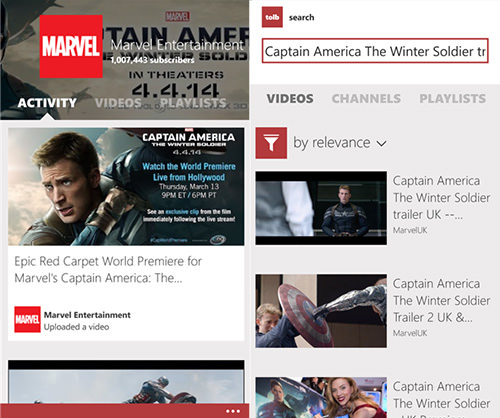
Toib ($0.99)
The Google and Microsoft relationship is hot one minute, then cold, the next. Since Google axed Microsoft’s access to Youtube’s API, you should probably use Toib as an alternative for your video-related needs.
More video-sharing apps: MetroTube ($0.99) and PrimeTube.
Paypal
Paypal is a superior service when it comes to payment processing, mostly because many people subscribe to its service. Check your current balance, send and request money straight from your Windows Phone when you get this app.
More financing apps: Finance, Mint.

windows phone apps on android
 Microsoft
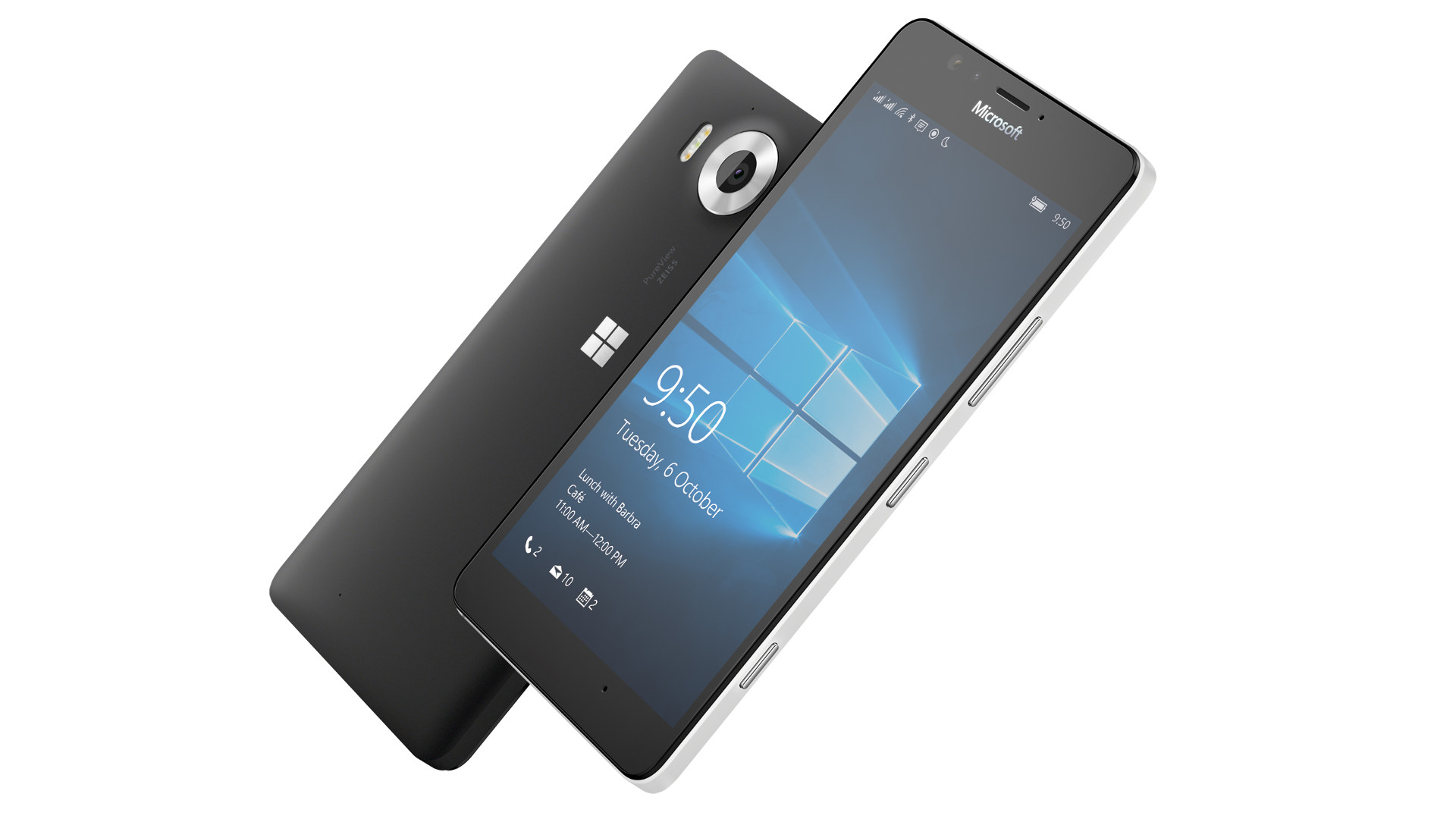
The overwhelming majority of smartphones on the market today are powered by Android or iOS, but it wasn’t long ago that Microsoft was in the game with Windows Phone and Windows 10 Mobile.
Windows 10 Mobile was Microsoft’s last attempt to gain traction with a smartphone operating system. It offered a distinctive Live Tile interface, a desktop mode for external displays, and support for universal Windows apps.
Unfortunately, the Achilles Heel for Microsoft’s latest mobile OS continued to be a lack of apps compared to Android and iOS. This would be a significant contributing factor to the platform’s demise, but did you know that Microsoft was in the advanced stages of bringing Android app support to Windows 10 Mobile?
Project Astoria
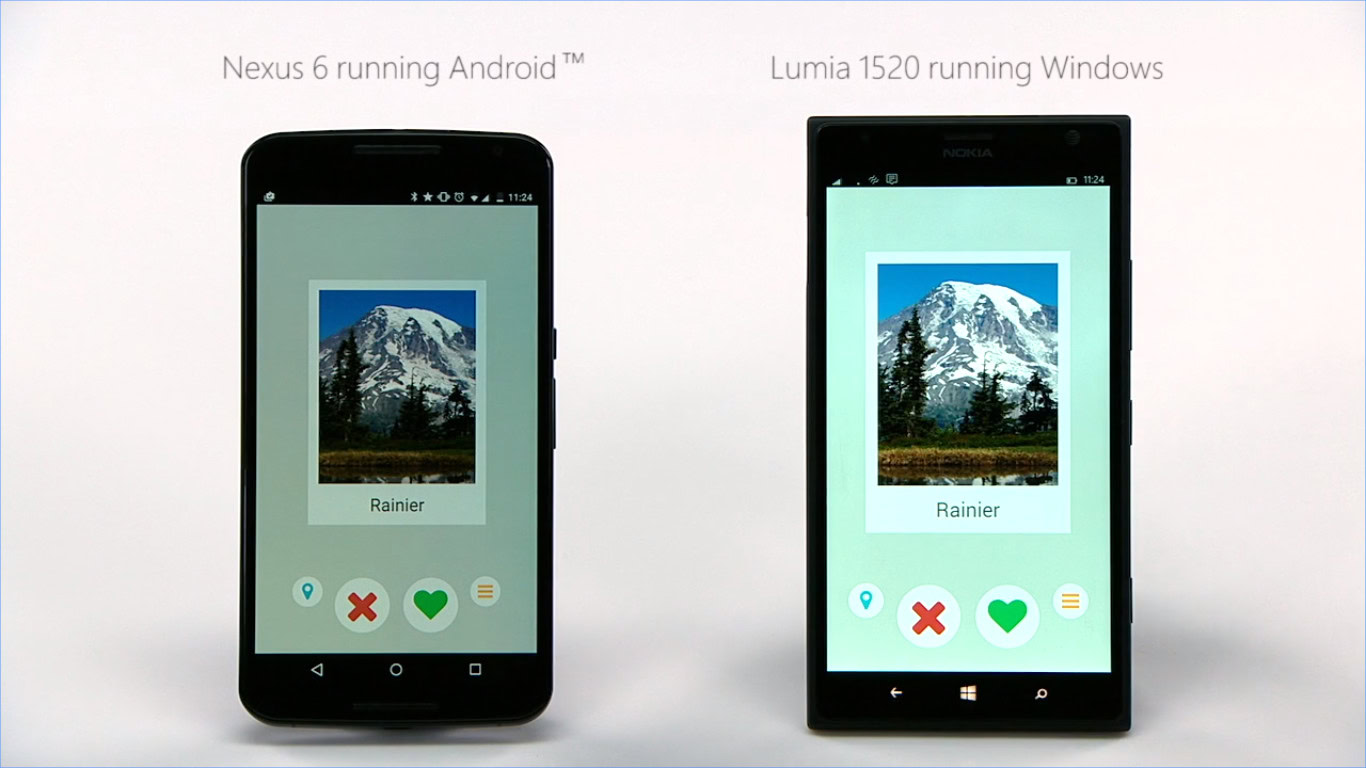
Microsoft initially developed multiple software “bridges” for Windows 10 Mobile, with the purpose of helping developers easily port their apps from legacy Windows, iOS, and Android. The first two bridges, dubbed Project Islandwood and Project Centennial and designed for porting iOS and Windows, respectively, actually saw the light of day.
The third bridge, dubbed Project Astoria, was unfortunately pulled from Windows 10 Mobile ahead of its commercial release. However, the Android sub-system was available on preview builds of the then-new operating system, giving users an idea of what to expect.
It’s one thing to facilitate easier porting of apps from one platform to another, but Project Astoria and the associated sub-system was a little more advanced. The project actually made it possible for end-users to install Android apps on their phones too. To do so, you needed to enable developer mode on your phone running the Windows 10 Mobile preview, install the APK2W10M internal app on your PC, connect your phone to the PC, and then deploy the desired app.Preview builds of Windows 10 Mobile allowed you to run Android apps without modifying the APK files.
Granted, this wasn’t exactly easy for the average consumer, but the fact that APK files worked without modification highlighted just how far in development these tools were and how little effort would have been needed to bring Android apps to the stable version of the platform.
I was able to install several apps — such as Steam and Reddit Sync — on my Lumia 1020 at the time of the Windows 10 Mobile preview program in 2015. But there were definitely a ton of apps that didn’t run properly, owing to glitches, crashes, or simply the lack of Google Play Services. Nevertheless, for a brief moment, it felt like the app gap was close to being narrowed in a big way.
Microsoft pulls the plug
Unfortunately for tinkerers and Windows Phone users hoping for more apps, the Redmond giant made the decision to pull Project Astoria from the final Windows 10 Mobile release in late 2015. Microsoft’s reasoning felt a little strange, even back then.
“We received a lot of feedback that having two Bridge technologies to bring code from mobile operating systems to Windows was unnecessary, and the choice between them could be confusing,” the company stated in an update explaining Astoria’s cancellation. Would developers really feel confused about whether to port the Android version of their app or the iOS version?
Another belief is that Microsoft killed Project Astoria because it represented a threat to its Universal Windows Apps initiative and apps taking full advantage of Windows Phone features (e.g. Live Tiles, Metro UI). After all, the early Windows 10 Mobile builds containing the Android subsystem were able to run plenty of APK files without any modifications to them.

Daily Authority: ♠️ OnePlus what now?
How to set up and activate Siri
It’s official: The Poco F4 GT will be coming later this month
Powered by Playwire
Ars Technica suggested that Microsoft may have been trying to avoid legal troubles by ditching Project Astoria. More specifically, the outlet noted that Microsoft intended to create its own “workalikes” for Google APIs not included in AOSP. It’s suggested that this would’ve drawn legal scrutiny due to the Oracle/Google trial at the time over Android itself.
Even if Project Astoria ended up in the final version of Windows 10 Mobile, there’s no guarantee that Android apps alone would’ve been able to keep the platform alive. The BlackBerry 10 platform boasted support for Android apps at its 2013 launch. Unfortunately, despite improvements like a runtime based on a newer version of Android and dropping the requirement for APK files to be converted to BAR files first, BlackBerry still killed its platform in favor of proper Android in later years.
Project Astoria’s legacy does officially live on though, as a Microsoft engineer confirmed that the Linux subsystem for Windows 10 — which allows you to run Linux command-line tools and programs on your PC — was derived from work on the Android to Windows bridge.
We’ve also seen unofficial solutions pop up to enable Project Astoria on Windows Phones once again, but these involve plenty of tinkering and reverting to Windows 10 Mobile developer previews. Either way, it definitely serves as another stark reminder of what could’ve been for Microsoft’s ill-fated mobile platform.
Conclusion
Let us know your thoughts in the comment section below.
Check out other publications to gain access to more digital resources if you are just starting out with Flux Resource.
Also contact us today to optimize your business(s)/Brand(s) for Search Engines