
There are tons of great apps available on the Xbox One today. We’ve rounded up some of the best ones, and we’ve also broken them down into different categories so that you can find exactly what you’re looking for.
Here’s our guide to all the best apps that you can download right now for your Xbox One, including ones that are free, ones that give you access to a ton of movies, and even ones that will help you get through your work day.
Table of Contents
Best Apps For Xbox One
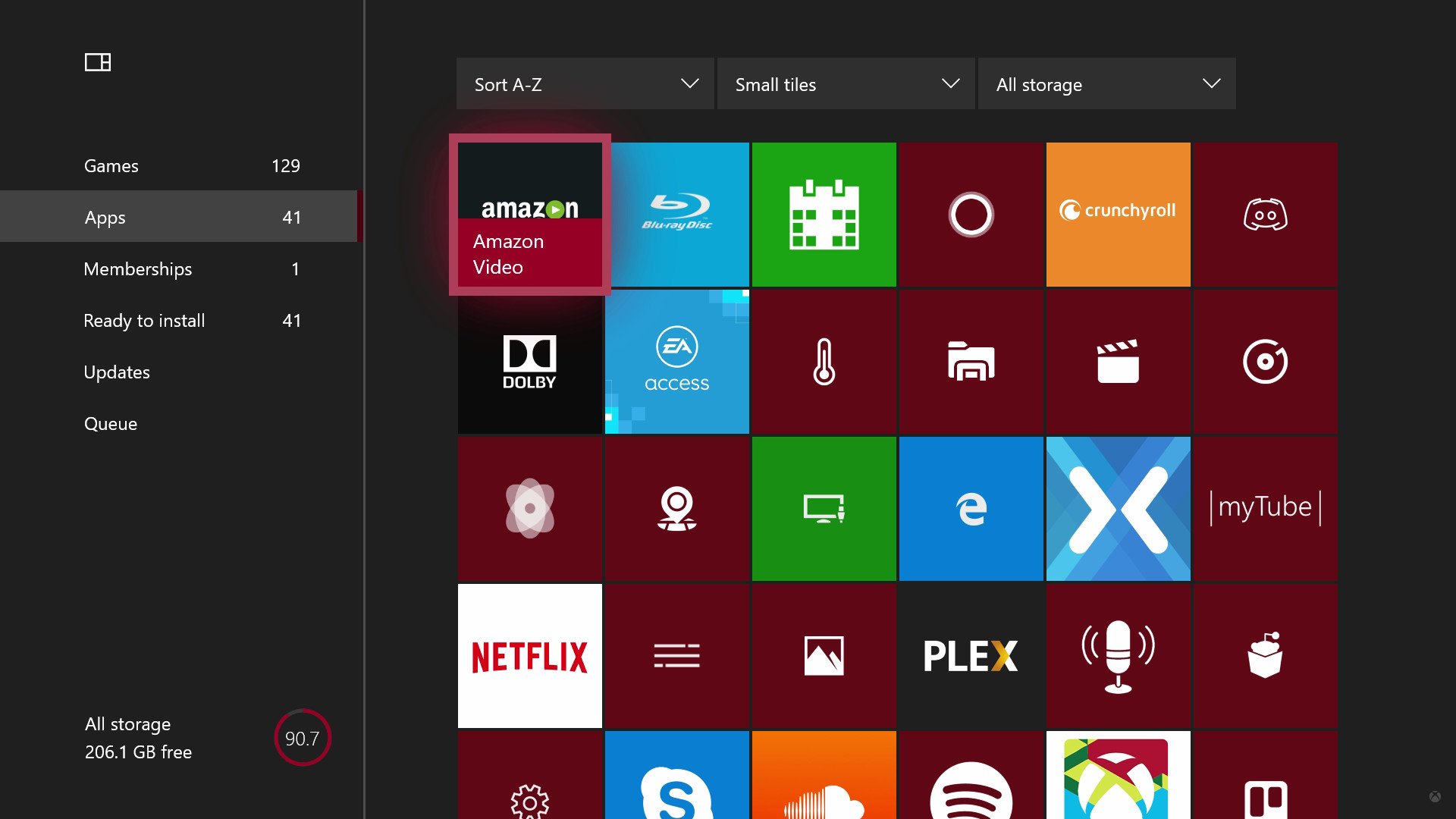
Whether you’re interested in music or movies, sports or memes, or even fidget spinners, the Xbox One has an app for you. Usually, we only hear about big name apps, like the recently launched Spotify, and they’re awesome, but Xbox has a wealth of lesser-known but equally as powerful UWP programs that extend across the entire Windows 10 device family too.
Here’s a list of the best apps on Xbox One today, for every category we can think of!
Video apps and services
There are dozens and dozens of media apps for Xbox One, and you’ll find that most services are supported, including Netflix, Amazon Video, and YouTube. Here are some of the best applications for fans of TV and film.
MyTube!
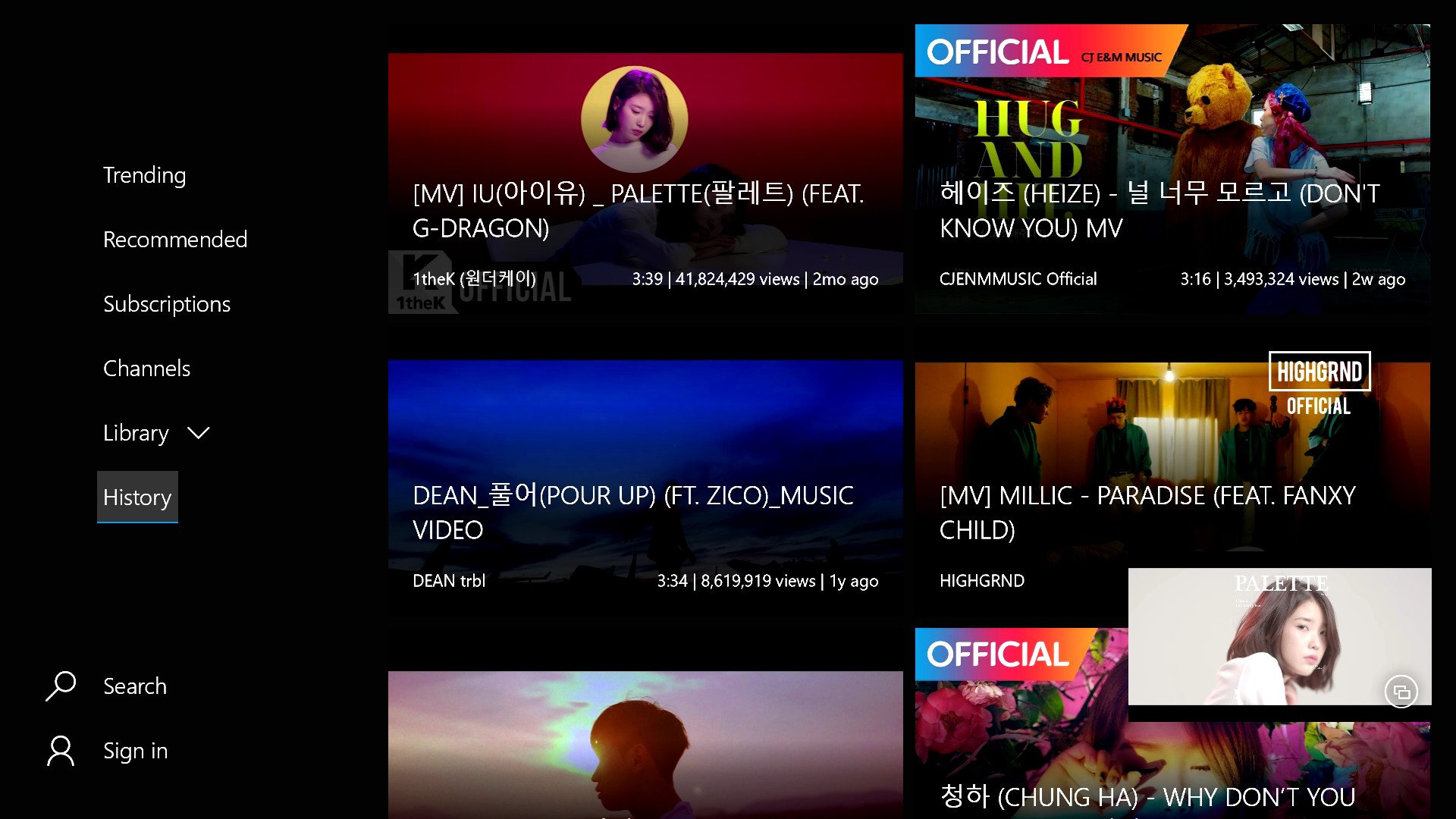
While the Xbox One does have an official YouTube app, it’s pretty weak overall and isn’t properly supported by Google, one of Microsoft’s most unfriendly competitors. Say hi instead to MyTube! which is a tremendous independent solution for YouTube, and is almost better in every single way.
MyTube! lets you browse YouTube’s catalog ad-free, with support for background audio playback, full search, and access to your account for subscriptions, comments, and more.
The only real issue with MyTube! is that the app is ultimately at the mercy of Google, who frequently change their API restrictions and website layout, both of which can quite easily break the app. Thankfully, MyTube!’s developer is extremely diligent, providing in-app messages to notify users of issues, and when to expect fixes. It’s a small price to pay for what is quite easily, far superior to the existing official solution.
See at Xbox Store
Crunchyroll
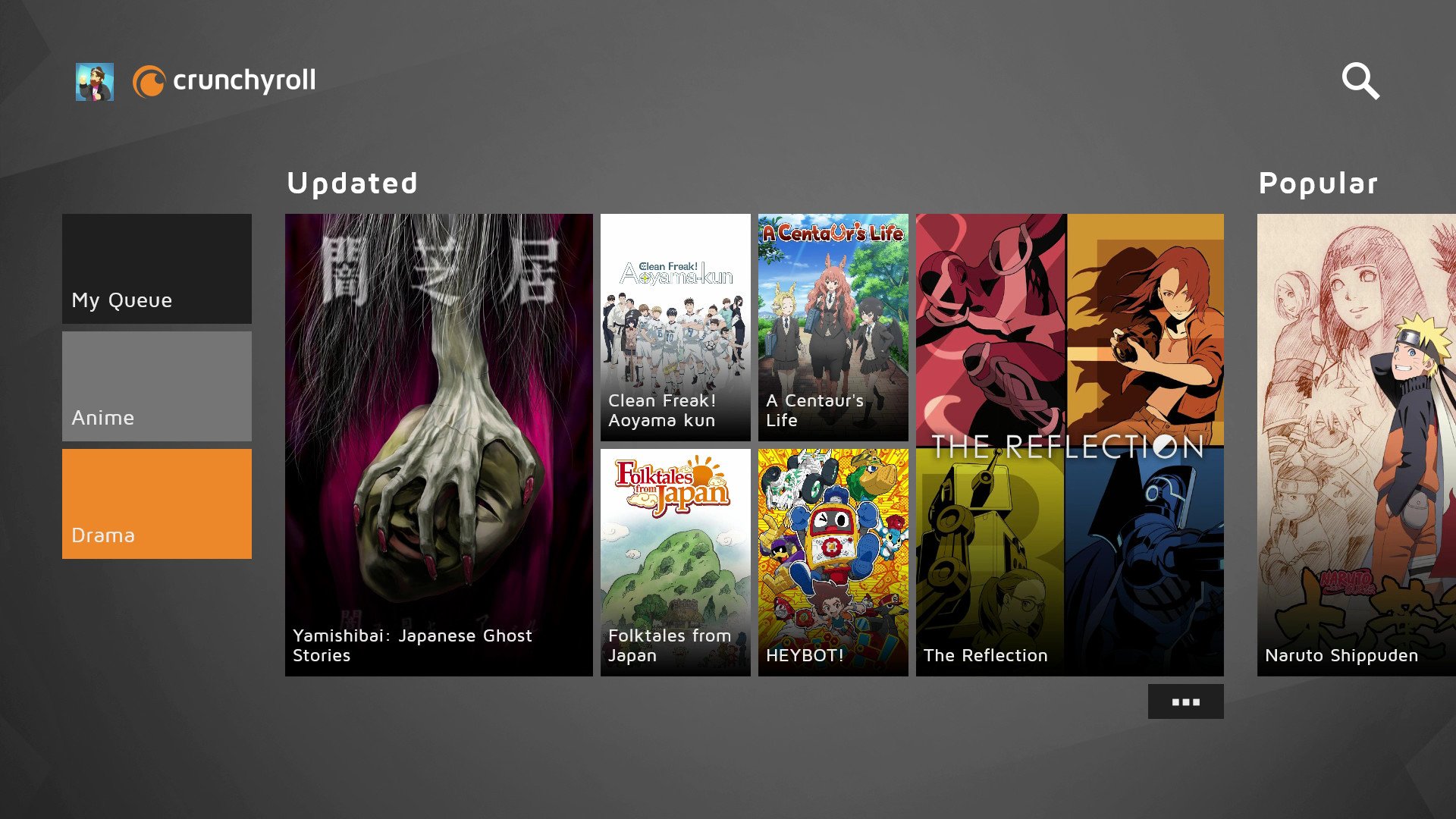
Crunchyroll is an essential streaming service for anime fans, featuring hundreds of modern and classic anime shows, as well as Japanese live action dramas.
Crunchyroll comes in both premium and free, ad-supported flavors, and the app’s design and layout work extremely well on Xbox One and Windows 10.
Like Netflix, Crunchyroll synchronises your saved shows and playback time across devices, making it easy to jump between your PC and Xbox without having to find your place all over again.
Crunchyroll Premium is incredibly cheap at $4.99, and lets you watch ad-free with HD video. Be sure to check it out!
See at Xbox Store
Netflix
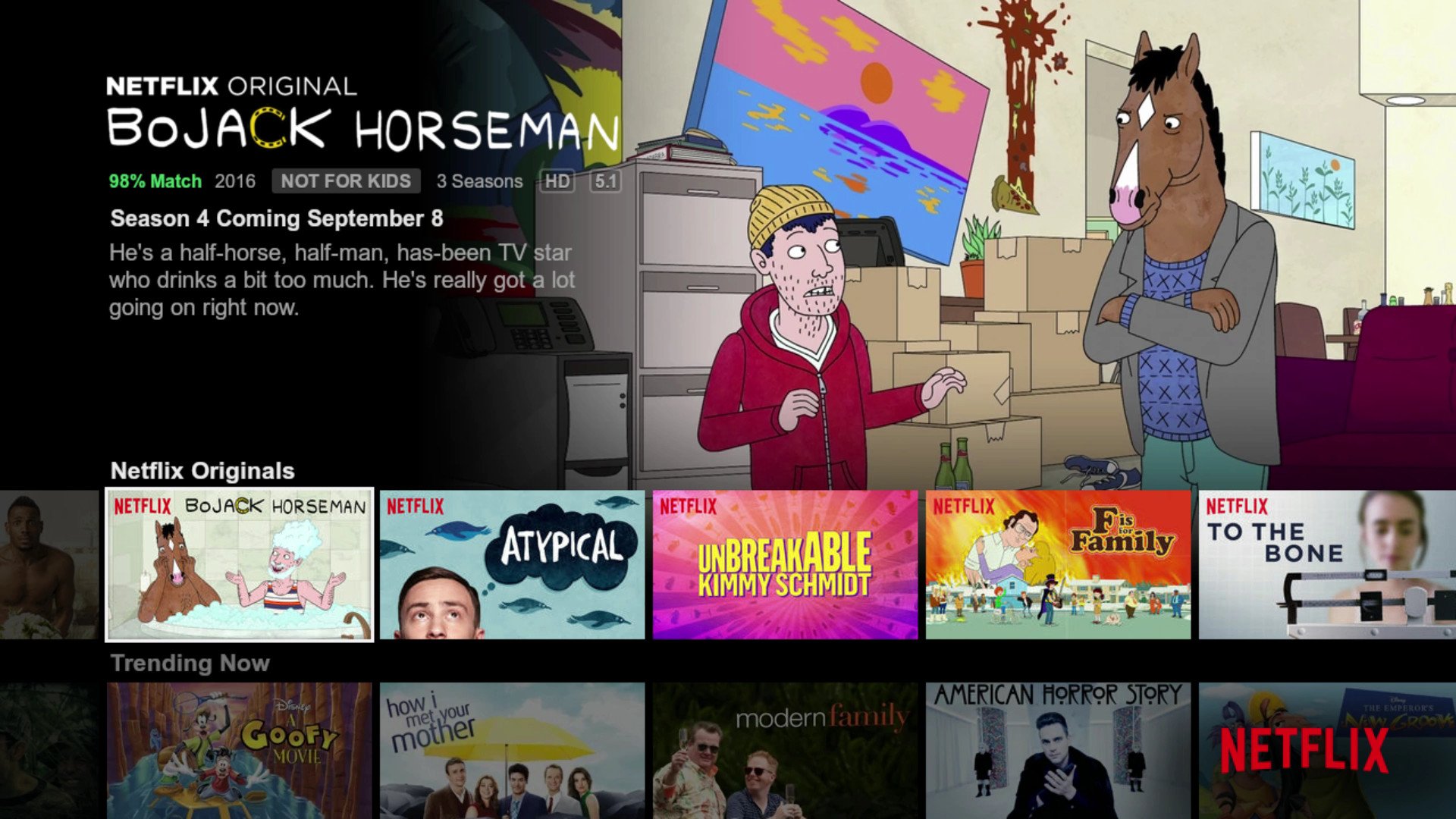
No modern app list would be complete without Netflix. Netflix is the ultimate subscription-based streaming service, full of classic and modern TV shows and movies.
On Xbox One, Netflix utilizes intuitive controls designed for gamepads, and can easily be navigated using the Xbox One media remote as well. Scroll through rows and rows of great content, or hit “Y” to search through its vast and persistently evolving library.
You can pick up a Netflix subscription for as little as $7.99 per month, and if you’re lucky enough to have an Xbox One S or the upcoming Xbox One X, you’ll be able to stream in glorious 4K to a compatible TV set. Netflix works and synchronizes across almost every ecosystem too, including phones, PCs, and tablets.
See at Xbox Store
Plex
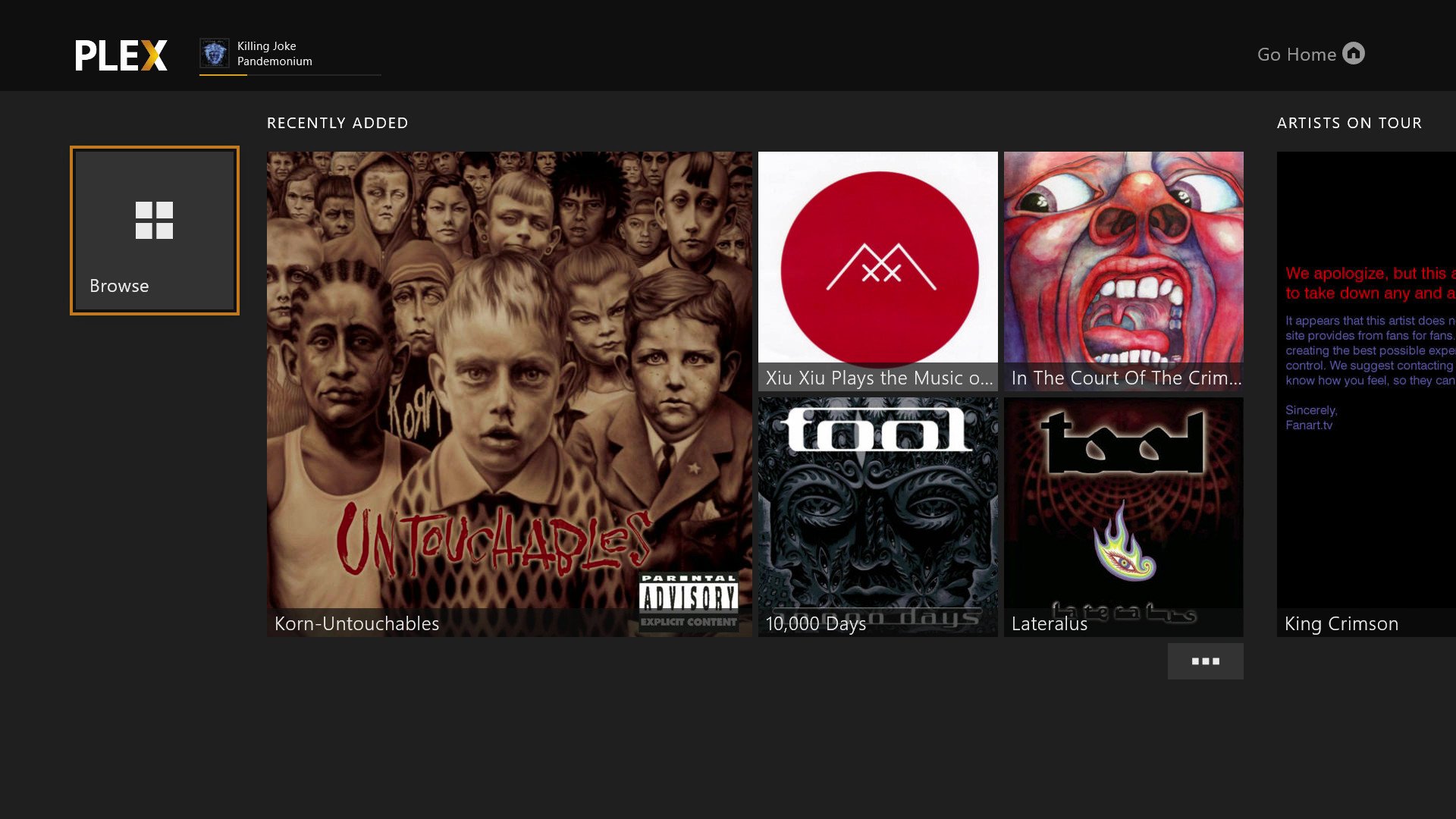
For those of us who still enjoy having physical media collections, but like the idea of retaining digital copies, apps like Plex are an absolute godsend.
With Plex and a dedicated Plex server, you can set up and maintain a vast collection of digital media for both home network use, and streaming via the cloud with a Plex subscription, network storage, or even via a third-party cloud storage solution like OneDrive.
Plex also draws down metadata from the internet, including artist descriptions, reviews, and even whether a band in your library is currently on tour. Plex is now also offering cord-cutting services and cloud-powered TV DVR for recording and storing shows using digital TV tuners, making it an invaluable solution for those who want to ditch the larger providers and enjoy their media across virtually every device in existence.
Plex is available on Xbox for free, with some features restricted to Plex Premium members. Be sure to check out our full Plex guide over here.
Music and audio apps
Xbox has no shortage of dedicated music apps too, with services like Groove Music, Pandora, and now Spotify in the mix. Coupled with Xbox background audio capabilities and you’ll never miss a beat. Be sure to check out our larger list of best Xbox music apps over here.
Groove Music
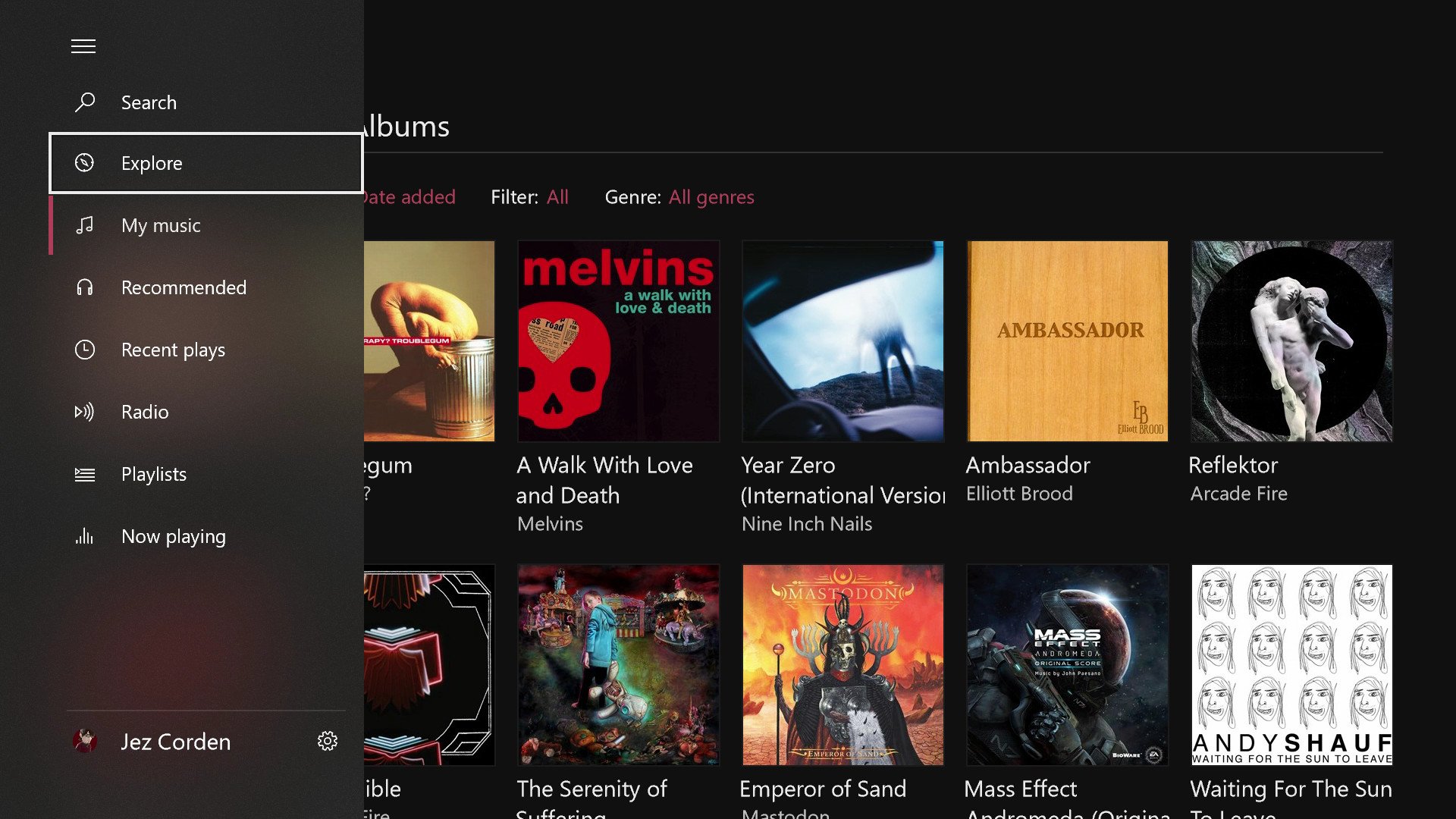
A personal favorite, Groove Music evolved from the relatively obscure Zune platform to Xbox Music, and now to Groove Music, and as far as features and polish go, it’s certainly among the best on Xbox One.
With a library featuring millions of songs, OneDrive integration for streaming your own music downloads, thousands of music videos and rich photographical visualizations for TVs, Groove is near unbeatable. And it’s always getting better.
Groove is available as part of a subscription service for $9.99 per month, with a free trial for newcomers.
Spotify
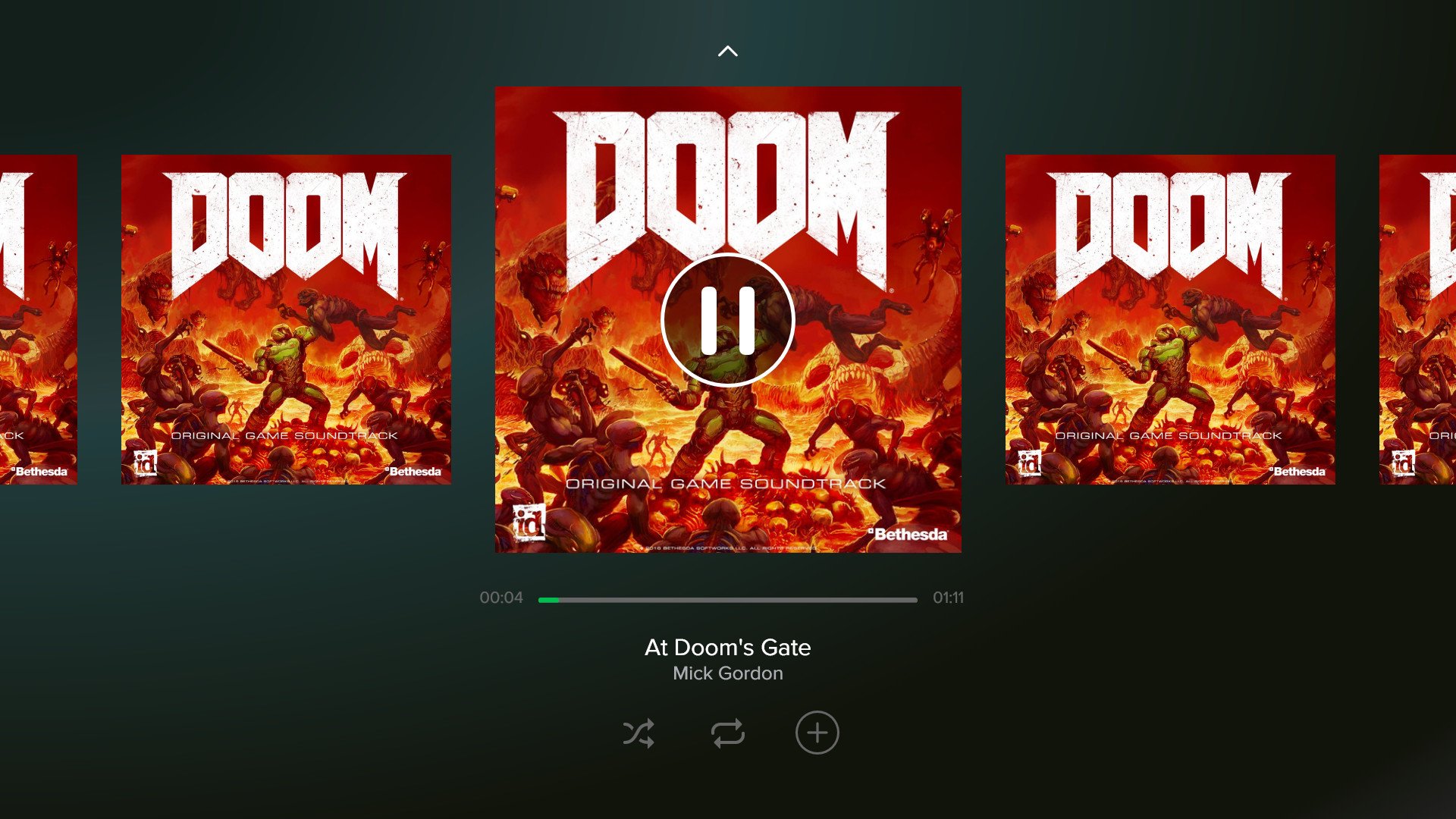
Spotify recently hit Xbox One with a port of its HTML-based app for TVs, complete with support for Xbox background audio.
Spotify has the largest library in the world, boasting over 50 million subscribers and rich curated playlists, it is truly a force that has changed the music industry forever, and it’s now on Xbox One!
Soundcloud

Soundcloud might be struggling financially, but it remains a great source of independent music, podcasts, and other types of audio.
It’s a shame that the company isn’t doing so well, as it has one of the most beautiful and intuitive Xbox One apps on the platform. The controls are well displayed, it’s easy to access charts, playlists, your follows, and your profile. And it’s easy to search for and discover new music, with background audio support as a bonus.
Soundcloud definitely deserves your patronage, as it’s a great service for firing up an audio book or a podcast for grinding those less entertaining achievements, or simply changing the soundscape of a, game. Hopefully Soundcloud survives its business turmoil, because we’d hate to see it disappear!
Podcasts (Beta)

If you’re in the market for a simple Podcasts app, “Podcasts (Beta)” is your ticket to audio show greatness.
Podcasts (Beta) is a bare bones, but highly functional podcast app, complete with integration for your Microsoft Account. Podcasts you search for and subscribe to will sync across all of your Windows 10 devices, and it will remember your progress through different tracks when you move from one device to the next.
Development on Podcasts hasn’t been the fastest in the world, but it’s a great and simple solution for podcast fans on the Windows 10 ecosystem.
best game streaming apps for xbox one
Xbox Game Pass (Xbox One, Xbox Series X/S, PC*)
Kicking off the list is arguably the best example of a streaming service: Xbox Game Pass. The other services on our list rely on streaming technology to deliver your games, but Microsoft’s Xbox Game Pass works a little differently. For $10 per month, a subscription to Xbox Game Pass gives you access to more than 100 games, and you download them onto your Xbox One or Xbox Series X/S storage device just like you would with any other digital game.
This means you don’t have to worry about your internet speed affecting the quality of your gaming experience, and even if you lose your connection, you’ll still be able to play games, so long as you remain a member.
And the games — the games. Xbox Game Pass has perhaps the best library of free games of any service on our list. From Halo: The Master Chief Collection to Gears 5 and newer titles like Forza Horizon 5 and Microsoft Flight Simulator 2020, Xbox Game Pass has plenty of incredible games to enjoy. The service isn’t limited to Microsoft-published games, either, with a variety of third-party games also available.
The kicker, however, is Microsoft’s policy for future Xbox exclusives. All first-party Xbox games going forward are included with an Xbox Game Pass subscription at no extra charge on launch day. That means games like Halo Infinite, the next Forza Motorsport, Gears, and the mega-popular Grounded are all available on day one through Game Pass. Speaking of Grounded, that’s a great example of a game that’s available through Microsoft’s Game Preview program — which allows users to play a game in what is effectively beta form. It’s yet another perk to having Game Pass and is a leading example of a subscription service done right — both from an economic point of view and its superb selection of games.
*Only Xbox Play Anywhere games are also available on PC through Xbox Game Pass.
Conclusion
Let us know your thoughts in the comment section below.
Check out other publications to gain access to more digital resources if you are just starting out with Flux Resource.
Also contact us today to optimize your business(s)/Brand(s) for Search Engines