
For the best of your youtube channel, the thumbnail is one of the most important factors. The thumbnail will specify what kind of video you are going to make. So, it becomes very important to create a great thumbnail for your video. Generally, when someone wants to make a new youtube thumbnail, he or she uses Photoshop or other editing tools. But if you make it with apps then it will be more creative and different from others. Here I am going to give you some apps list. By using those apps you can create the best youtube thumbnails for your channel.
Table of Contents
Best Apps For Youtube Thumbnail
1. PlaceIt

PlaceIt is an easy design tool that offers YouTube thumbnail templates that you can customize to match your brand. You don’t need any design experience to create an amazing YouTube video thumbnail, but the tool can be a bit limiting if you want to flex your creative muscles too much.
PlaceIt is about $89/year.
2. Canva
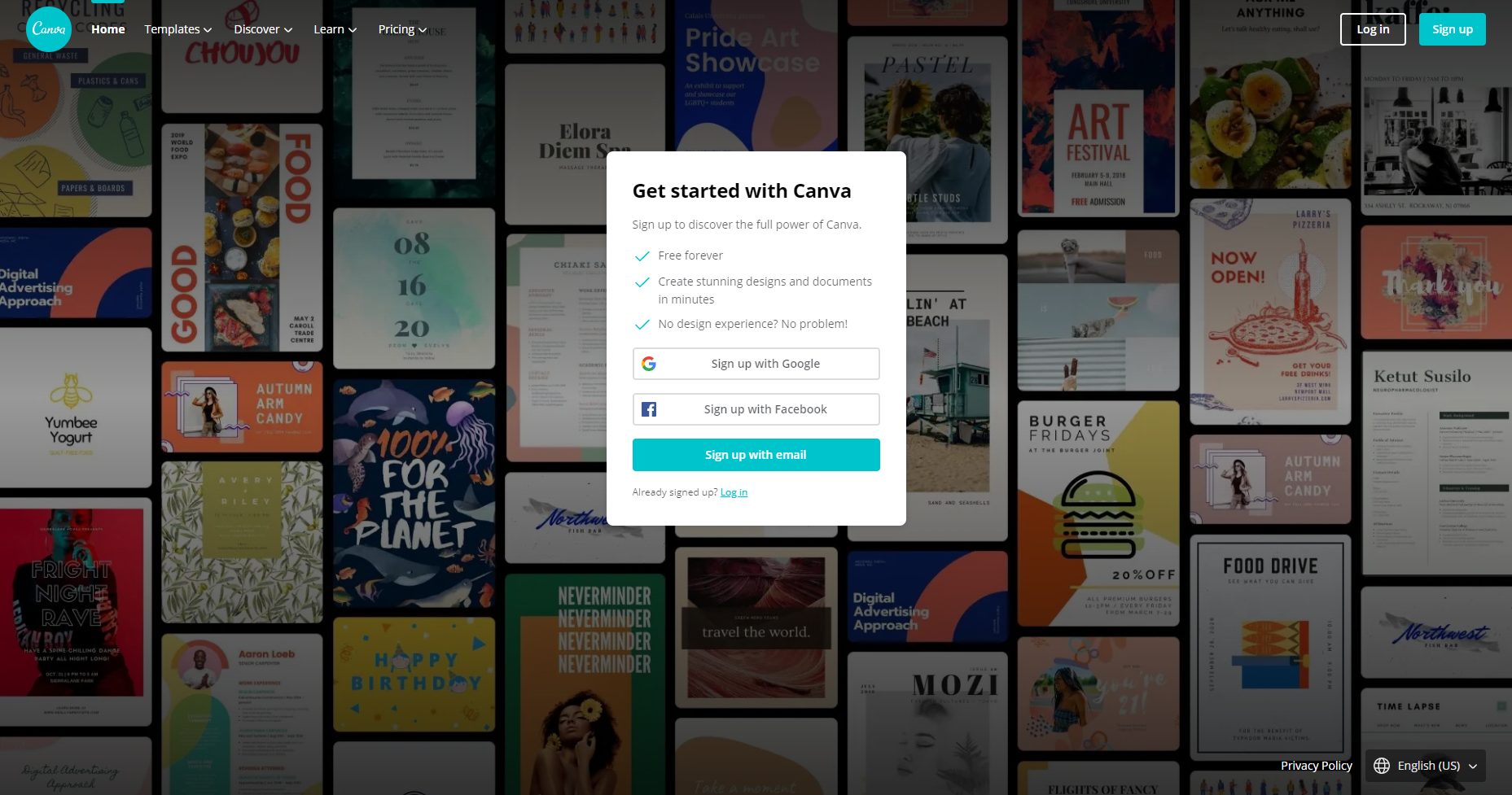
Canva is one of the best graphic design tools for online use. It includes templates that make it delightfully easy to create professional-level YouTube thumbnails, whether you have design experience or not. You can use it for any graphic design work you may have and it comes with more than 1 million graphics, templates, photos, images, and fonts with a drag-and-drop interface that’s super easy to use.
While Canva is free to use, it does have paid elements like certain stock photos and clip art. All of those elements are marked with dollar signs. Or, you can just buy the Pro version for about $120/year.
3. Adobe Spark
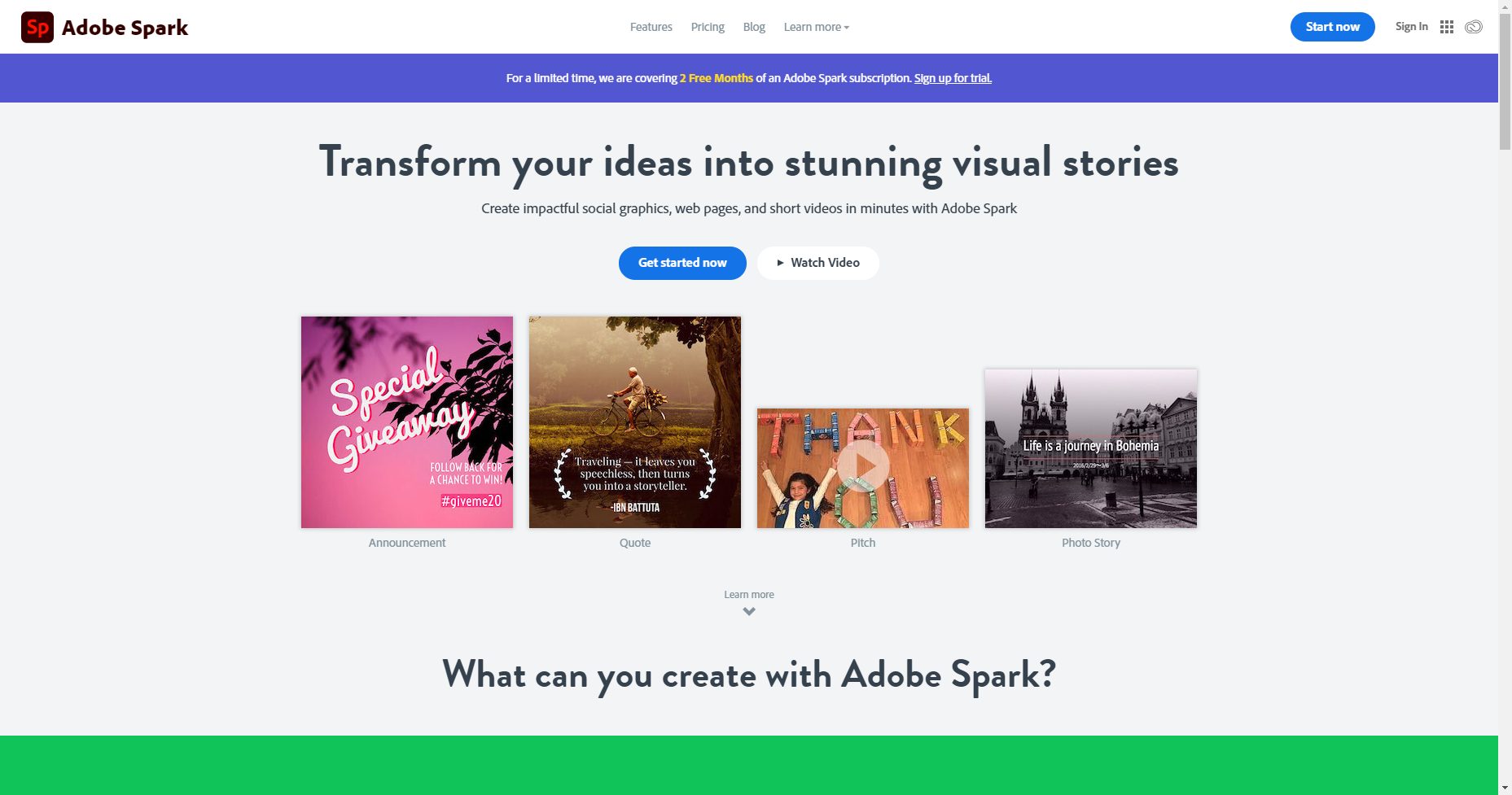
Adobe Spark offers customizable YouTube thumbnail templates you can use to create amazing thumbnails fast. Adobe Spark doesn’t charge for use of its pre-made thumbnail layouts and even has a category specifically for YouTube thumbnails. While some may find the features a bit basic, Adobe Spark lets you add custom backgrounds, colors, text, and other elements so your thumbnails stand out. You can opt for a premium plan for about $100/year.
4. Fotor
Fotor offers great thumbnail creation tools that let you start from well-designed YouTube thumbnail templates that you can customize to your heart’s content. It has a simple, easy-to-use interface where you can edit your thumbnails and get access to all of the elements you need to make your thumbnails look amazing. Fotor includes text and design elements along with stickers and emoji to give your YouTube thumbnails a modern look.
Fotor is free to use, but for just $40/year you get a ton more features (and no ads)
5. Snappa
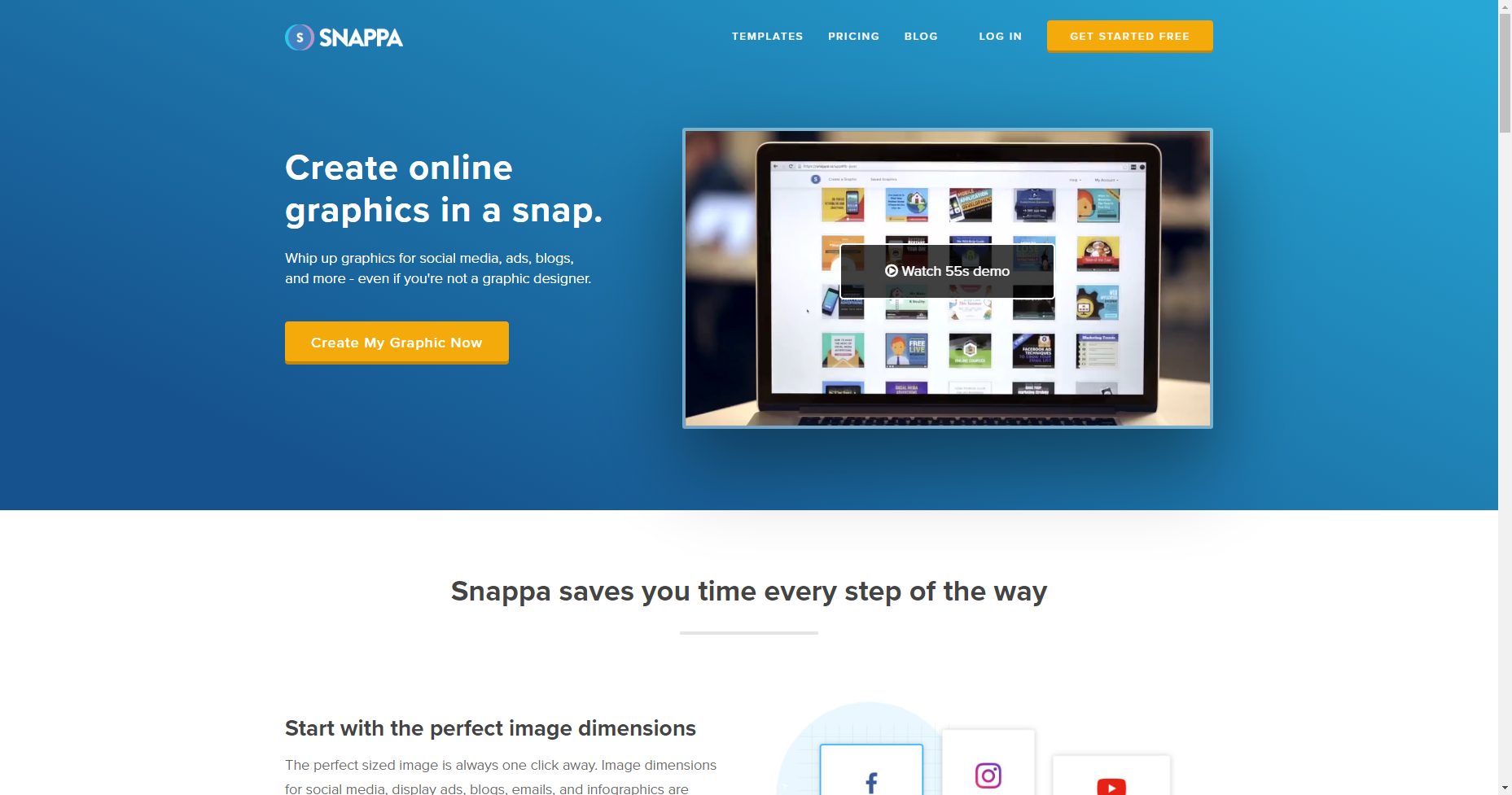
Snappa’s an online YouTube thumbnail maker with stunning templates, loads of high-res images, and everything you need to create YouTube thumbnails that get clicked. It’s versatile and easy to use, making it a great choice for non-designers. Snappa gives you nearly limitless options to customize your thumbnails by creating them from scratch, adding custom fonts and backgrounds, shapes, and other design elements.
Snappa has both free and paid versions. While you’ll get everything you need with the free version, you can pay about $120/year for more features.
6. Visme

Visme is an easy-to-use YouTube thumbnail maker with tons of templates to choose from in a drag-and-drop platform. All parts of each template can be edited to change the shape, location, and size. You can add new sections from the panel on the left side of the screen to include custom text, icons, and graphics. Visme also makes it easy to apply an existing color scheme or create your own to match your brand colors.
Visme’s pricing is tiered: individual, business, or education. It does offer a free plan for up to 5 projects. Paid plans start at $168/year.
7. Creatopy
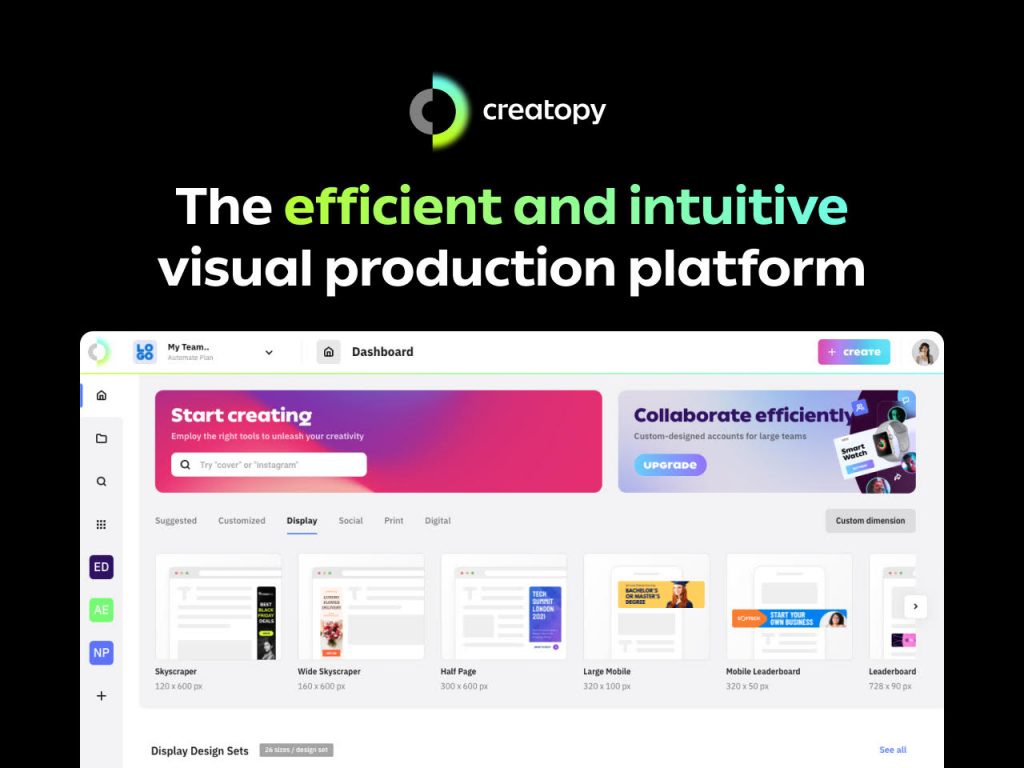
Creatopy has all the tools you need to design eye-catching thumbnails to stop viewers in their tracks. Their templates are built by professional designers so they’re beautiful right off the bat, but you can also customize them to perfectly match your brand.
Creatopy offers a free plan for up to 3 designs; paid plans for individuals start at $17/month, billed yearly.
8. Fotojet
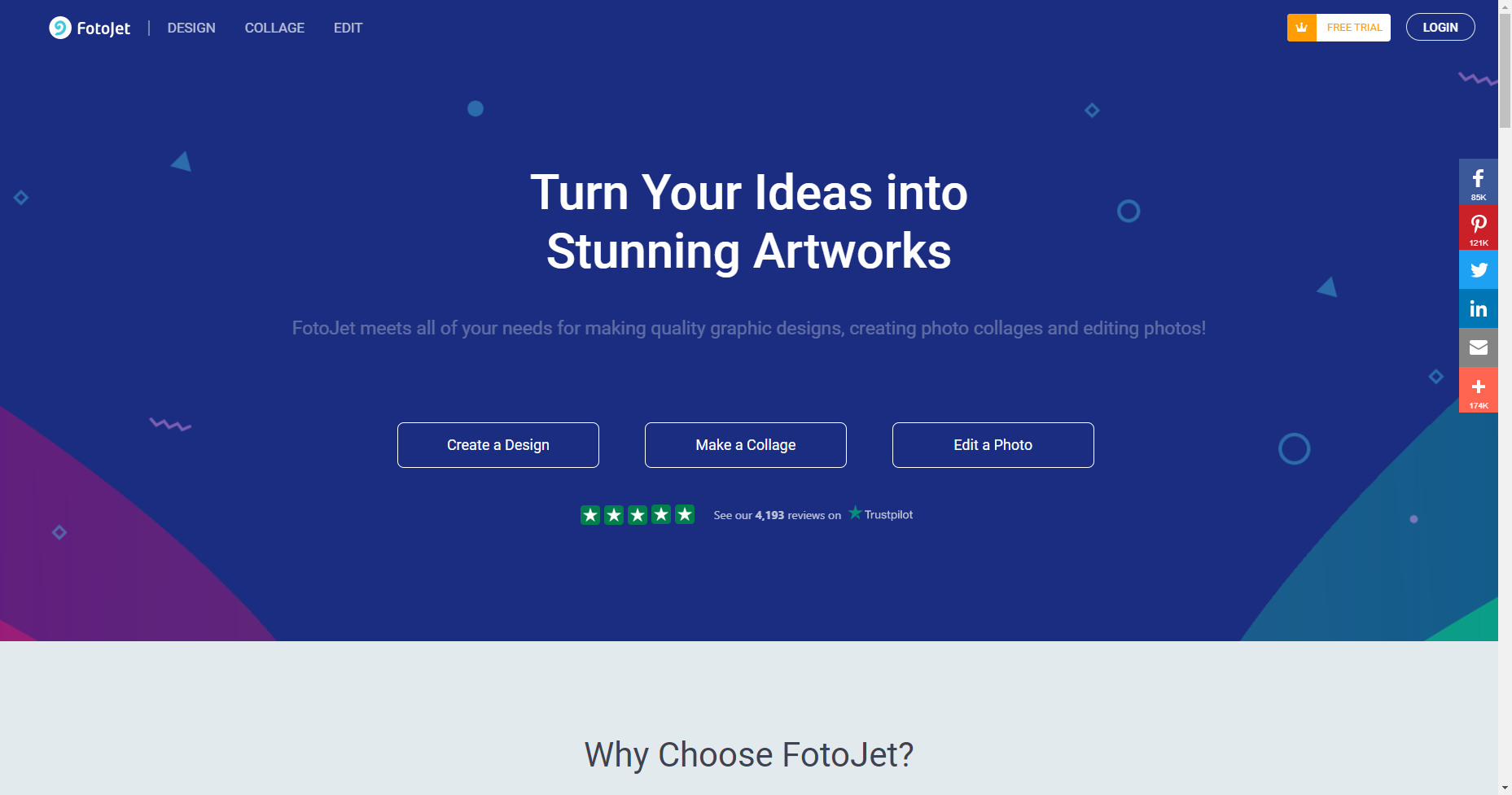
Fotojet is yet another great online YouTube thumbnail maker. In addition to providing the tools you need to create great-looking thumbnails, it also provides photo editing, graphic design, and collage-making. Fotojet has more than 500 templates and offers an advanced thumbnail creator allowing users to add filters as well as resize, crop, or rotate images. All this comes in a simple, easy-to-use interface that you can use without so much as signing up.
Upgrading from the free plan isn’t going to cost you a fortune, either; Fotojet Plus can be yours for about $40/year.
9. PicMonkey
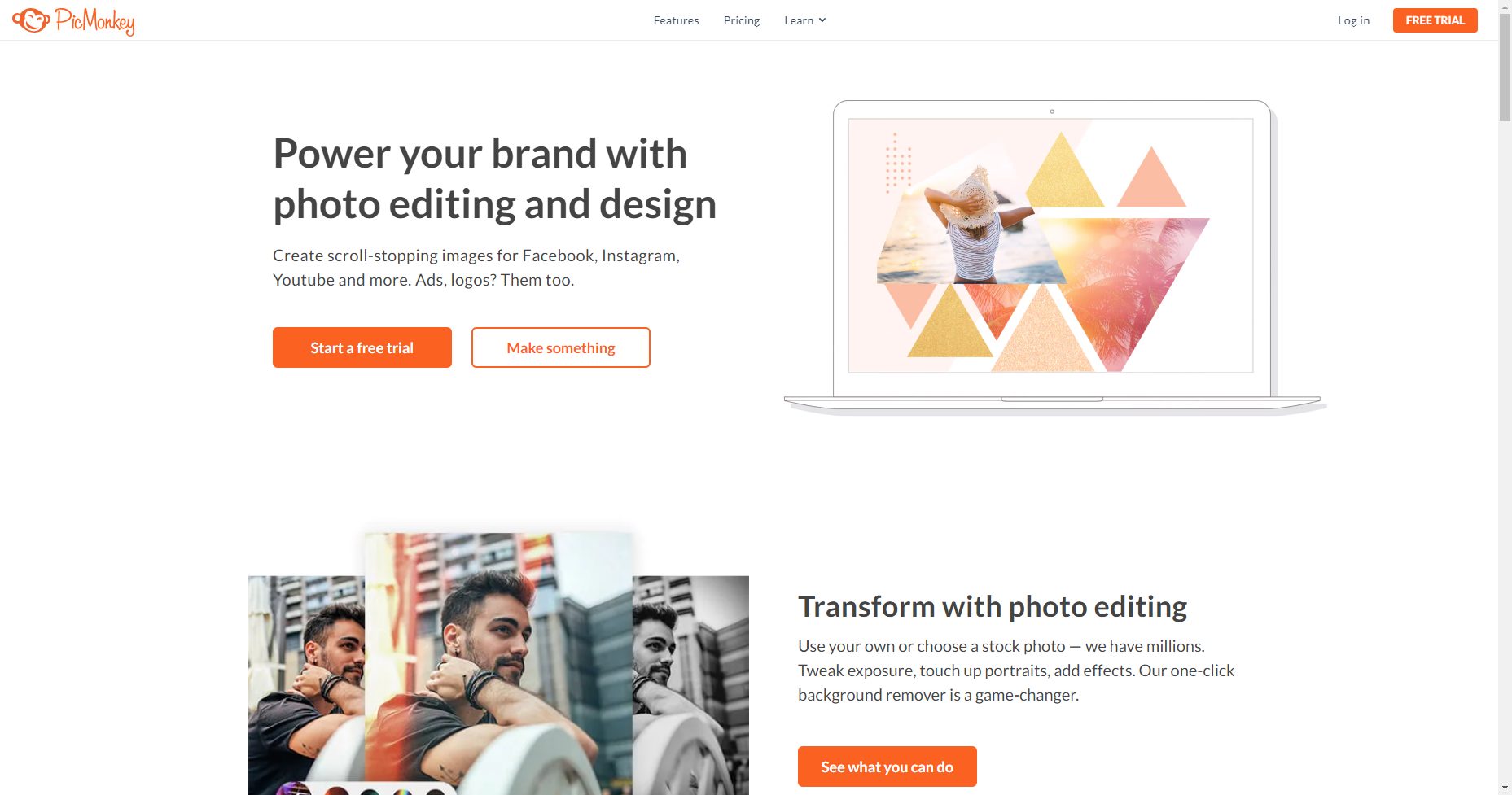
PicMonkey has more than 100 professionally-designed YouTube thumbnail templates you can customize to match your brand in moments. You can also start with a blank canvas and add your own photos, text, graphics, and logo to create your own. They offer an in-depth tutorial for making brilliant YouTube thumbnails, so if even you’ve never done it before, you’re covered with easy instructions.
Get access to PicMonkey’s basic plan for around $72/year.
10. PixTeller
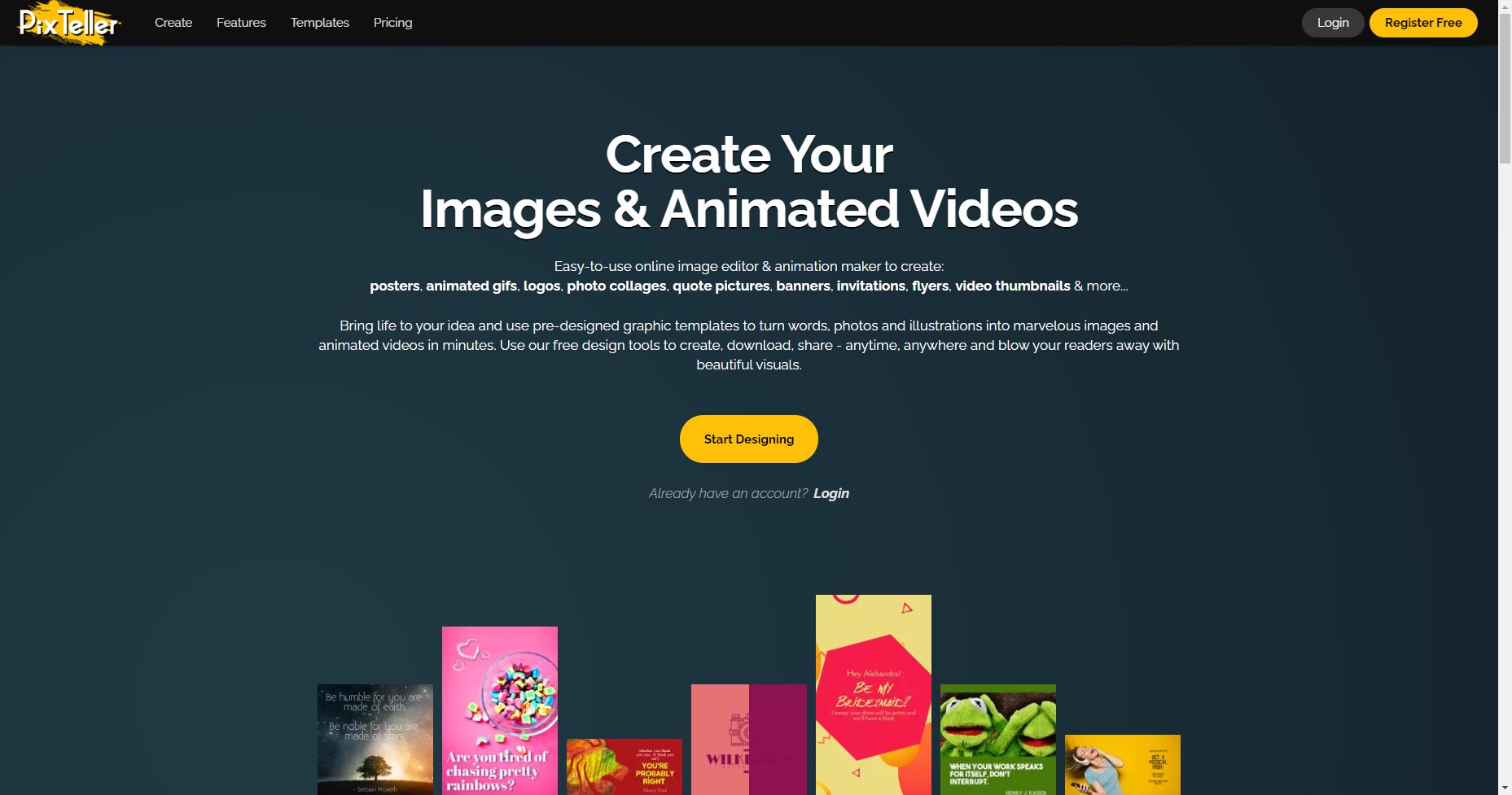
PixTeller is a free online YouTube thumbnail maker you can use to create branded thumbnails that look great—without design skills or technical knowledge. It offers a set of pre-made video thumbnail templates so you have a great starting place to create gorgeous YouTube thumbnails that match your brand and your channel’s messaging in a few clicks. PixTeller also includes filters and fonts that will make your thumbnail pop.
Get started with PixTeller for $84/year.
best thumbnail maker app for pc
| Software | PhotoDirector | PicMonkey | Canva | Fotor | Pixlr |
|---|---|---|---|---|---|
| OS | Windows, Mac | Web browser | Web browser | Web browser, Windows, Mac | Web browser, Windows, Mac |
| Beginner-friendly | Yes | Yes | Yes | Yes | Yes |
| Templates | Yes | Yes | Yes | Yes | Yes |
| Stock Images | Yes | Yes | Yes | Yes | Yes |
| AI Tools | Yes | No | No | Yes | Yes |
Conclusion
Let us know your thoughts in the comment section below.
Check out other publications to gain access to more digital resources if you are just starting out with Flux Resource.
Also contact us today to optimize your business(s)/Brand(s) for Search Engines