
It’s 2019, and you’re probably wondering what the best content creation tools are.
We’ve all been there: you’ve got a project deadline looming, and there’s just no way to get in the right headspace to get it done. Maybe you need a tool to help you structure your thinking, or maybe you just need an app that can help you stay organized while juggling all of your deadlines.
Whatever your needs are, we’re here to help! Here’s our list of the best content creation tools out there.
Best Content Creation Tools 2019
To help ensure that your marketing game is top-notch, you must create videos for your audience from time to time. However, creating engaging and great videos is no joke; it requires a lot of patience, hard work, and of course, the right tools. So, here are some great video creation and editing tools that’ll help scale up your business in no time.
Wirecast
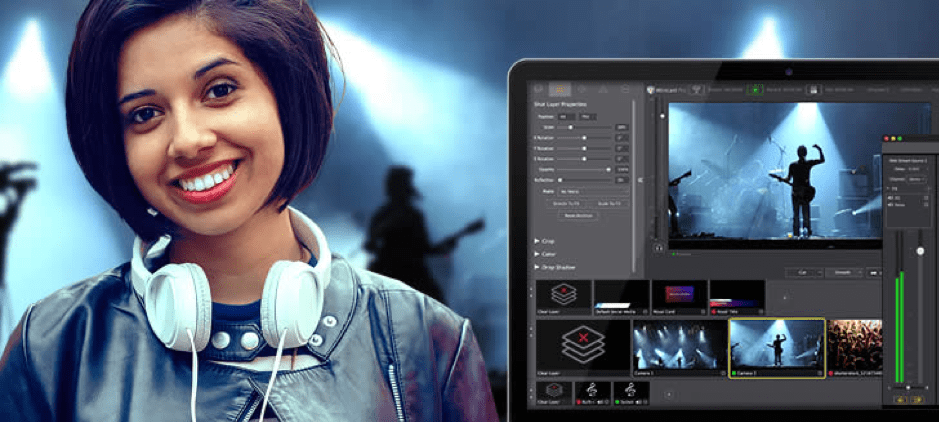
If your work requires you to make and stream live videos, Wirecast is the perfect video creation tool for you.
It can transform your computer into a television studio, be it a Mac or a Windows computer. Wirecast comes equipped with a host of useful features that allow you to capture live videos such as for graduation and award ceremonies, guest lectures, news events, and similar events as well as also live-stream them on platforms like Twitter and Facebook.
The tool also allows you to incorporate transition effects and animated titles into the videos you make. This is a great way to reach out to your target audience and expand your legion of remote users.
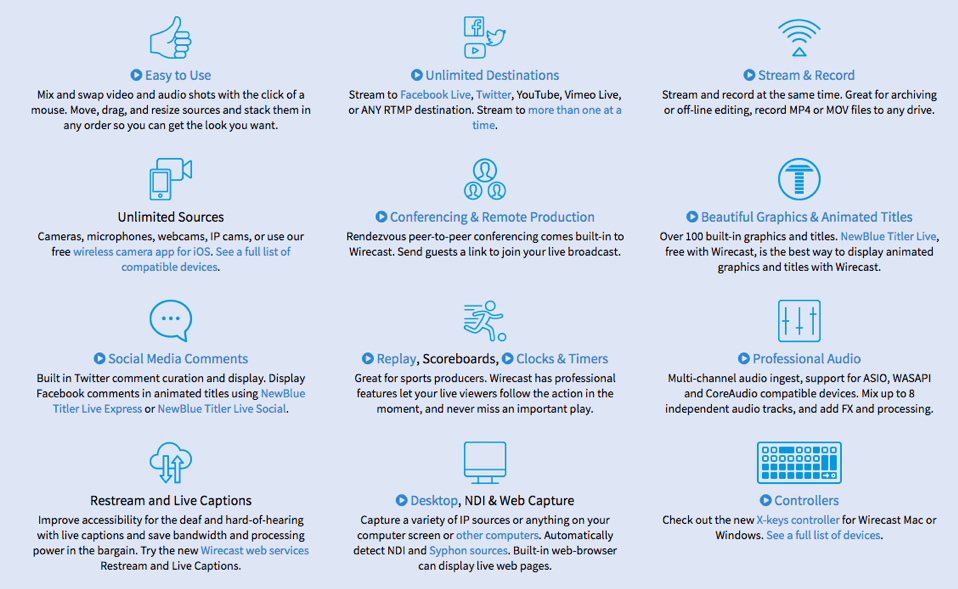
Wirecast comes in two paid versions – Wirecast Studio ($695/year) and Wirecast Pro ($995/year).
Videoshop
With Videoshop, there’s nothing you can’t do. From making videos in different formats and trimming them to adding your choice of music, sound effects, and voiceovers in the videos; to creating a slideshow – you can do it all with Videoshop.
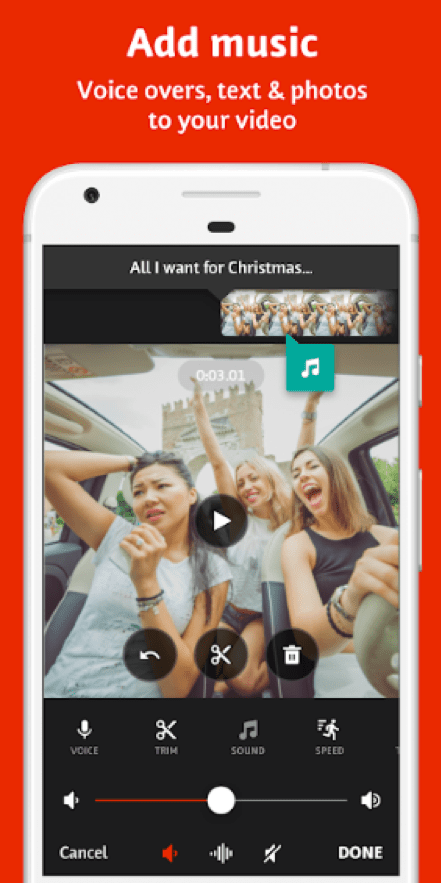
This video editing tool comes with a host of cool features such as Slow/Fast Motion, Voiceovers, Mergers, Animated Titles, Texts, Display Adjustment and much more. With Videoshop features like Filters and Transitions, you can choose from a range of great effects to add that extra spark to your videos.
After you’re done making your video, you can share it directly on social media platforms including Facebook, Instagram, Youtube, Snapchat and WhatsApp.
Overall, this video editing tool is extremely easy to use and convenient for first-time users who have little or no knowledge about making videos.
You can download the Videoshop app from Google PlayStore.
Magisto
Magisto is a fully automated video editing tool. Being powered by advanced AI algorithms, Magisto chooses the best parts of a video/photo and merges them into a brand new video.
You can spruce up the created video by adding music of your choice, setting the mood of the video and adding filters for a more enhanced look. Magisto allows you to capture photos or record video clips from within the app itself.
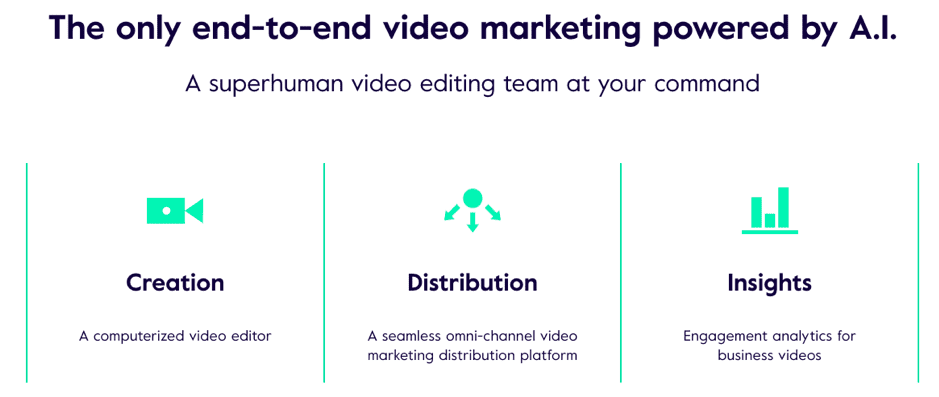
It comes with three pricing options – Business ($419.88/year), Professional ($119.88/year), and Premium ($59.88/year).
By setting up a free Basic account on Magisto, you can create videos stretching up to one minute and fifteen seconds (and you can upload ten photo or video clips). Premium account users can create much longer videos/movies by uploading more number of files or clips. Downloading a video would cost you around 99 cents.
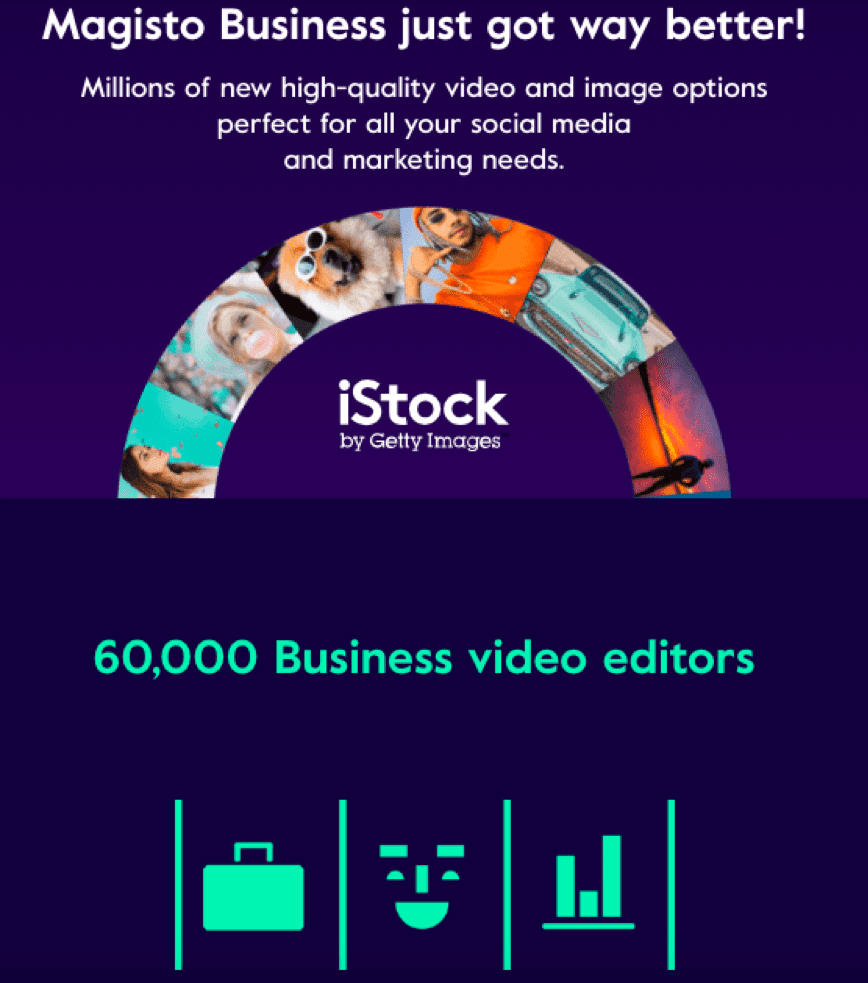
This awesome video editing tool is compatible with iOS, Android and Windows. You can download the app from both the AppStore and Google PlayStore.
Animoto
Just like Magisto, Animoto is a fully automated video editing tool. With lots of customization options and features, Animoto makes video editing a breeze. You can create a professional video by pairing your own video clips/photos with the music, theme, text, filters, and other embellishments offered by the tool.
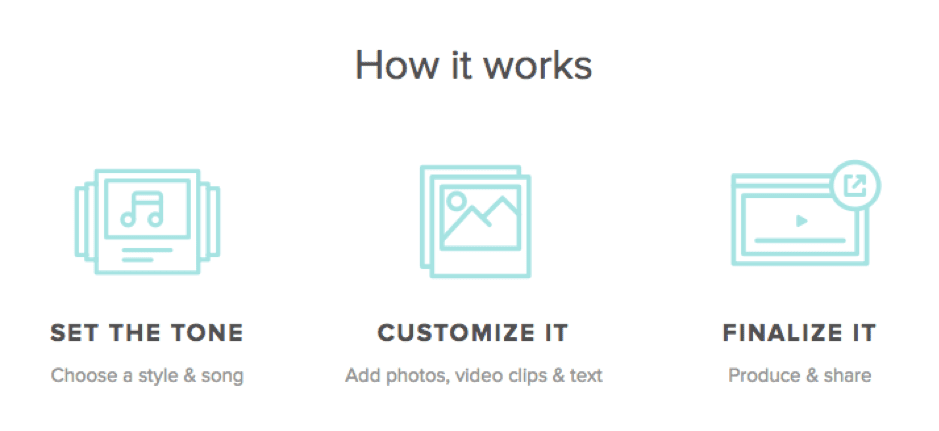
Another great feature of Animoto is that it allows you to create videos by using just photos and text from your device without actually shooting a video.
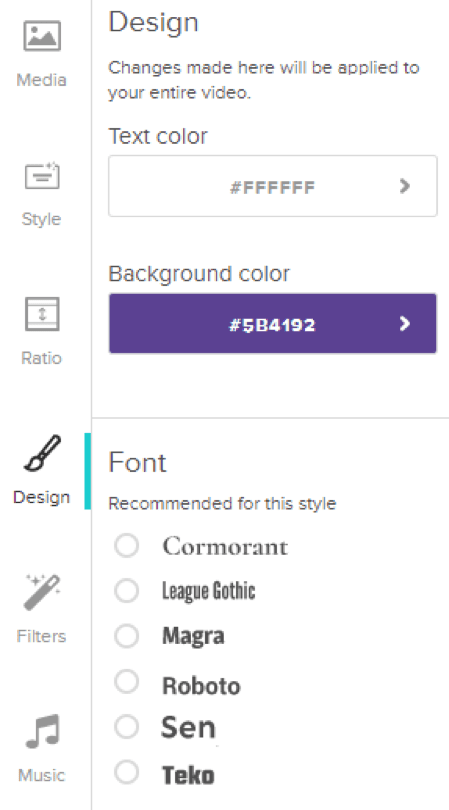
Animoto also lets you edit the timing and sound effects in a video. Plus, you can add text and voiceovers too.
Animoto has three pricing options- Personal ($96/year), Professional ($264/year), and Business ($34/year).
Animaker
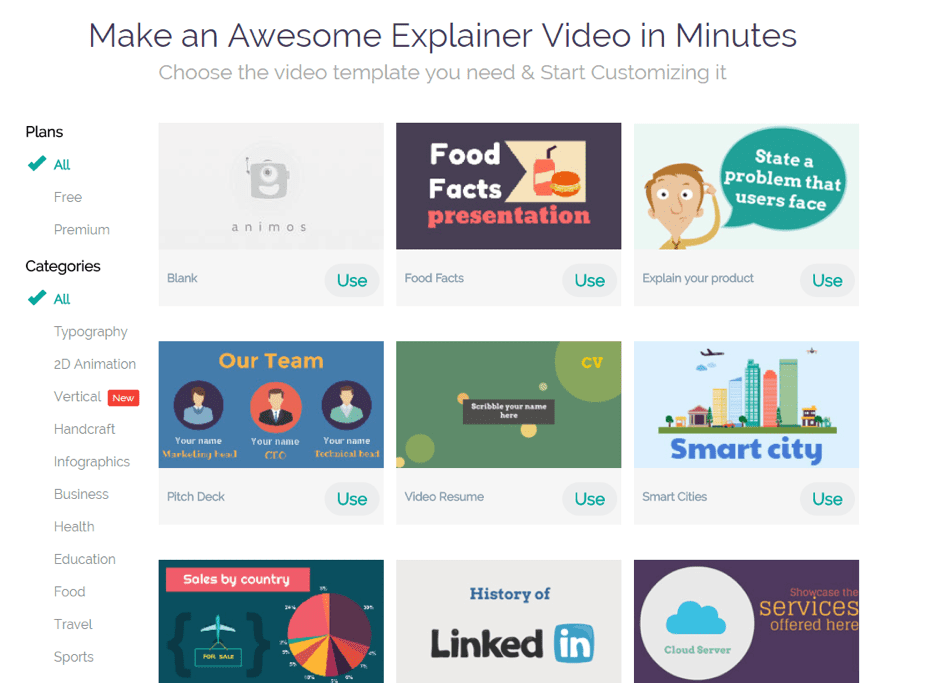
If you are a sucker for animated videos, Animaker is just the tool for you! It is simple, easy, and undoubtedly, one of the hottest animated video tools you’ll find.
Magnates of the biz world, such as Chipotle, have long been using animated videos to capture and attract the attention of their audience. HubSpot, too, has leveraged animation to showcase the uniqueness and features of its AI software. In fact, animated videos are the newest and most exciting trend that companies are now using to showcase their products and services.
Animaker can help you churn out great animated video content suited for almost any type of business. The user interface is so easy that you can get acquainted with all the dos and don’ts of this amazing video editing tool in a matter of minutes. It offers a lot of options that you can choose according to the type of consumer you are trying to target.
You can edit your videos using the editing dashboard that is loaded with a plethora of fun features.
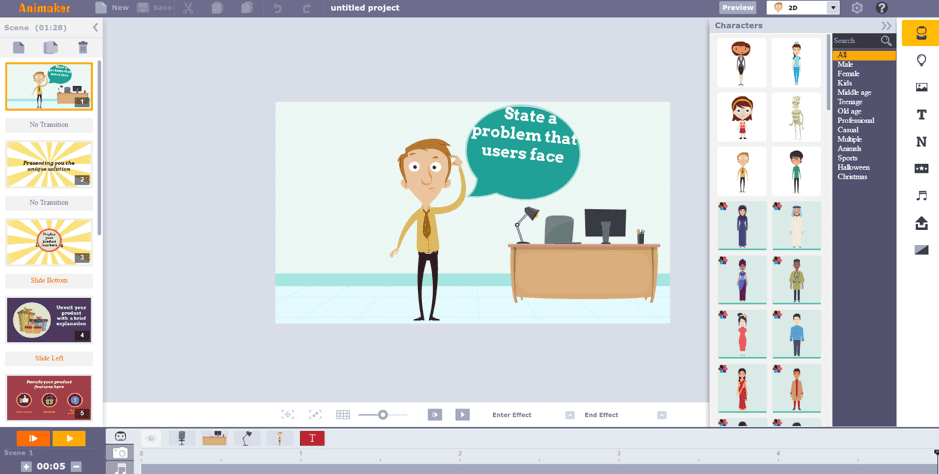
Adding texts, characters (which you can choose according to gender, demographic, etc.), graphs and stats are also possible with Animaker.
And the best part: it’s completely free!
Moovly
Moovly is one of the best video editing and animation tools available today. With numerous templates and over 175 million video clips, animated items and audio files to choose from, Moovly is an excellent tool to create advertising videos, conference presentations, explainer videos, YouTube intros, banners and much more.
To create a new video, just hit the “Edit Moov” option and you’ll see before you an editing interface.
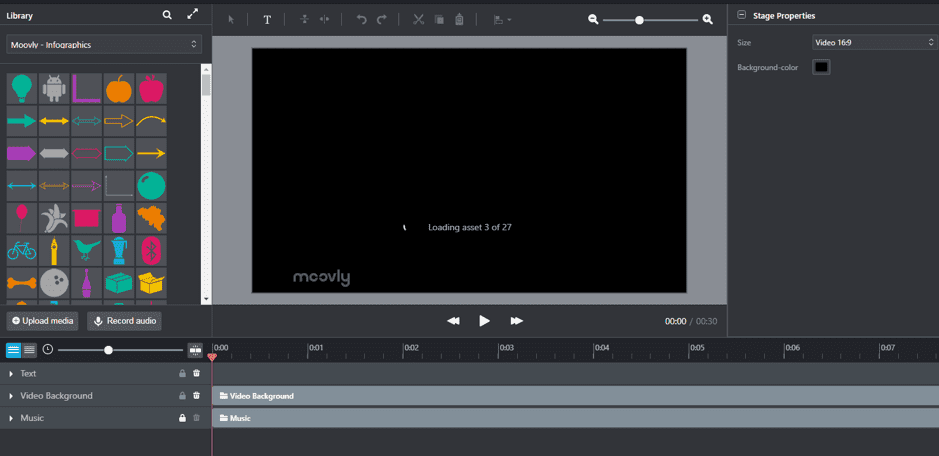
It comes with lots of customization options such as icons, clips, graphics, and stamps.
Apart from these features, Moovly offers high-end animations that can be used as backgrounds for videos. You can also add a voiceover to your animated characters.
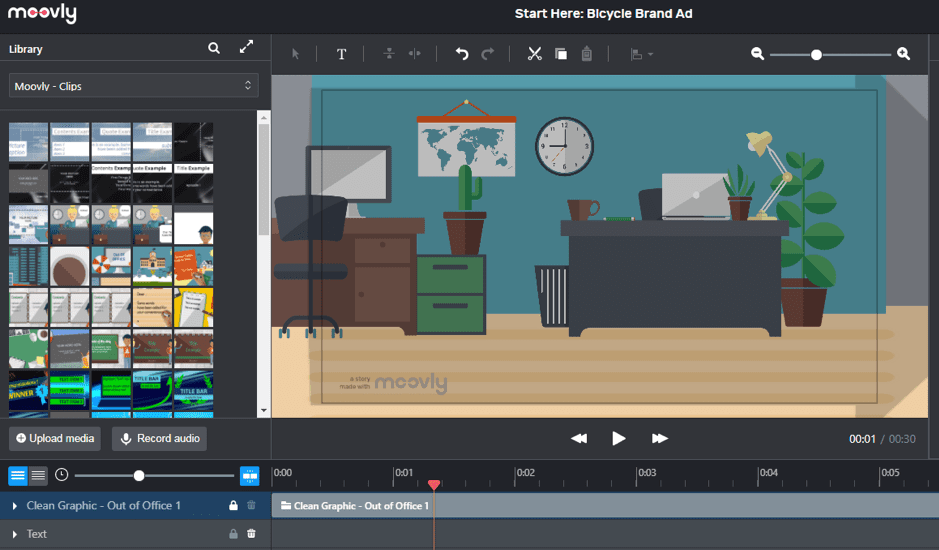
You can take a free trial or you can opt for Moovly Pro ($49/month) or Moovly Enterprise (custom pricing available) plans.
Promolta
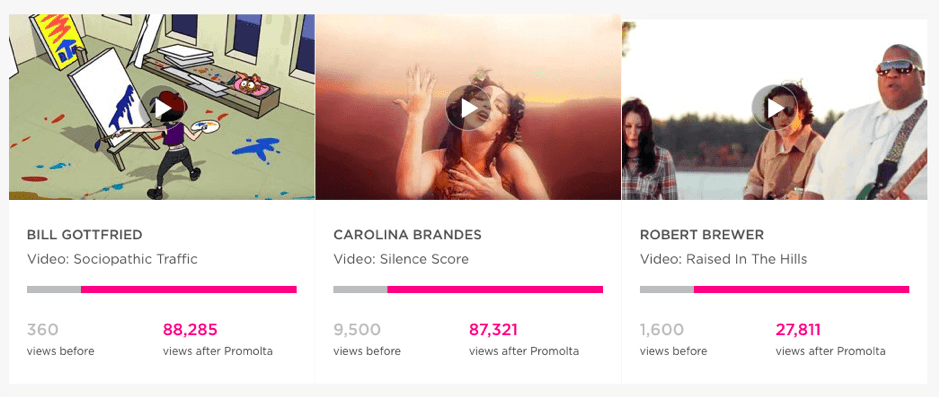
Promolta stands out among the rest because it’s not a video editing tool but rather a video promotional tool for your business.
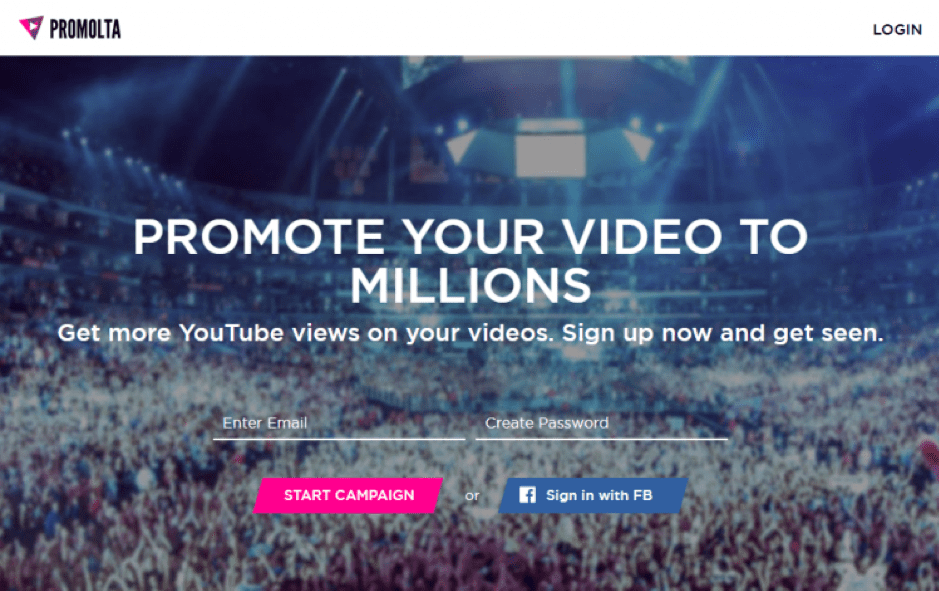
Promolta lets users find your video on YouTube and thereby increases your brand exposure. You only have to sign up on Promolta, search for your video and choose a budget for your campaign along with your target audience – Promolta will take care of the rest.
The best part about Promolta is that it helps you get noticed by the right kind of audience – those whom you want to associate and interact with. It promotes your videos across social media channels, blogs, websites and mobile apps, giving you optimum exposure.
video content creation tools
Content Creation Tools for Blogs
Naturally, blogs involve lots of written content. However, the multimedia content on a blog can help separate it from competitors. With that in mind, let’s look at some writing and image editing tools for blogs:
- BeFunky- This browser-based image editor allows anyone from novice to expert to make awesome collages and fun graphic designs.
- Edubirdie- This free online tool will check your written content to ensure none of it is plagiarised.
- Ginger- This website offers a great grammar checker to make sure your copy is clean and free of errors.
- Easel.ly- This tool makes one the most effective pieces of digital content—infographics—a breeze. With customizable templates, infographics will be as easy to create as they are to read.
Video Content Creation Tools
Video content is some of the most easily digestible content for consumers. For creators, it can be a little tricky to put it all together. Fortunately, there are several helpful tools for video creation:
- Splasheo- This tool takes your raw footage and helps create a full-on video production. Simply upload the clips, select the preferences you want, and wait for the delivery of your finished product.
- Camtasia and SnagIt from TechSmith- This recording tool provides video creators with an easy tool to capture what’s happening on their screens, whether it’s a walkthrough or a collection of webcam clips. It also has built-in editing tools like transitions, animations, title cards, music, and more.
- Canva- This tool is conventionally used for graphic design, but has the capacity to animate static designs into GIFs and videos.
Content Creation Tools for Free
Many of the tools mentioned above are free, with some pay-to-use features or premium upgrades. While entirely free tools may offer fewer features, there are several content creation tools available to use for free, such as:
- Google Docs- A less-than-glamorous option, this application enables written content, collaboration, and trackable feedback and changes, and it’s totally free to use.
- Unsplash- This website gives users access to thousands of free photos and pictures to help populate their websites and blogs.
- iMovie- Free for Apple customers, this program is an easy-to-use video editor.
Conclusion
Let us know your thoughts in the comment section below.
Check out other publications to gain access to more digital resources if you are just starting out with Flux Resource.
Also contact us today to optimize your business(s)/Brand(s) for Search Engines