
Are you looking for the best easy web design software for Mac? Dreamweaver is an ideal software for designing websites. However, it has a steep learning curve and isn’t recommended for beginners.
Fortunately, there are other options available that are easier to use and more affordable. Here are some of our top recommendations:
Table of Contents
Best Easy Web Design Software For Mac
Wix

Wix is one of the most promising, easy-to-use, yet advanced website builders for Mac users. It is multi-purpose software that gives you a chance to create the exact page you want. Out of the box, Wix comes with a countless collection of ready-to-use templates, which you can also customize and fine-tune to match your branding regulations. You will need to undergo barely any work because the layouts are already outstandingly remarkable.
It all depends on the technical levels you are at which to choose. Moreover, Wix has three main characteristics that will get you going. They are Wix Editor, Corvid, and Wix ADI. The latter, artificial design intelligence, does the most work for you and creates the most fitting web design for your needs and requirements.More Info
Shopify

Would you like to start your own eCommerce business but do not want to spend your entire budget just on building the page? If that is the case, then get your hands on Shopify. This website builder for Mac has it all and more for hammering out the most advanced online stores. On the flip side, you can also keep things as simple as possible and create a minimal yet high converting webshop. In brief, whatever comes to mind, you can make it happen with Shopify. Rules and boundaries are none.
With impressive customization features, predefined templates, and an endless collection of apps and extensions, making a page with Shopify is not complicated. Shopify also covers marketing, management, domain names, web hosting, and the initial website building. Start pushing items online with Shopify and experience epic success.More Info
Zyro Website Builder

Zyro is an all-around website builder that you can use with any platform or operating system. With so much material at your disposal, you can start, customize and put your website for the world to enjoy quickly. You need to know that Zyro works for many different industries and niches. And if you are down to perform additional customization tweaks, you can also go entirely against the grain and do your thing.
Moreover, Zyro can launch powerful eCommerce websites, too (without transaction fees). Some other treats are web hosting, domain registration, business name generator, and logo maker, to name a few. Pick the plan that suits your needs best and enjoy the smooth process of establishing an attention-grabbing website with Zyro.More Info
Webflow

Instead of changing the dull code to make edits and improvements with Webflow, you code visually. This website builder for Mac is an excellent tool that never asks for any prior experience with web development and design. You can be a complete beginner and still hammer out the most professional and sophisticated page. With Webflow, all becomes a piece of cake. While you can choose a template, you can also start with a blank canvas and craft the ideal page for your project.
Webflow is great for someone who would like to create a full-blown website and a professional who would like to utilize it for prototyping purposes only. You can build everything custom with Webflow, making the final look fit your meticulous taste to the very last and smallest detail.More Info
Weebly

Right off the bat, Weebly gives you an option to either create a website or an online store with it. Pick accordingly and get things moving forward with this cracking website builder for Mac. No limits and no boundaries, approach creating web spaces with an open mind, as Weebly brings to the table a ton of handy material that will get you going in close to no time. In short, Weebly is an all-in-one tool for freelancers, entrepreneurs, and everyone else in between.
Whether you plan to sell products or push your services and portfolio, make it huge with Weebly. When working with Weebly, you will go through a step-by-step guide on creating your page, making the platform very beginner-friendly. Once you get its gist, modify the layout, enhance it with your creative touches, and you are ready to go online.More Info
Squarespace

Blogging, marketing, selling goods and promoting brands and companies, Squarespace has you covered from start to finish. Let Squarespace take care of it from having no idea how to make a page to successfully running a high-end online presence. You don’t need to worry about any technical stuff, like web hosting, domain names, responsiveness, high loading speed, and cross-browser compatibility. Squarespace takes care of it all.
Squarespace comes with many designer-made templates that will help you get started sooner rather than later. Thanks to Squarespace’s intuitive editor, editing and improving the default settings is also kids’ stuff. But if you dig the lookout of the box, feel free to employ it exactly as is. In the kit, you will also find tools for email marketing, appointments, logos, and more. The sky is the limit with Squarespace.More Info
1&1 IONOS

Bring your idea online with 1&1 IONOS. This easy-to-use, yet professional website builder for Mac is perfect for classic pages and eCommerce websites. You only need a computer and imagination, and you can start building, designing, and establishing with 1&1 IONOS. No prior knowledge is necessary to start making moves on the Internet with the one and only, 1&1 IONOS. With a broad selection of ready-made templates, you can quick-start your project and make it yours swiftly. It is a guarantee that you will hammer out a page without a hitch.
Once you get on board, 1&1 IONOS gives you access to way more than “just” the drag and drop page editor. It also comes with an SSL certificate, search engine optimization, email marketing, social media integration, backups, and restoring, to name a few. And to make things even more simple, there are just two plans available; one for websites and the other for online stores.More Info
Site123 Website Builder

When you gain yourself access to Site123, a website builder for Mac, you will immediately understand the situation. When this all-inclusive software hits you with various features and functionalities, you only need to take charge, and you will be live pretty quickly. What’s best, with Site123, you can start on the internet free of charge. Can you imagine that you can build a page in as quickly as saying 1 2 3 today? That’s correct. Without spending a single penny, you can activate your own online space and start driving traffic to it.
But why exactly Site123? Because the entire process only requires three simple steps. You select the template, edit it and publish it. Yes, it truly is that simple. And your website will also be mobile-ready, flexible, optimized for search engines and high performing.More Info
Weblium

If you are a loyal Mac user, the time has come to hook you up with the right website builder for your needs. Weblium is a solution that will get you on board in close to no time. Instead of hiring yourself a professional, you can now make it happen with Weblium in no time. Everything is set up for you, and once you would like to bring things together, let Weblium’s artificial intelligence do the trick.
Of course, you can get creative and modify the default settings of a Weblium template so it matches your style precisely. Other than that, Weblium has you sorted out in full. Indeed, domain name, hosting, site security, responsiveness, you name it, Weblium covers it.More Info
GoDaddy

GoDaddy is a giant web host and domain registrar which also comes with a convenient website builder. Of course, the tool adapts to all users without a hassle. Thus, we can easily call GoDaddy a website builder for Mac. Moreover, this remarkable page-building alternative comes with everything necessary to get you online as fast as possible. With the predefined designs and various practical features, you can take GoDaddy to your advantage and shine online. In short, manage your thriving business website from one location with ease.
With four different plans, you have enough options to get on the internet and make a difference. Not just that, but each package comes with a free test period that offers you to try it out and see all the perks that come with GoDaddy.
web design software mac free

Every web designer needs a decent software program to succeed in their career and create a unique reputation for their design products. And sometimes, what’s working perfectly on PC, will not do the same for Mac users. Thankfully, today Mac fans don’t have any issues with that as there are tons of web design tools right at their fingertips. However, the prices often leave much to be desired. This makes beginners struggle to do their work and improve their skills on a daily basis. So below we have compiled the best free web design software for Mac well-suited or especially created to be used on macOS – they are free-based, simple enough, and of high quality. Test any of these tools as long as you wish with the option to upgrade to the pro version or purchase a full package of additional features in case you feel like it.
Freeway Express
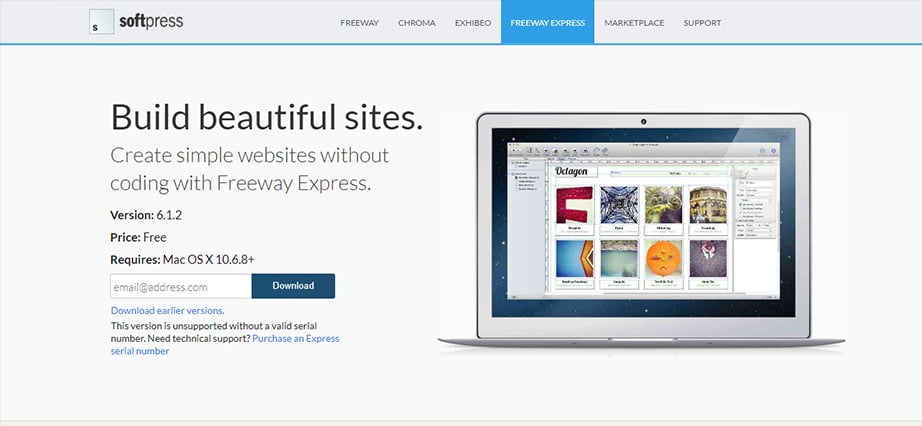
Freeway Express is a simple and attractive free web design software for macOS that is based on DTP (Desktop Publishing) application meaning you can build websites using a famous drag-and-drop builder and pre-made templates. But what makes Freeway Express even better, is the ability to create a website from scratch without being limited by templates’ paucity. With its Master Page feature, you can easily set up your logo, navigation menu, and footer as no-change items which will save you lots of time and nerves. So every time you create a new page, Master Page tool will automatically put your pre-set content in the right place.
Features:
- Standard-compliant HTML generation
- Master page content
- Ability to publish to a local folder, FTP or MobileMe
- Built-in WebKit preview and one-click preview in multiple browsers
- Editable graphic text with an ability to create GIFs
- Automatic email address
- Convenient table layout
Mobirise Free Web Design Software For Mac
Mobirise is an awesome mobile-friendly software system well-suited for both non-techies and professional web developers. This free graphic design software for Mac has a unique minimalistic interface. This makes the workflow easy and intuitive. Create stunning websites, landing pages, online resumes, and personal portfolios with tons of site blocks and pre-made templates available completely free of charge. To give your website a more individual look, you can customize its flexible layout according to your needs – just drag-and-drop website blocks around as you wish. As Mobirise is based on a famous Bootstrap framework, be sure your website will look amazing whatever device it is viewed on. With additional Mobirise features like eCommerce tool, code editor, and lots of extensions, you are all set to design an astonishing website with maximum performance and unique personality.
Features:
- Drag-and-drop website builder interface
- A wide selection of beautifully designed blocks and elements
- Responsive design built on the Bootstrap Framework
- Variety of extensions and pre-designed templates
- Shopping cart and advanced eCommerce tool
- Mobirise code editor (for an additional fee)
- Ability to preview your work at any point
Crello – Free Graphic Software
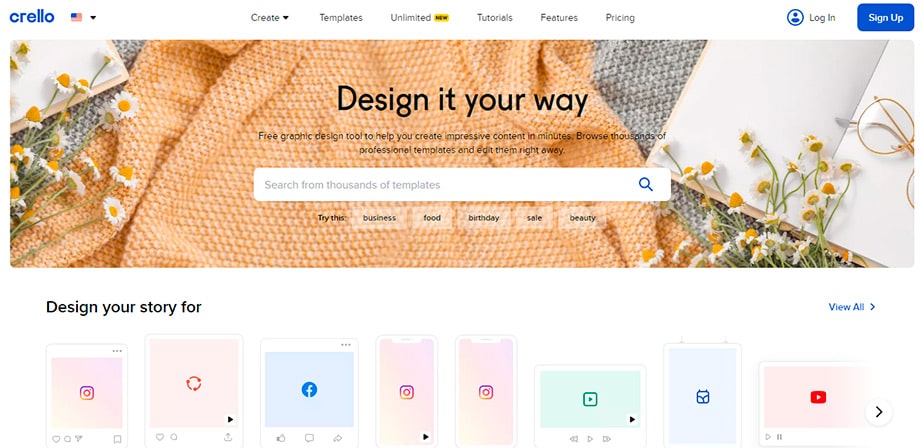
Crello is for those who prioritize handy, no-brainer design editing instruments that yet deliver studio-level designs.
It’s a time-tested free web design software for Mac that will help you achieve the needed visual vibe for your social media posts, website content, infographics, artworks, printed materials, or anything in between.
You’re going to enjoy how smoothly Crello works. You simply choose a design type and format you need, find a template among thousands of pre-made designs with loads of diverse layouts, fonts, and colors, and just enjoy the fun of playing around with your artwork. Premium-like free images, audio and video assets, animation effects, and more tools are just within a click to add to your design. No need for a special designer’s eye or skills.
Finally, you just download your graphic design work in the chosen format and use it for your personal or business project.
Features:
- High-concept 50,000+ ready-to-go design templates
- The drag-and-drop graphic editor interface
- 200M+ royalty-free stock files at hand (from the integrated Depositphotos library)
- 6,000+ lightweight animated objects
- 680+ fonts with support for 25 languages
Coffee Cup Free HTML Editor
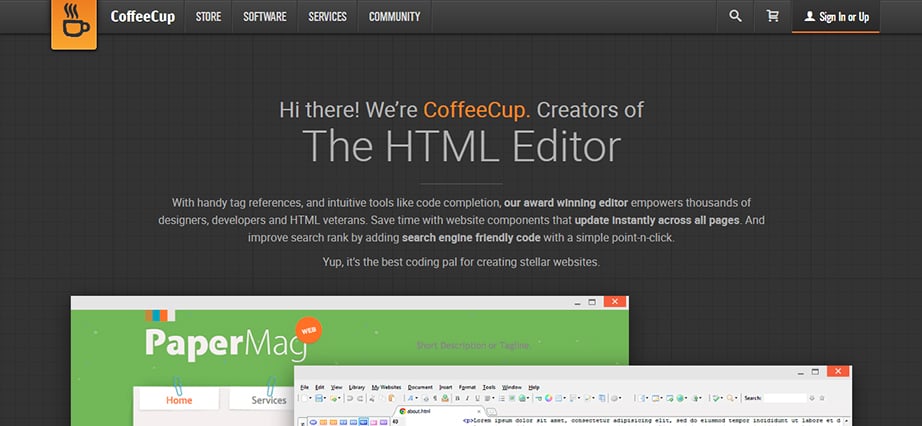
In case you came here looking for coding software, Coffee Cup will certainly be of great interest to you. With its flexible and simple workspace, this offline tool is perfect for hand-coding enthusiasts – both for hobbyists and professional web designers. Use Coffee Cup’s awesome features like pre-built templates, multiple cursors, tag matching. Also, it is an auto-suggest tool to the fullest to build a website easily and rapidly. However, regardless of its nice and convenient interface, absolute novices might find Coffee Cup a bit harder to adapt to than they have expected.
Features:
- Fully customizable toolbars
- Responsive templates and layouts
- Pre-built form items
- Website projects to organize your data
- Automatic coding
- Preview in any popular browser
ToWeb
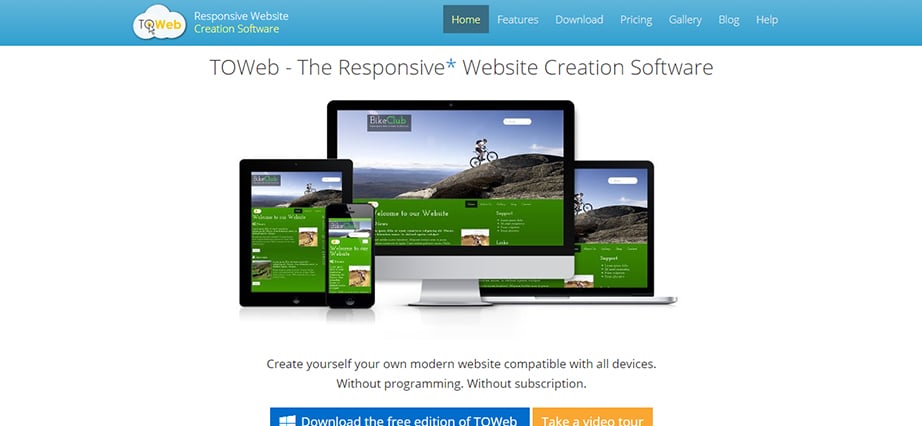
ToWeb is another easy-to-use, comprehensive, and free web design software for Mac that will satisfy both beginner and advanced users. If your primary goal is to build a responsive website with little to no knowledge of a coding alphabet, then ToWeb has everything you need. Simply download the app to your Mac, install it and start creating a website. Pre-made templates are there to help you find the right look and feel so choose the one that suits them best and customize it the way you want. The tool supports all kinds of web pages, be it a photo gallery, Google maps, or a video presentation. Another valuable feature ToWeb owns is a powerful e-commerce engine. This helps to sell your products along with managing the whole process of purchase – shopping carts, taxes, payments, etc.
Features:
- Pre-designed website templates
- Live Content Editing (WYSIWYG)
- CC3 based theme editor
- eCommerce tool
Conclusion
Let us know your thoughts in the comment section below.
Check out other publications to gain access to more digital resources if you are just starting out with Flux Resource.
Also contact us today to optimize your business(s)/Brand(s) for Search Engines