
Are you new to the world of video editing? Are you considering getting into video editing, but are not sure where to start?
Making your own videos for YouTube can be an exciting hobby or even a source of income. Nowadays, it is easier than ever to create videos. The problem is that there are so many different options available that it can be confusing to choose the best software for your needs.
This guide will help you find the best free and paid video editing software for beginners!
Best Video Editing Software For Youtube Beginners
1. Shortcut
It is an excellent free video editing software that can work on Windows, OS X, and Linux. The shortcut has the same principle of work as its expensive analogs – you place video and audio fragments on the timeline and apply effects and captions. Then you can convert the result in a video file.
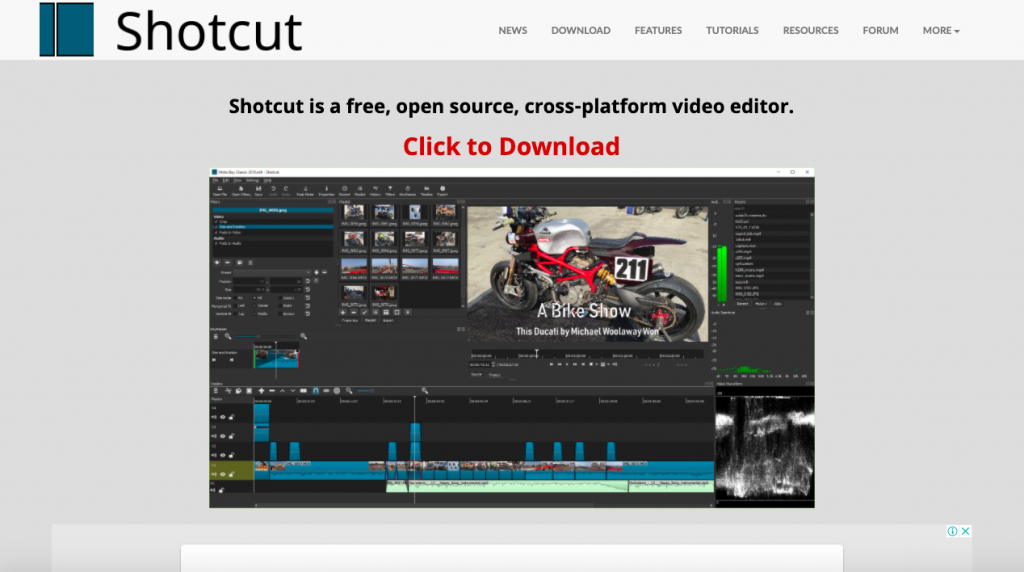
First, they designed this app for Linux users, and only after a few years of work decided to create versions for Mac and PC users. That’s why the Shortcut interface is a little bit strange. They have many intuitive features, such as dragging a file to import them into your project.
Pros:
- Customizable menu;
- A wide selection of modifying options and filters;
- Mobility of tasks, for example, return to any stage of editing;
- Automation of all work processes for user requests;
- Configuration on multiple monitors.
Cons:
2. Adobe Premiere Pro CC
It is a popular video editor, which can easily modify the video, adjust colors, and process audio. A unique set of features for video editing allows processing any type of multimedia content in the original format on desktop PCs and mobile devices.
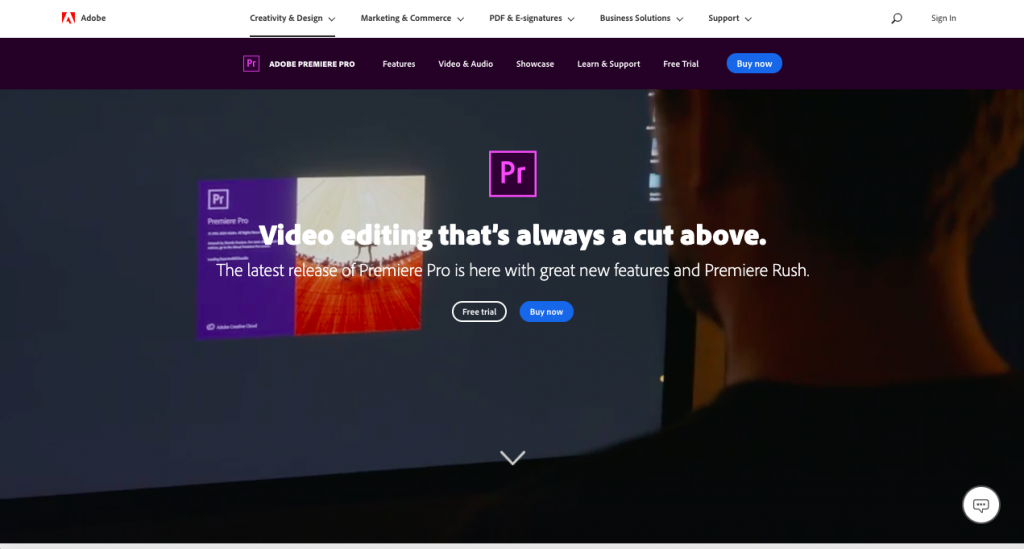
This software can be used for iOS, macOS, and Windows. You can subscribe just to Premiere Pro or get it as part of the Adobe package. They offer 360 VR and 4K support that makes it a professional tool to edit any kind of video. It’s the most complete tool in this list for both experts and newbies.
Pros:
- Plenty of customizable features, options, and plugins;
- Very convenient user interface;
- Ability to export a finished project in any of the existing formats;
- Integration with other Adobe products.
Cons:
3. Apple iMovie
If you are looking for elegance and simplicity, iMovie is the best choice for you. It is one of the most popular editors for Mac OS, iPhone, and iPad. It includes eight themes with music, transitions, and titles, ten video filters created by Apple, and a lot of different effects: image in the image, slow motion, split-screen, and fast forward.
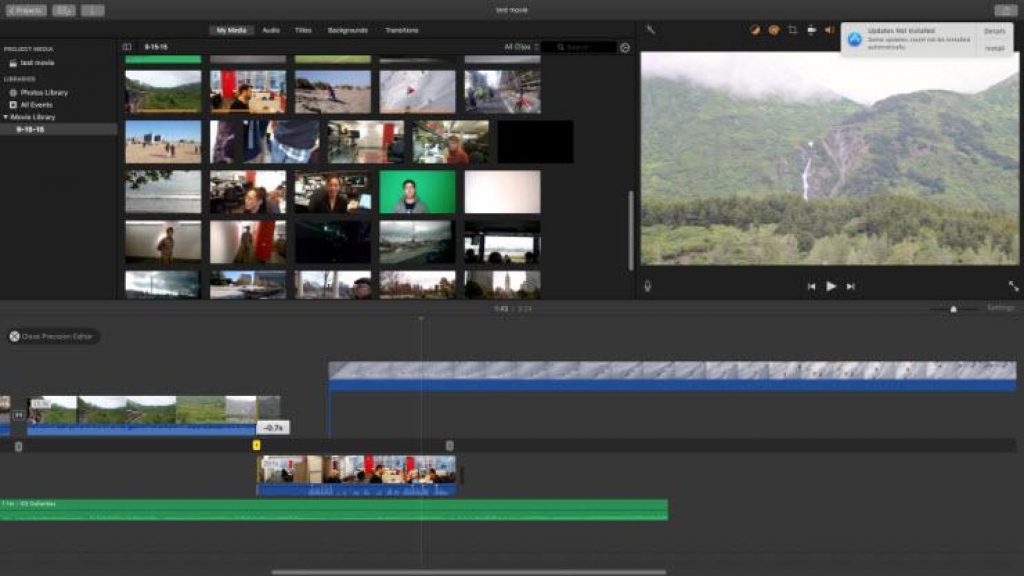
The application also has tools for creating soundtracks. One of the best features in iMovie is their ‘green screen’ That allows you to place your subject in any exotic location, let’s say Bali or Greenland.
Pros:
- User-friendly interface;
- A rich selection of tools for working with sound;
- Theater mode for sharing video with various devices from Apple;
- Support for working with 4K video.
Cons:
4. Lightworks
Lightworks is a free software option for video editing tools. The program works on Windows, Linux, and macOS. It is a perfect platform for camera operators, editors, sound engineers, bloggers. It can be used in advertising and for personal purposes, for creating home video archives and filling social networks.
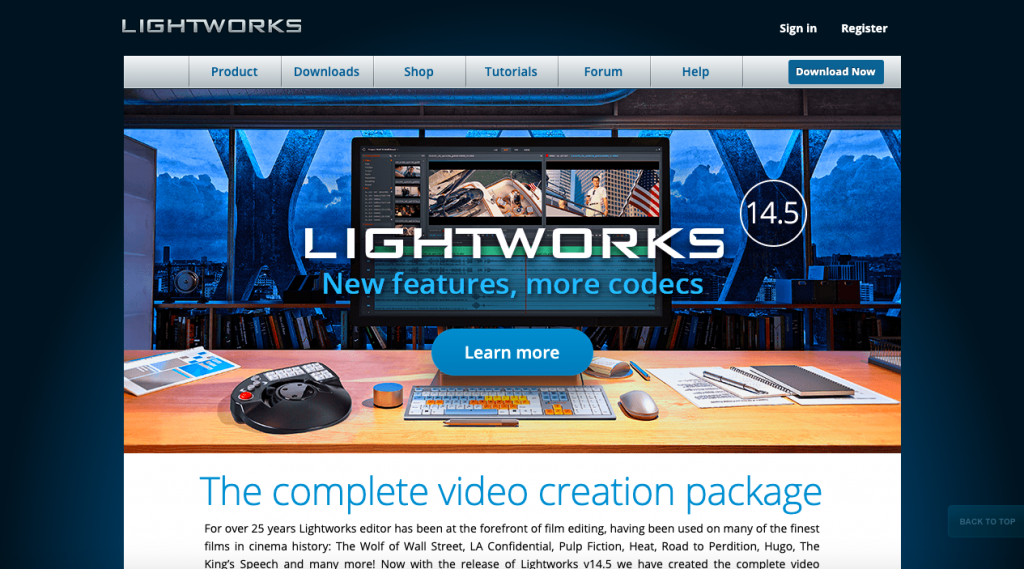
Lightworks is a perfect option for small or no-budget projects. You can import and render your footage on the background, drag editing windows around, and set custom keyboard shortcuts to simplify your working process.
Pros:
- Cross-platform feature;
- 3D video processing;
- Multichannel support;
- The ability to edit and crop the timeline.
Cons:
5. Final Cut Pro X
Apple developed this video editor for their Mac OS. The interface is very similar to iMovie. It has a vast selection of effects: video, audio, transitions, title effects, and it is possible to add additional ones. It integrates uploads to YouTube, Facebook, and Vimeo, as well as a wide range of video output formats.
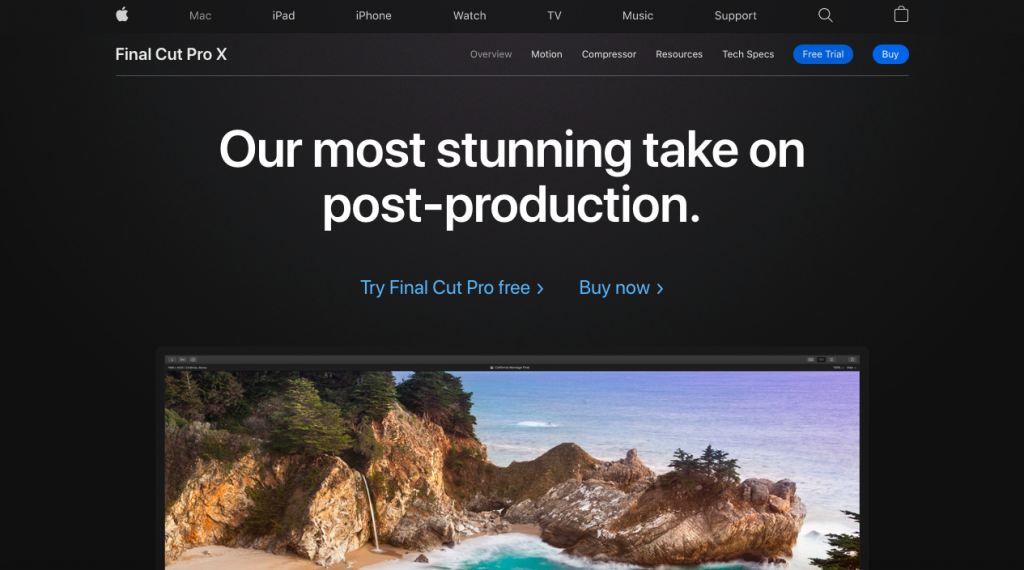
Final Cut Pro costs $300 that seems like a lot of money, but this software is packed with a lot of amazing features. You can add audio and title effect to your footage, use color-code for identification, group video, and another element so that you can move them together.
Pros:
- High resolution of output projects;
- The presence of libraries and the ability to create a keyboard collection;
- The ability to preview a particular effect without applying it to a file;
- Effects with scaling, without loss of image quality;
- Format flexibility;
Cons:
- It is costly.
best video editing software free
1. Lightworks
The best overall free video editing software
Lightworks includes a simple and intuitive interface, so it’s easy to pick up. Lightworks also offers a collection of detailed video tutorials, making it one of the more accessible and easy to learn Linux video editing software options on this list.
Lightworks has a suite of original stock videos and music clips licensed for use in any videos you edit on the program, letting you give a polished look to any marketing video.
Features:
- High-quality simple trim functions for fast and precise video editing
- Speed optimization, letting you continue to edit while importing new content
- Multicam editing for syncing clips from multiple cameras
- Real-time team project sharing with full control over which user has editing access
- Easy sharing of videos, with fast export to YouTube, Vimeo, Facebook, and Instagram
- Support for a wide range of video formats
Available for:
Windows, Mac, and Linux
Price:
Free; $24.99 per month for Pro version
G2 rating:
⭐⭐⭐ 3.5/5
2. Adobe Premiere Rush
Best free video editing software for beginners
Adobe Premiere Rush is a great option for anyone who wants to make quick video logs on your phone without spending a dime. Creators can easily generate snazzy video content to engage and then grow their social media fan base.
You can edit your videos with special effects, overlays, texts, and transitions, as well as manipulate video speed and sound effects. And don’t forget about using the presets to quickly save your videos offline or share your videos to YouTube, Facebook and Instagram.
The only drawback is that it may be too simple for advanced video editors. Adobe Premiere Rush doesn’t come with as many advanced features as some of the other free video editing software on this list, but with options to add light effects, fine tune colors, and overlay text and images, there’s enough here to make it worth the free download.
Features:
- Easy click and drag to add transitions
- Presets to easily create video files optimized for specific platforms—such as Facebook and YouTube—and post them directly from within the software
- Built-in templates for adding and editing polished titles
- 100GB of cloud storage (Upgrade up to 10TB)
Available for:
Mac, Windows
Price:
Free
G2 rating:
⭐⭐⭐⭐ 4.5/5
3. HitFilm Express
Simple free video editor software with professional visual effects and tutorials
If you don’t have a lot of experience with video editing, HitFilm Express may feel a little advanced at first—it’s used to produce Hollywood-style films—but it’s worth the learning curve, as it’s one of the best all-in-one free video editors available. (HitFilm does ask you to share a social media status update when you download the software, but that’s a small price to pay.)
HitFilm includes animation tools that let you create and edit audio and video transitions without the need to create composite shots, which is a huge time saver when editing. It also offers cool 3D effects for films, music videos, and even YouTube videos, plus features you’d find in a paid video editing software, like 4K video, 360-degree editing, and a library of special effects.
Features:
- Professional-grade video editing with motion tracking, color pickers, and cropping tools
- Composite shot enhancements that allow you to animate two separate shots together for surreal video effects
- An auto-stabilizer to make shaky footage look smooth
- Unlimited video and audio timeline track creation
- An adaptive trimmer that lets you re-trim your clips after adding them to the timeline
- Ability to copy a group of attributes from one clip and apply them directly to another or to a whole project
- Audio mixer for fine tuning sound for professional quality output
- Various transition options, such as push, zoom, and dissolve
Available for:
Mac and Windows
Price:
Free; $349 for the Pro version
G2 rating:
⭐⭐⭐⭐ 4.5/5
4. DaVinci Resolve
Top free video editor for advanced professional editors
DaVinci Resolve combines professional 8K editing, color correction, visual effects, and audio post-production in a single production tool, which is why it’s the software of choice for many professional editors of films, television shows, and commercials.
DaVinci allows for both offline and online editing, and its high-performance playback engine saves time when editing and trimming—even for processor-intensive file formats like H.264 and RAW. DaVinci Resolve’s complex features may be too extensive for some users, but its free version is perfect for more advanced projects.
Features:
- Dual timeline for quick navigation, cutting, and trimming
- A dedicated trim interface that gives you the ability to edit in minute detail
- Intelligent auto-editing that syncs audio and video clips for you
- Built-in tools for picture-in-picture effects, retiming, stabilization, dynamic zoom, text, and audio
- Facial recognition that detects faces in your clips and automatically creates bins based on the people in each shot
- High-quality motion estimation speed changes and frame rate conversions to easily and realistically speed up or slow-down clips
Available for:
Windows, Mac, and Linux
Price:
Free; $269 for the full Studio version
G2 rating:
⭐⭐⭐⭐ 4.6/5
5. VSDC Free Video Editor
Best no watermark editor for Windows
VSDC’s desktop video editing software is available, with no watermarks, as both a free and a paid version. Although the free version has reduced features, it still comes with VSDC’s full video editing suite—including a mask tool and chroma key functionality for green-screen video effects.
If you have the funds to spring for the full version, the suite of tools expands to include video stabilization, robust post-production effects, slideshow/presentation capabilities, 3D diagram templates, and direct social media publishing.
Features:
- No watermarks
- Color-correction tools for a more professional look
- A full suite of transitional effects
- Easy-to-use image filters, similar to what you’d find on Instagram
- Mask tools for hiding, blurring, or highlighting specific elements
- Social media link for sharing videos on Facebook, YouTube, Instagram, Twitter, and Vimeo
- HEVC/H.265 (an advanced video-compression standard), for maintaining the highest quality at the minimum file size—essential for processing 4K and HD files
Available for:
Windows
Price:
Free: $19.99 for Pro version
Conclusion
Let us know your thoughts in the comment section below.
Check out other publications to gain access to more digital resources if you are just starting out with Flux Resource.
Also contact us today to optimize your business(s)/Brand(s) for Search Engines