
In middle school, it’s a great time to start learning how to code. Not only is coding a skill that will help you with math and science in school, but it’s also an important skill for the future. The more familiar you are with coding now, the better you’ll be prepared for your career later on!
So what are the best coding tools for middle school? We’ve put together a list of our favorite tools:
Table of Contents
Best Coding Tools For Middle School
Middle school is a perfect time to get students coding, but by then, students might be at different levels of familiarity. We’ve hand-picked these tools so that students at every level of knowledge and achievement will find something useful, from more visual, building block-style coding tools great for beginners to advanced courses and tutorials that get students learning and using real languages to make apps, websites, and games. Whether students are playing a simple logic-based game or writing scripts to create the next big app, these tools are sure to get students thinking about what sort of language goes into the technology they use every day.
If you’re looking to begin coding and programming lessons in your classroom, check out our Teaching Strategies for how to Get Started with Coding in Your Classroom.
Block- and Text-Based Code

Code.org
Popular games, big names get kids and teachers pumped to program
Bottom line: A thoughtfully planned, produced, and curated set of free resources bound to get kids hooked on learning to code.Grades: K–12 Price: FreeVisit website See full review
Tynker
Approachable, powerful coding curriculum covers much ground, provides support
Bottom line: Tynker empowers students of all ages and experience levels to create custom coding projects for a variety of platforms.Grades: K–12 Price: Free to try Visit website See full review
Code for Life
Comprehensive coding platform has impressive resources for teachers
Bottom line: This learn-to-code program has the breadth and depth required to meet the needs of almost any teacher.Grades: 1–12 Price: FreeVisit website See full review
Sphero Edu
Cool robots and creative play make programming irresistible
Bottom line: Hub for Sphero robots draws crafty kids who love making into coding, and it empowers them to be collaborators.Grades: 3–8 Price: Free, Paid Get it now See full review
Microsoft MakeCode
Bring code to life with circuits, robots, Minecraft, and more
Bottom line: Once you purchase the hardware, MakeCode opens doors to an incredible diversity of coding applications.Grades: 3–12 Price: Free Visit website See full review
Codesters
Differentiated text-based coding makes for truly authentic experiences
Bottom line: The well-designed Python lessons and user interface make this a great choice for serious coding instruction.Grades: 4–8 Price: Free to try, Paid Visit website See full review
Machine Learning for Kids
Authentic AI-powered projects make kids’ creations feel like magic
Bottom line: It takes a topic that would be difficult to teach in any practical way and makes it accessible for the classroom.Grades: 6–12 Price: FreeVisit website See full review
micro:bit
Code games or fun displays with mini piece of hardware
Bottom line: This versatile tool for learning how to program with blocks or text is a nice fit for STEM classes and clubs.Grades: 6–12 Price: Free, Paid Visit website See full review
Block-Based Code
Scratch
Creative sandbox opens the door to coding in any subject area
Bottom line: Scratch draws students of all types into coding and lays a foundation for future learning.Grades: 2–12 Price: FreeVisit website See full review
Itch
Full-featured tool makes teaching with Scratch easier than ever
Bottom line: Here you’ll find resources for teaching with Scratch and a complete management tool to support student learning.
best online coding courses for middle school students
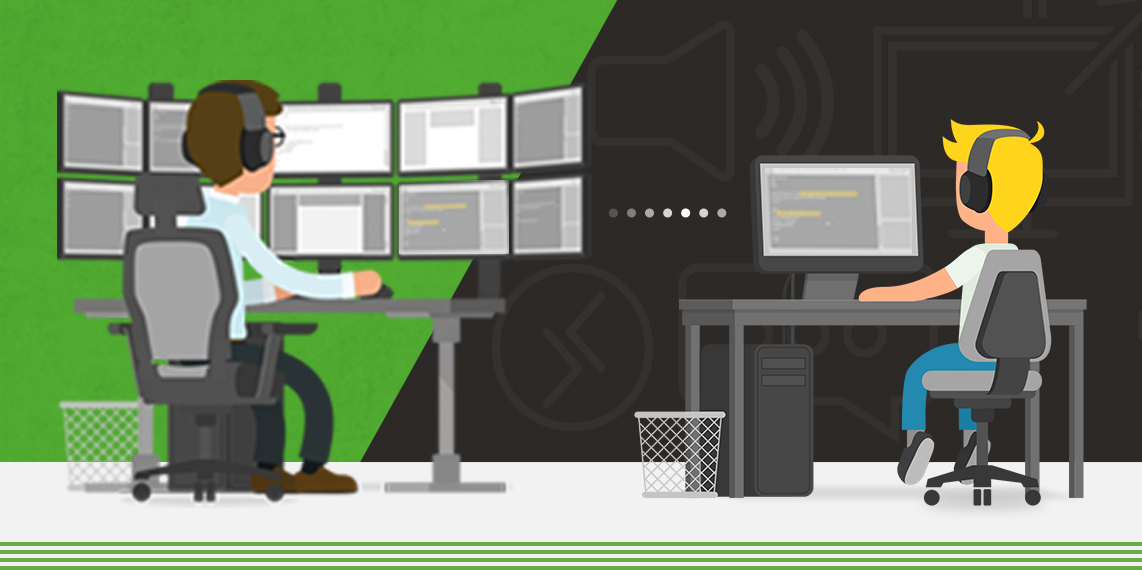
FunTech is the England’s leading supplier of online coding courses. Kids are able to choose from a wide variety of courses including coding with Minecraft, Roblox, and some of the most common programming languages such as Python and Java.
We’ve been running kids’ online coding classes for over 12 years. In that time we have grown to become the experts in delivering virtual lessons to kids in a range of tech subjects.
The best online coding classes for kids
Using our bespoke virtual learning platform, the FunTech Virtual Lab, we are currently running the following online programming courses for kids aged 7 to 16.
1. Minecraft with Mods (ages 7 to 10)
This online coding course has proved to be one of our most popular yet. Your child’s learning adventure starts with our online tutors giving them access to some amazing secrets in the Minecraft platform.
During the online coding class, kids are taught how to mod with Minecraft. This involves learning about how blocks, items, creatures and the world itself works from a programmatic perspective.
After that, our online Minecraft tutors will help them discover how to create and configure properties, functions and textures of these fundamental elements of the game.
2. Scratch Coding (ages 7 to 10)
This online programming course lets kids get ahead with coding using the popular Scratch platform. The online classes start off with an introduction to Scratch’s visual coding environment, learning about the key areas of branching and iteration plus variables and game logic.
Your child will then learn how to use engaging virtual projects to create fun, interactive and animated applications and games.
Once this online coding class is complete, your child will be an expert in coding with Scratch!
3. Roblox Game Maker (ages 9 to 12)
These online programming lessons start off with your child setting up a project with Roblox Studio. They will then be virtually tasked in designing an obstacle course filled with moving platforms, explosive hazards, and more!
Our online tutors will also introduce them to more advanced programming concepts such as variables. These lessons can be transferred to any programming language.
The virtual coding lessons end with your child publishing their game then challenge classmates to a kart racing game. Whose terrain will be the most challenging? Which kart has the most realistic design? Everyone will have to play each other’s game to find out.
4. Indie Game Builder (ages 9 to 13)
This online video game design course helps kids with the game design process from the ground up. Your child will begin by understanding the principles of a successful indie game, such as user experience, display area, and more.
Through a series of fun, game-based exercises led by our expert online tutors, they’ll learn to use event-based programming to animate, control, and position their objects. Their code will consider a broad range of events and outcomes. What should an object do if it collides with a wall? The code has the answer!
Additional concepts covered include game logic, digital media creation, creative asset management, programming concepts, and user interaction. Once they’ve mastered all that, they’ll design and build their own game. Finally, they’ll export it and produce a finished product that everyone can play!
5. 3D Game Design (ages 10 to 14)
For slightly older kids, this online coding courses focuses on 3D game design. Your child will learn how to use visual scripting tools, letting them to embrace the power of programming without the complexity of coding syntax.
With the support of our virtual tutors, they’ll learn how to create exhilarating custom behaviours and incredible game mechanics using best practices.
On the coding side, they’ll master essential programming concepts such as variables, branching, looping, events and more! And, on top of all this, your child will also learn the basics of 3D modelling.
6. Python Coder (ages 10 to 16)
This kids’ online coding class is all about the popular Python programming language. Your child will start off being taught coding logic before focussing more on Python and how to use it.
This virtual coding course includes plenty of hands-on learning, covering subjects such as data types, variables, user inputs, branching, iteration, functions and much more.
Moreover, to keep your child totally engaged, our team of experienced virtual Python tutors will teach them Python online in a fun and dynamic format using such tools as the Turtle Module.
7. Python Game Developer (ages 11 to 16)
This coding class starts off with an introduction to core programming constructs including object-orientation programming. This is where segments of code are written as blueprints and used repeatedly, meaning any updates will only need to be edited at the blueprint level. It’s a methodology that creates efficient code and is used throughout the industry.
Throughout the virtual coding lessons, kids learn advanced coding and mathematical concepts, from code that can react to keyboard presses and mouse inputs, through to reactive physics systems and much, much more.
In addition to programming, your child will also learn about game life cycles, user interaction and installation – culminating in an awesome series of retro 2D games.
8. Java Coder (ages 11 to 16)
Our kids’ online Java coding classes begin with a theoretical examination of coding logic. Using flowcharts and pseudo code, you child will learn the best practise of being a good coder: understand the problem, create a solution, then write programming code. This is followed by an orientation to Eclipse (a Java Independent Development Environment).
Next, they’ll look at how to make their code more efficient, firstly, by minimising the number of lines of code and then by using functions – an independent segmentation of code that, once written, can be used as many times as needed.
Finally, your child will implement all they’ve learned by creating fascinating, game-based projects which they enjoy long after finishing our online Java course.
Conclusion
Let us know your thoughts in the comment section below.
Check out other publications to gain access to more digital resources if you are just starting out with Flux Resource.
Also contact us today to optimize your business(s)/Brand(s) for Search Engines