
We have reviewed 140 email marketing tools. Let us help take the confusion out of choosing a tool that is right for you. Here’s a table with the best email marketing tools 2018 and an easy to read chart of features, plus our detailed company profiles and reviews of each email marketing tool.
Table of Contents
How Many Email Marketing Tools 2018
Crafting the perfect email takes blood, sweat, tears – and time. Email marketing services are designed to make the process as painless as possible with customisable templates, scheduling capabilities, analytics and more. A good tool will help you build engaging emails that will resonate with your audience, as well as manage all your contacts and workflows in one place.
What service you go for will depend entirely on your needs, business size and budget. Whether you’re looking for a basic text editor or something a bit more complex, there are a variety of options to choose from with different ways of using your contacts. While certain features of free email marketing tools may be restricted, they still offer plenty for small businesses to get their teeth into. For those that need a more comprehensive service, there are paid plans to suit every budget. So, who made the cut into our top five tools?
MailChimp

One of the most popular tools, MailChimp offers an impressive array of features that are pretty easy to get to grips with. While most services offer a free trial before you have to buy, MailChimp boats a ‘free forever’ plan. This is particularly useful for small businesses with up to 2,000 subscribers, as you can send 12,000 emails per month absolutely free. This package includes the ability to set up automated email campaigns, build sign-up forms, access personalised reports, and even create Facebook and Instagram ad campaigns.
If you need to send more emails than this each month, MailChimp’s subscription plans start from $10 for up to 500 subscribers. Paid plans also offer more advanced reporting and testing tools, as well as access to their support team. While these advanced plans are good, MailChimp really can’t be beaten when it comes to free email marketing tools for beginners.

The simplicity of the tool can be a downside, however, if you’re looking to flex more advanced email marketing muscles. Changing default settings can be frustrating and requires some digging, as MailChimp prides itself on making the initial setup as easy as possible. The service also undergoes constant updates, which can be irritating – much like apps that always need to be updated on your phone. But, this shows that the team is always striving to improve the product, which can’t really be a bad thing.
GetResponse

Starting from £10 a month, GetResponse is an investment for growing businesses. The platform offers a variety of useful features that go beyond simple email templates, such as the ability to build landing pages and host webinars to increase engagement and generate leads. GetResponse also includes marketing automation tools to help you create workflows and transform subscribers into customers.
Of course, the email marketing tool has not been forgotten. In fact, the service offers over 500 templates to choose from, complete with 1,000 iStock images to bring your emails to life. GetResponse excels at making the building process as easy as possible with a drag-and-drop feature, or you can opt to use HTML code if you prefer. With no free subscription, this service is more suitable for medium-sized businesses that will make the most of its features.

Arguably, GetResponse is a little dated compared to its competitors and lacks some design functionality that would cements its place as one of the best email marketing services around. For instance, you can only use ‘web-safe’ fonts that can make your designs look a bit bland. The user interface could also do with a makeover, but a new beta version of the tool suggests this is well on the way.
Emma

If the name wasn’t inviting enough, the friendly logo should do it. Emma (short for “email marketing”) offers a lot of bang for your buck – considering the lowest price tag is $89 a month, you can see why. Emma prides itself on marketing automation and knowing when to send the right email at the right time. By accumulating CRM and sales data, Emma allows you to personalise and automate emails to your segmented subscribers.
The service also facilitates dynamic content to make each email unique, as well as providing A/B testing so you can determine which design works best for you. Paired with an attractive landing page builder and on-the-go analytics, Emma is an impressive tool for businesses looking to take drip campaigns seriously.

Where Emma falls down, though, is limited formatting and design functionality. If may not be possible to get your emails exactly how you would like them to look, but that’s the sacrifice you have to make using templates. The support response time may also be a little slow for some users, as there is no live chat option available.
SendinBlue

Hailed as a true alternative to MailChimp, SendinBlue offers a completely free option to send up to 300 emails a day to an unlimited number of contacts. This package includes a large template gallery to build mobile-friendly emails using a similar drag-and-drop functionality seen on most services. You can also access the automation tools and contact manager to keep on top of your subscribers, as well as view real-time reporting on your efforts.
A standout feature of SendinBlue is the ability to create SMS campaigns, which work much the same as email campaigns. You can import contacts, create filters, schedule text messages and analyse results with the same granularity. If you want to invest in a paid plan, starting from £15 a month, you’ll have no daily email limit, more reporting capabilities, no marketing automation limits, and more. While it is not as polished as MailChimp, it certainly emulates many of the same features that make SendinBlue a great choice from small businesses.

However, the tool does not seamlessly use third-party integration, so you cannot upload your contacts directly from another source for instance. There is also no social media integration, which can be frustrating. Arguably, SendinBlue is not as easy to set as MailChimp either, but this will differ from person to person.
Constant Contact

An old-timer, Constant Contact has been around for well over 20 years now. But, it has earned its stripes as one of the most reliable email marketing services around, especially for small businesses. Starting at £15 a month, with a 30-day free trial included, you can send unlimited emails to your subscribers using a variety of drag-and-drop templates optimised for mobile devices.
Constant Contact goes beyond your typical tool by allowing the integration of surveys, discounts, invitations, donations and more, in your emails. These go a long way in nurturing your existing contacts and attracting new ones to stay. Constant Contact’s automation service is also useful for gathering existing emails and personalising them, before sending them out to your cohorts at specified times. Add integration with others services like WordPress, Formstack and Hootsuite, and it’s easy to see why this tool has stood the test of time.

While Constant Contact may seem like an affordable option upfront, the cost soon creeps up if you want more storage space, to increase contacts, and add more team members to the service. You are also limited when it comes to customising your own HTML designs, as the service tends to cater to beginners.
So, who should you go for?
What email marketing service you choose will depend entirely on your business. To help decide, ensure you know how many contacts you currently have, leave room for growth, and make a list of all the essential features you can’t live without. While a free service may have everything you need, don’t be afraid to invest in a service that will give you an edge on competitors and if all goes to plan, a higher return on that investment.
mailchimp

In a hurry? Save this article as a PDF.
Tired of scrolling? Download a PDF version for easier offline reading and sharing with coworkers.Download
You know that saying about how the best time to plant a tree was twenty years ago and the second-best time is now?See how Kinsta stacks up against the competition. Select your provider WP Engine SiteGround GoDaddy Bluehost Flywheel HostGator Cloudways AWS Digital Ocean DreamHost Other Compare
It’s the same with email marketing. The best time to start building your list was the moment you had the idea for your business. The second best time is now. In fact, back in 2017 DMA discovered that the average return for each £1 (~$1.28) spent on email marketing was £32.28 (~$41.28), which is an incredible return on investment.
But that’s easier said than done. The number of email marketing software options out there can make your head spin. Which one should you go with?
Why Use Mailchimp:
Mailchimp is one of the most famous and used email marketing software in the world. Founded in 2001 by Ben Chestnut and Dan Kurzius, Mailchimp has now more than 20 million users and its valued $4.2 billion. Here’s why it’s a good starting point for beginners:
- It’s easy to use
- It has all the necessary features
- It’s reliable
- It’s free to start with
- It’s developed by an established business and committed founders
Support
Today we are going to take a look at how to use Mailchimp, one of the most popular email marketing tools out there, and show you how you can use it to start building your email list today.
What is Mailchimp?
Mailchimp is an email marketing company that was founded by Ben Chestnut and Dan Kurzius in 2001.
Initially, it was just a side project meant to help Ben and Dan’s web design agency clients build email lists, and it remained such for the first six years of its existence, bringing in just a few thousand dollars a month.
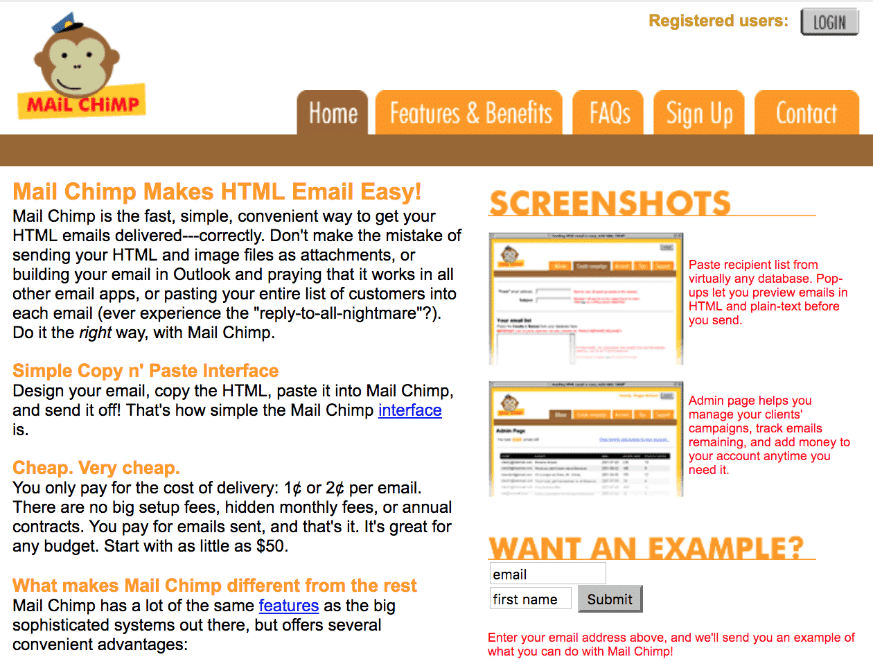
However, in 2007 Ben and Dan realized that their hearts weren’t in the web design agency business anymore, and decided to focus on Mailchimp full-time.
(Suggested reading: Your Guide to Starting and Running a Successful WordPress Agency).
They didn’t take any outside investment and financed the business growth by reinvesting its profits back into it.
Since then, Mailchimp has become one of the most popular and well-known email marketing software out there with recent changes that are turning it into a fully-fledged Marketing platform.
According to Forbes, in 2018 it had 20 million users, generated over $600 million in revenue, and was valued at $4.2 billion.
The co-founders remain committed to the business and have no intention to sell:
“Go public? Not worth the headache!” Chestnut says. Sell? The founders look incredulous.
“To this day, it’s just a funny feeling that we can help” explains Kurzius. Chestnut chimes in: “I want people to see that the past 17 years were just a warm-up.”
Pros and Cons of Mailchimp
What is the best email marketing software on the market today?
It’s impossible to answer this question. It all depends on the needs of your business. So what you really need to ask is: “Which email marketing software is the best for me?”
MailChimp, just like any other tool, has its pros and cons and works better for some people than for others. If you’re curious, we use and love Mailchimp at Kinsta.
Pros of Mailchimp
Established Business and Committed Founders
Going with a fledgling startup is always a risk because it might fold at any moment.
There’s something called Lindy Effect. It is a theory that says that the future life expectancy of a non-perishable thing is proportional to its current age. So, for example, if a company has been in business for one year, you can expect it to be in business for one more year, but if a company has been in business for 18 years like Mailchimp, you can expect it to stay in business for another 18 years.
This is an important consideration because an email marketing software provider going bust would disrupt your email marketing efforts which might cost you a lot of money in lost revenue.
Easy to Use, Has All the Necessary Features, Is Reliable
18 years in business also means that Mailchimp has a polished product.
Sure, software is always work in progress, but they have had the time to work out the user interface (though some would argue that there’s a lot of space for improvement there since learning how to use Mailchimp can take some effort), add necessary features, and ensure deliverability.
Free to start with
If you are just starting out, the chances are that the money is already tight, and paying $30+ monthly subscription fee to email your three subscribers might seem ludicrous.
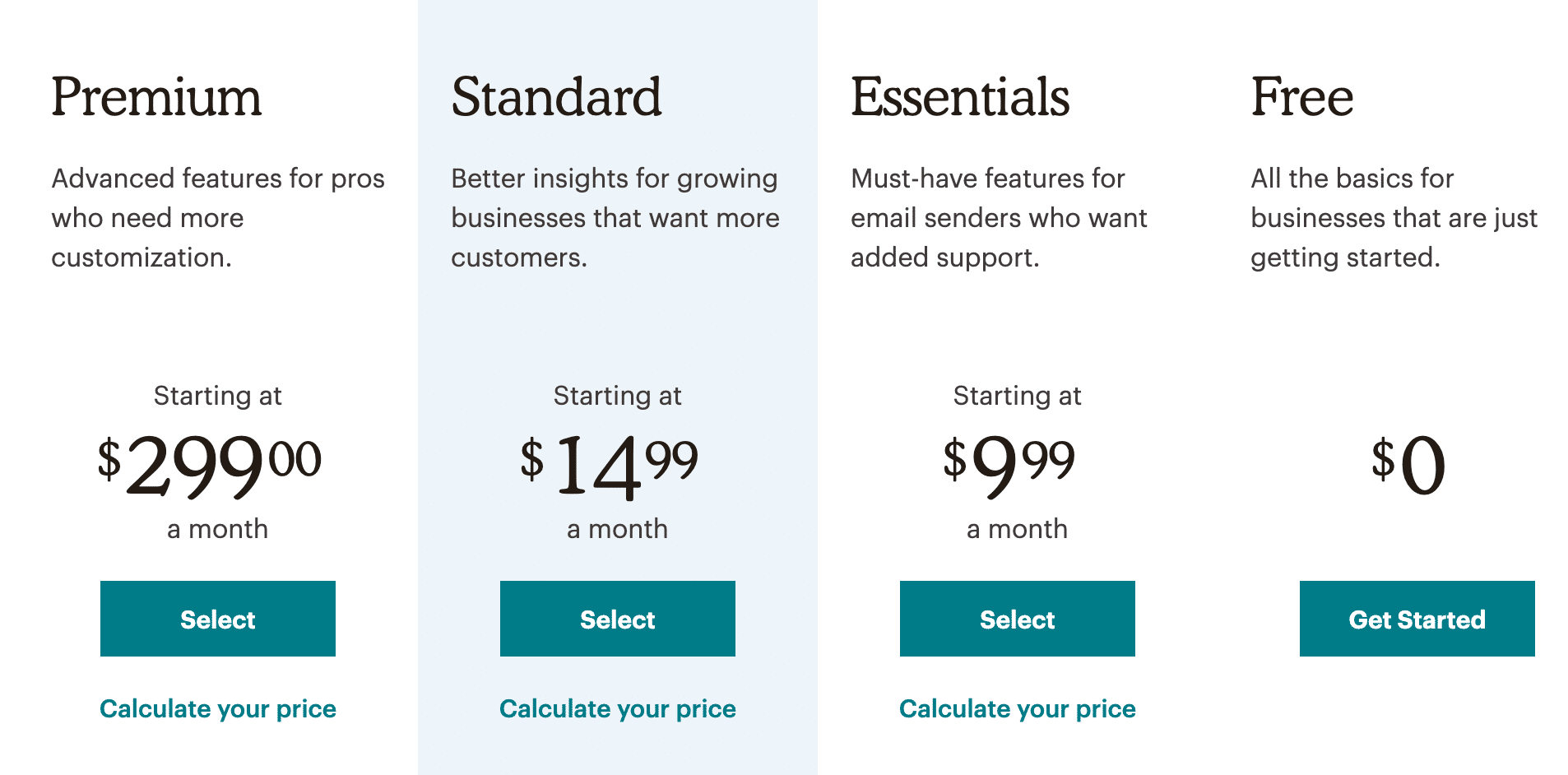
However, with MailChimp, you don’t have to pay anything until you reach 2,000 email subscribers, at which point you are probably making enough money from your list to justify the expense of upgrading to a premium plan.
Cons of Mailchimp
It’s a Generic Email Marketing Software
Mailchimp’s target audience appears to be anyone and everyone who wants to build an email list.
And they are doing the whole casting a wide net thing really well. It doesn’t matter whether you are a hobbyist, an online creator, or an ecommerce entrepreneur, Mailchimp has got you covered.
However, serving such a broad target audience means that while it is an okay solution, it is not necessarily the best solution for your niche.
For example, if you are a hobbyist that only needs the most basic email marketing functionality, then MoonMail might be a better option.
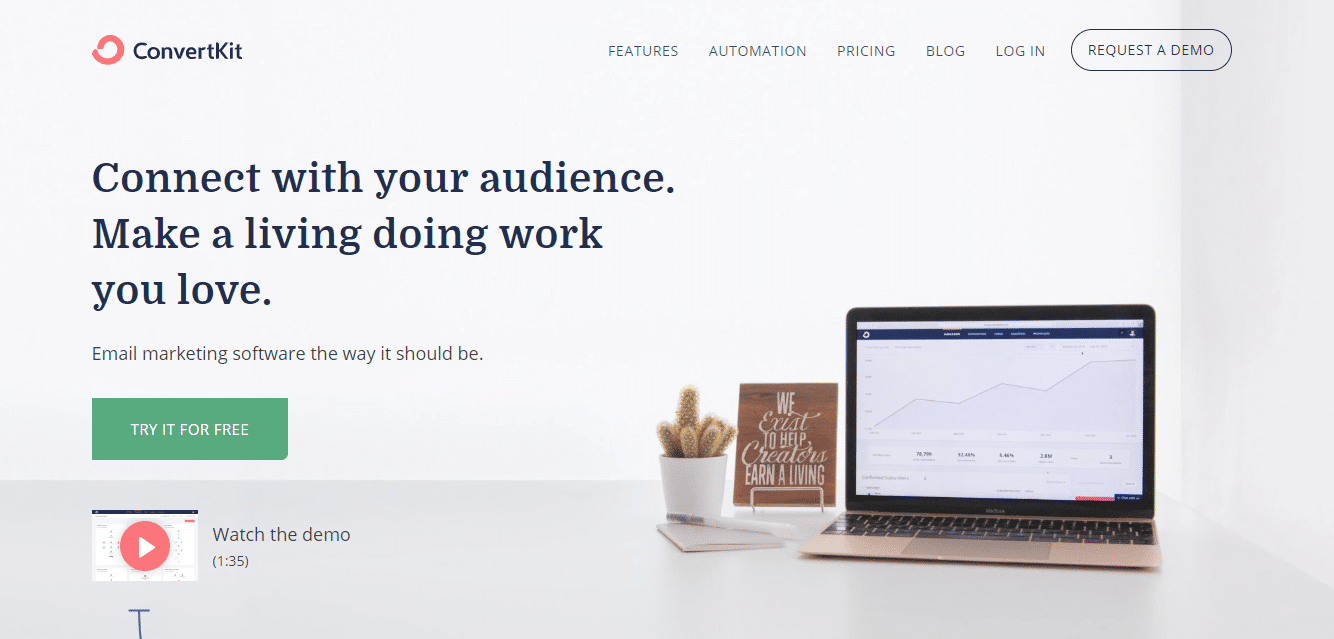
Meanwhile, if you are an online creator, then ConvertKit was built with you in mind, and their mission is to help creators earn a living online.
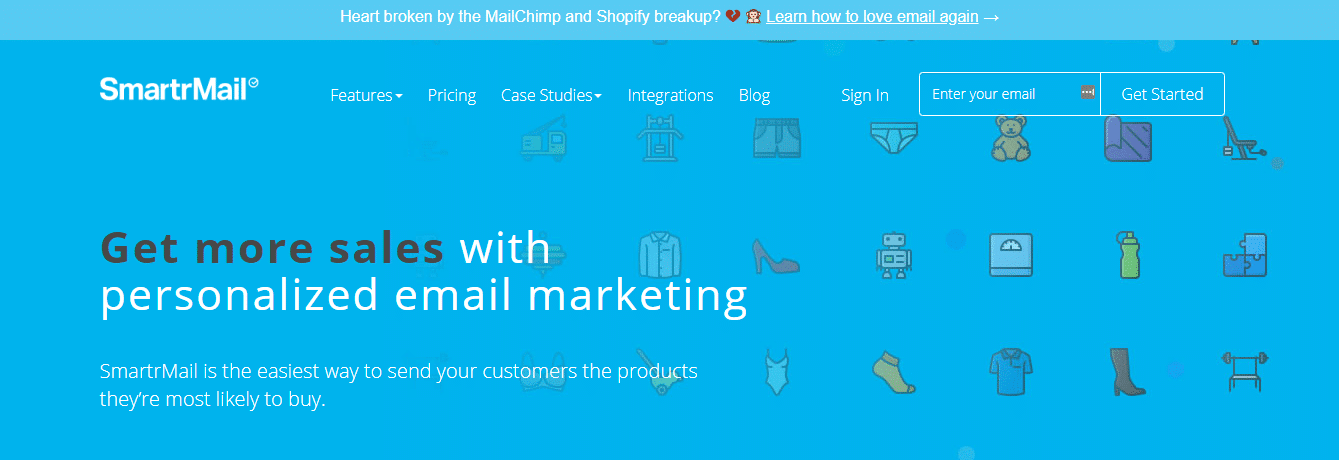
And if you have an ecommerce business, then you might want to check out SmartrMail or Drip:
So you need to see whether it makes sense to go with Mailchimp when there are niche options available.
While You Can Start for Free with Mailchimp, It Can Get Expensive as Your List Grows
Mailchimp is free up to 2,000 subscribers, but how much does it cost after that?
You can use the cost calculator on their pricing page to work out how much you’d have to pay once you reach a specific number of subscribers.
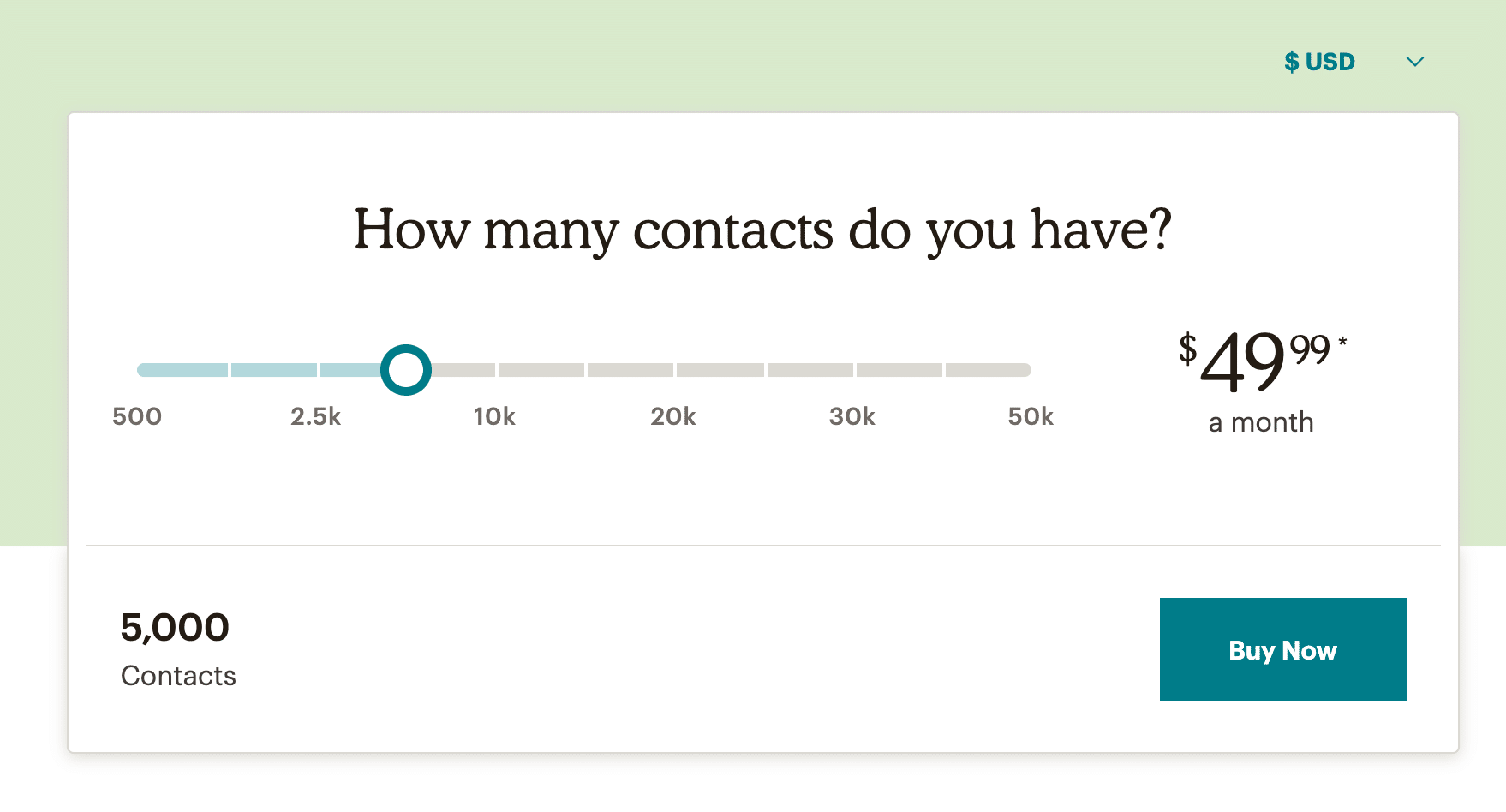
Mailchimp has drawn criticism over their pricing which some people consider to be unfair.
For example, the bootstrapping star Pieter Levels switched from Mailchimp to SendGrind in 2017
His main reason for switching was that Mailchimp was charging him $250/month which he called “predatory”
However, to be fair to Mailchimp, their pricing isn’t that outrageous when compared to some of their competitors but it’s still something to keep in mind if the price is an issue to you.
Burning Question: Should You Use Mailchimp?
It depends.
If you have an established business and have money to invest in email marketing, then it probably makes more sense to go with one of the niche options on the market.
However, if you are just starting out, then Mailchimp is the most affordable option (at least in the short term) and a great way to learn the ropes of email marketing.
Moreover, the reality is that you should have started an email list the moment you had your business idea and now you are way behind schedule.
So, if you find yourself stuck in analysis paralysis, endlessly comparing various options without ever picking one, then it might be best to just go with Mailchimp.
You can always switch to another email marketing software provider later down the road (switching is a headache, but it’s doable).
What matters now is that you start building your email list. You can check out here 22 Mailchimp alternatives, including free options as well.The best time to start building your email list was the moment you launched your business. The second best time is now. 😉CLICK TO TWEET
Get Started with Mailchimp
As you will see in this Mailchimp tutorial, getting started with Mailchimp is easy.
Step 1
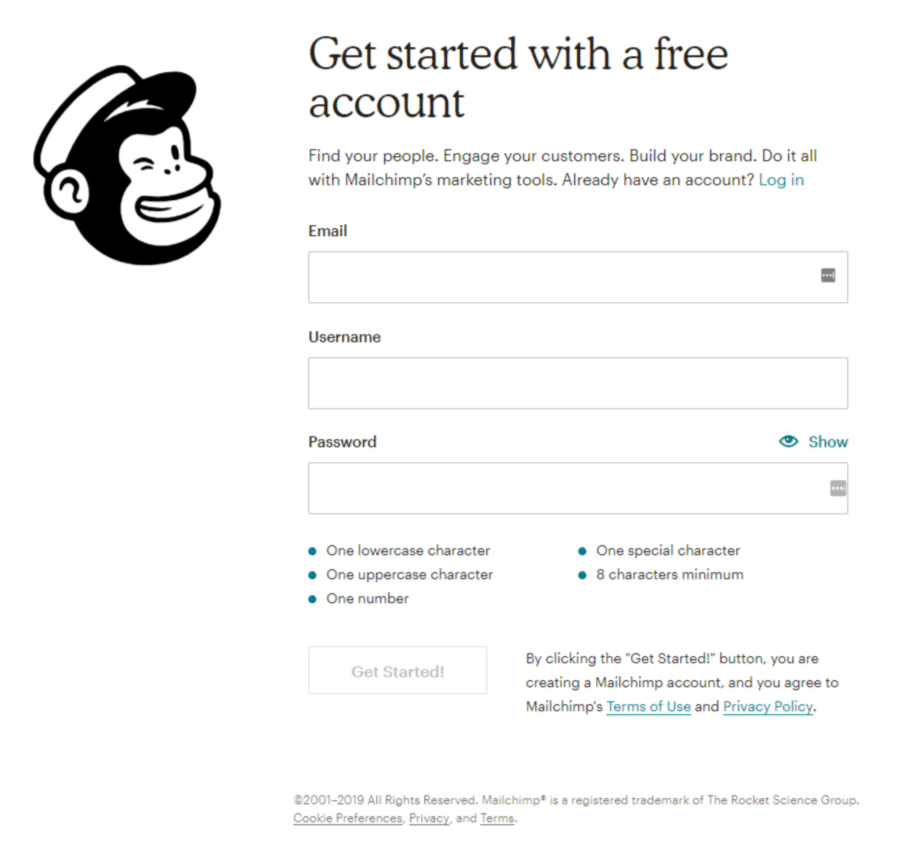
Go to the Mailchimp’s website and click the “Sign Up for Free” button in the top right corner.
You will be directed to a signup form that asks for your email, username, and password.
Step 2
Once you submit the required information, you will get an email from Mailchimp asking you to activate your account by clicking the “Activate Account” button.
Step 3
Then you will have to confirm that you are human by clicking the “I’m Not a Robot” button.
Step 4
You will then be taken through a series of set up screens asking you for more information (name, business details, physical address, etc.).
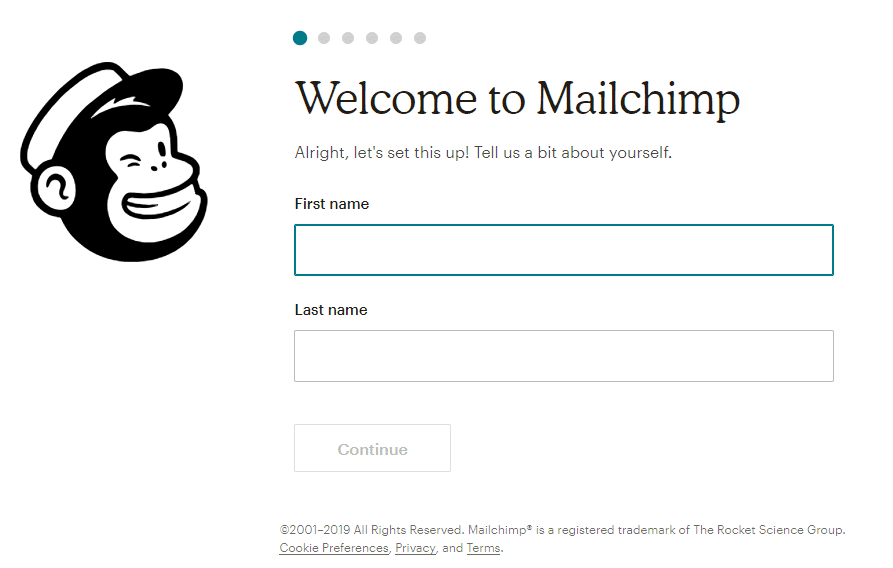
There’s even a “Let’s Find Your Marketing Path” quiz that provides Mailchimp with the information they need to make marketing suggestions in the future.
Once you are done with all that, you will continue the onboarding process by designing your first email.
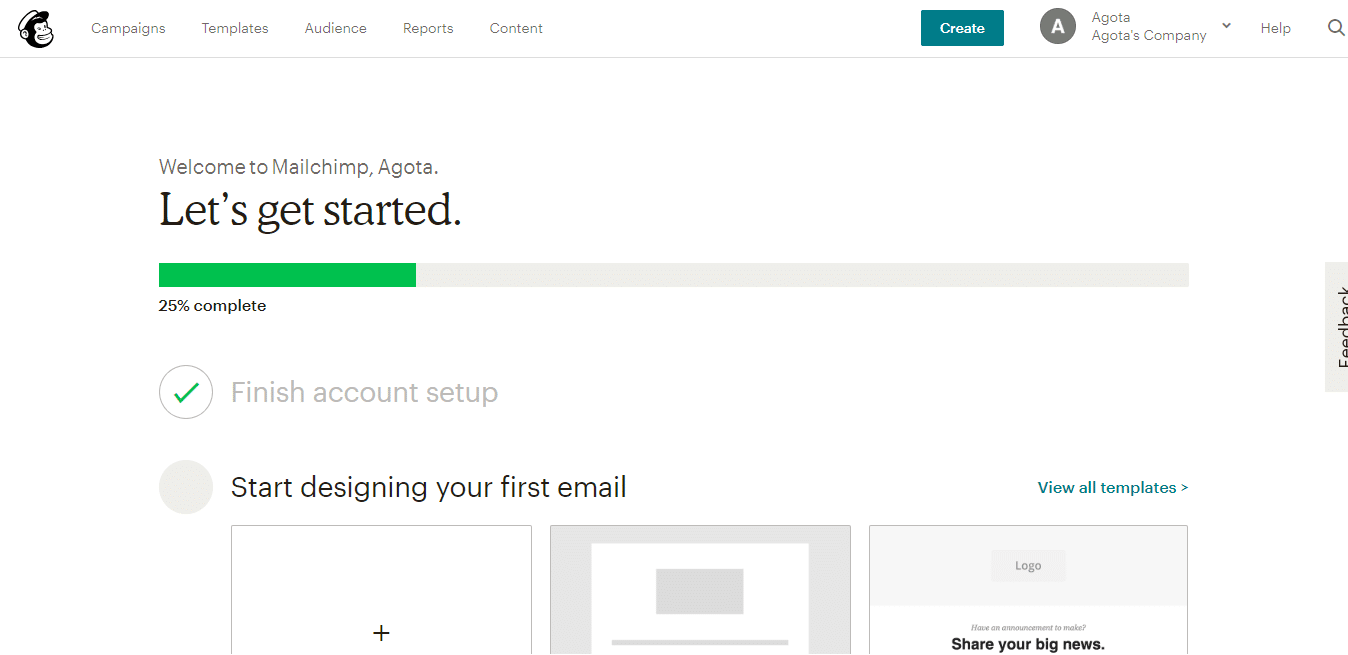
You can then add contacts by either importing them from a file or using a pop-up form to collect subscribers.
Finally, you can send your first email to the people you have just added.
You will then be presented with suggestions on what to do next which include creating a landing page, growing your audience with Facebook and setting up an automated welcome email.
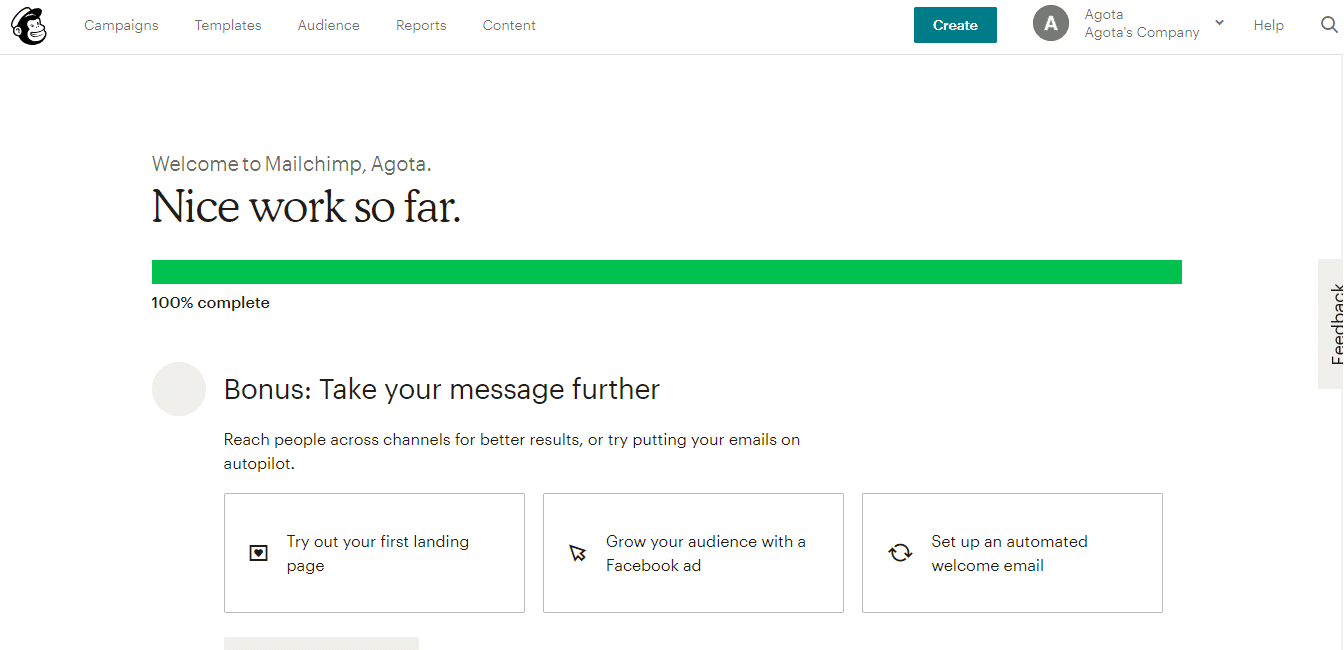
As you can see, the registration and onboarding processes are very straightforward, so you don’t have any excuses to delay signing up any longer. Do it today!
Conclusion
Let us know your thoughts in the comment section below.
Check out other publications to gain access to more digital resources if you are just starting out with Flux Resource.
Also contact us today to optimize your business(s)/Brand(s) for Search Engines