
If you are looking for free seo tools for bloggers, then you have just landed at the best possible place! If this is your first time here, then take 5 minutes to go through the post on why is blog important and the 11 reasons why business blog. You will find all the top performing keywords that your customers use to search for your type of business. The complete list of over 15 hand-picked free seo tools…
Table of Contents
How Many Free Seo Tools For Bloggers 2021
You need to make your presence felt by ranking on page 1, for which you need SEO tools. It’s a necessity, not voluntary.
However, these SEO tools are expensive. Not designed for beginners, who are skeptical about their work online. Bloggers, who are trying out and don’t have surety about their success. Yes, they have advanced features and benefits like never before but as a beginner, just get the basics right and you are good to go.
What’s the alternative? There are plenty of free SEO tools that ensure you present your articles correctly and in sync with the readers.
Use these 5 best free SEO tools and launch your spaceship in the universe of
- Higher Google ranking and
- More traffic
Let’s get started —
1. Seedkeywords
Find fresh keyword ideas.
What is the Seed keyword?

It is a keyword research tool with a completely different take by the inbound marketing agency Red Evolution. Most of the keyword research tool lets you sprinkle a couple of seed keywords to give you a list of low competition keywords to work on.
But everybody’s doing the same thing and targeting the same keywords which makes them highly competitive with time.
In Seed keyword, you directly ask the customers how they would prefer to find you. Anything better than this? I don’t think so.
How to use Seed keywords?
You don’t ask the tool what people are searching for, you create a scenario for it.
Creating a scenario simply means, building a situation and ask your family and friends, what would they do in such situations.
For example, You are a clothing e-commerce business. You created a scenario as “you needed to find cheap clothes nearby” and share this scenario with your known ones with a unique tracking URL provided by the platform.
You will be surprised with how many different keywords and phrases, people would love to find you online. There it is, fresh keyword ideas straight from your customers.
Now put these phrases into a traditional keyword research tool and get a list of suggestions that no one talked about and worked around.
Benefits of Seed Keywords :
- Unearth fresh keyword ideas.
- Queries or phrases straight from your customers.
- Opportunity to work on Low competition keywords.
- A unique and targeted URL for each scenario.
2. Exploding topics
Find popular and trending topics.
What is Exploding topics?

If simply put together, it is a tool that helps you find trending topics that are less competitive and not widely known. You may be the first one to create articles for an upcoming growing topic.
You can observe what topics are gaining traction and who are losing it.
How to use Exploding topics?
Exploding topics have 30 categories to choose from. You can select your niche from these categories and it will show you the trend from the last 15 years.
You might be thinking, for trending topics I have Google trends. I will use that only.
But, Google trends lack one major factor. You need to know which keyword you are targeting to acquire its trend. It is used to confirm a keyword worth creating content or not.
With Exploding topics, you don’t have to put in any keywords. Select your niche and you are good to go. This tool will inform you of every trendy affair inside your niche.
So what are you waiting for? Go and shoot for trending topics. Not many are aware of this tool, benefit from it.
Benefits of Exploding topics
- Saves time as you don’t have to choose the keyword.
- In-depth articles around new topics rank higher and quicker in Google search results.
- Build trust and authenticity as a blogger.
- Free to use.
3. LSI Graph
Sprinkle LSI keywords for higher rankings.
What is LSI Graph?
You have heard of LSI keywords before. These are words and phrases which closely resemble your main keyword. Adding these synonyms will make your content comprehensive and rank better on Google.
This tool does the exact trick.
How to use LSI Graph?
It’s the simplest tool yet the most powerful available for free. Just drop your main keyword into the search box and the tool will provide you will several LSI keywords.
For example, your main keyword is “women’s bag”. You need to find keywords that look different but convey the same message about the content to Google.

This tool shows you the LSI keywords with the upcoming trend, search volume, CPC ( Cost per Click), and competition.
Benefits of using LSI Graph:
- Prevents your content from being labeled as spam.
- Helps decrease bounce rates ( bounce rates are the percentage of people bouncing back from your website without performing any action).
- Improve search engine rankings.
- Showcase your content as in-depth and comprehensive.
Visit LSI Graph
4. Animalz Revive
Boost Google rankings with updated content.
What is Animalz Revive?
This tool helps you find older content on your website that needs an update or modification to be in sync with current practices.
It also helps you remove Zombie Pages on your website that gets zero to no traffic.
How to use Animalz Revive?

This tool is flexible and easy to use. Just drop in your email address which is connected with your website and wait for 24–48 hours to receive the results in your inbox.
Make sure you thoroughly check the results and start working on pages that need an update.
Benefits of Animalz Revive:
- It shows you how much traffic you are losing by not updating the contents on your page.
- Boost Google rankings with up to date content.
- Helps you delete Zombie pages on your website. ( Zombie pages are those pages that get zero to no views on your website) these pages will only increase the loading speed of your website without providing any value.
- Increase in traffic.
Visit Animalz Revive
5. Answer The Public
Find incredible keywords no one’s talking about.
What is Answer The Public?
A kind of keyword research tool. Not exactly. You throw your keyword or a phrase in the search box and it will present you with thousands of questions and ideas to write and talk about.
The best tool for targeting long and less competitive keywords.
The best part of Answer The Public is that it extracts the queries from social media, blog posts, Reddit, Quora, and other forum sites. You can easily figure out what your customers are talking about around the web.
How to use Answer The Public?

Place your main keyword or a phrase in its search box and it will gift you with a vast variety and peculiar questions people are asking for.
The best part?
It represents every type of query.
It is a goldmine for bloggers.
free seo tools for youtube
YouTube is a powerful search engine. In fact, it’s the second most popular search engine in the world behind Google. And, Google loves YouTube content. When you do a Google search, video content stands out from the rest of the search results:

When you focus on creating the right YouTube content using the right keywords and tags, you put yourself in an excellent position to rank higher on Google and YouTube’s internal search. That’s why we’ve put together this list of 26 YouTube optimization tools you can use to get more YouTube followers and improve your ranking without spending countless hours creating videos just for the sake of creating videos.
26 Best YouTube SEO Tools
When you consider that video is the top-performing content across all social media platforms it just makes sense to focus on creating the best, most optimized YouTube videos possible. You can then share them across your social networks, growing your followers, and increasing your reach. But with more than 2 billion users on the platform, getting your videos found can be a bit difficult.
That’s where these YouTube optimization tools come in.
Here you’ll find all the tools you need to create great videos, find the right keywords and tags, find out what your competitors are up to, and track the performance of your YouTube channel.
Manage Your YouTube Channel
A successful YouTube channel requires a bit more than just posting videos. You also need to track the performance of your videos to make sure that you’re not wasting time and money on content that’s missing the mark. In this section, you’ll find YouTube optimization tools that will help you understand how your channel is performing so you can take steps to correct its course or share the content that’s performing well to your other social networks.
1 . TubeBuddy
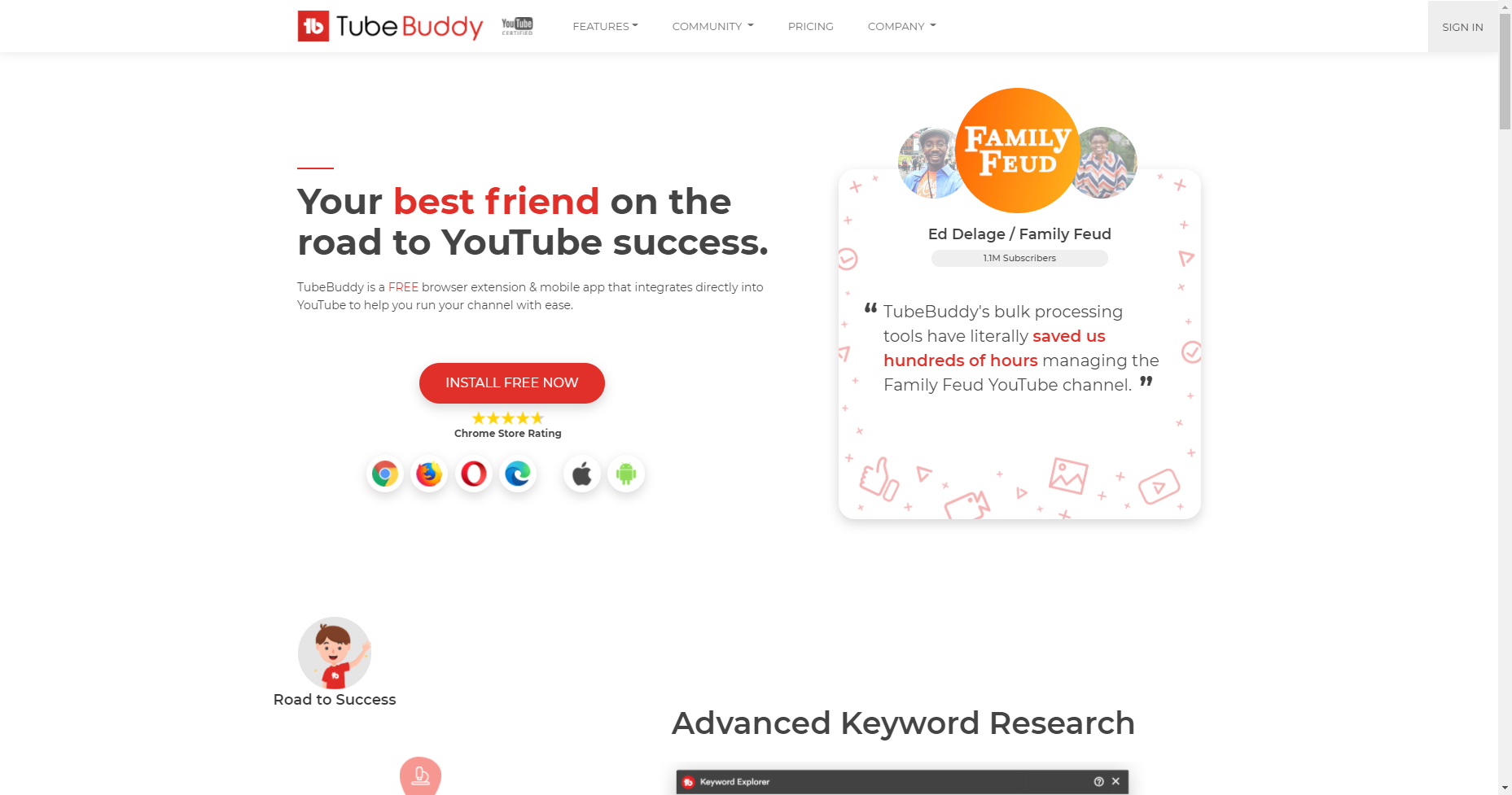
TubeBuddy is a browser extension that offers tons of different ways to effectively manage your YouTube channel. It includes productivity, video SEO, data and research, promotion, and bulk processing tools. Using TubeBuddy, you can create and schedule your YouTube videos, use saved responses for easy content moderation, and build end-screen templates, among other cool things.
2. YouTube Analytics
Source: convertkit.com
YouTube’s own analytics tool is one of the best tools you can use to find out where your channel is succeeding and where it isn’t. You can use it to learn more about your audience and the content that grabs them, improving your YouTube video views, and keeps them engaged. You’ll also be able to check out the watch time on your videos (a signal in YouTube’s search algorithm) and how your following is growing.
3. vidIQ
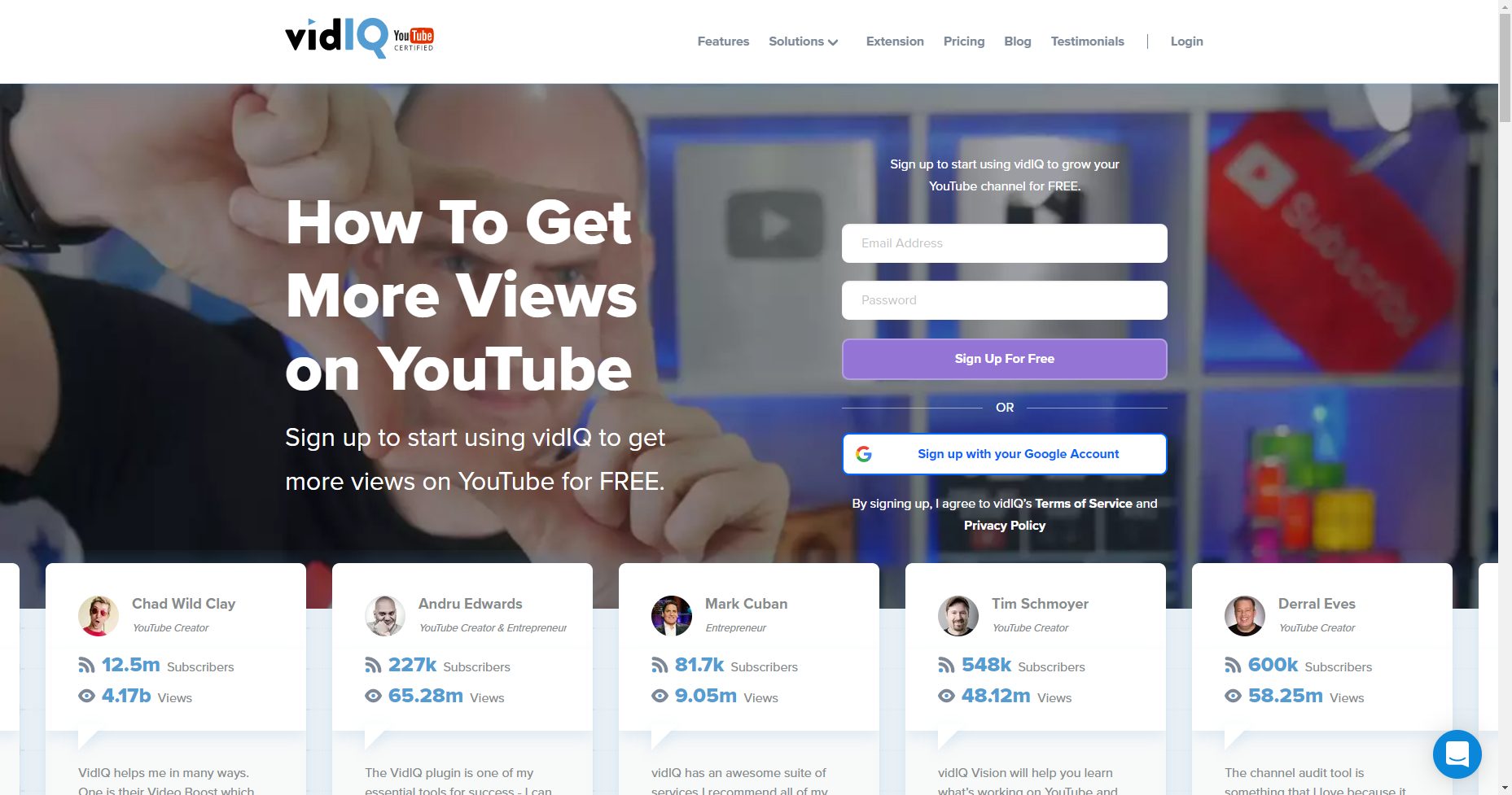
VidIQ is a browser extension that shows you the stats you need to track your YouTube performance. You can also add competitor channels to see how they compare to your own as well as set up email alerts to find trending topics. There’s even a Facebook Syndication feature that lets you share your video instantly across social media platforms.Related Content:
- How to Create a Successful YouTube Channel
- 50 YouTube Video Ideas for Creators To Get Inspired
- 5 of the Best YouTube Video Editing Tools Money Can Buy
Identify Your Best Keywords
Descriptions and titles are important information for YouTube users. When you include the right keywords in your YouTube video descriptions and titles, users are better equipped to decide if your video is right for them. In this section, you’ll find YouTube optimization tools that can help you find the keywords that will get your videos ranked and viewed.
4. YouTube Autosuggest
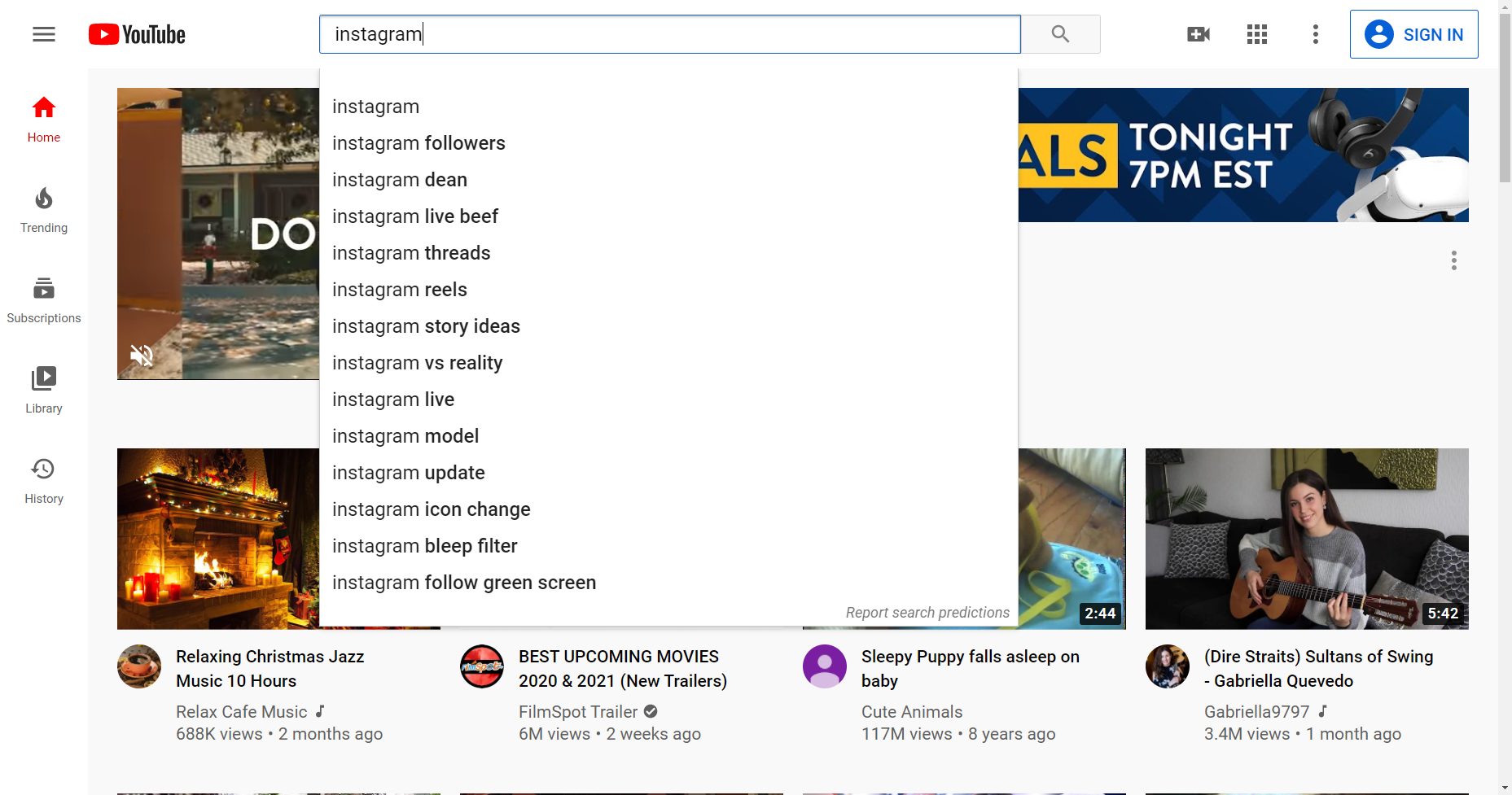
If you’ve ever searched for a video on YouTube, you know that the moment you start typing, YouTube starts offering suggestions for keywords and phrases to help you along:
This is a great tool for users but it’s also an extremely useful tool for creators. Similar to Google Trends, you can enter your keyword or topic into the search field on YouTube and use the autosuggest results to find keywords that you should include in your video description, tags, and title.
5. Google Keyword Planner
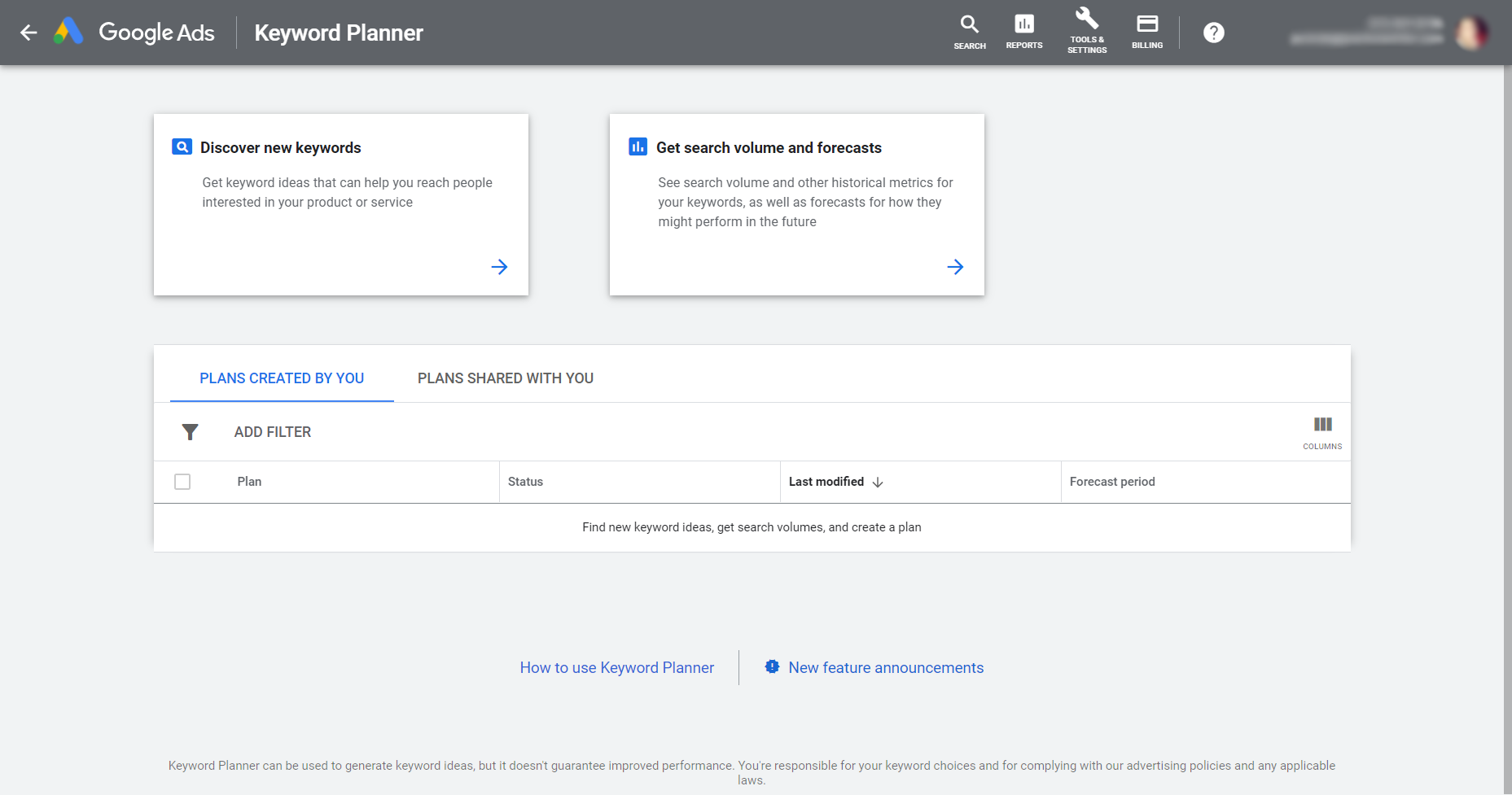
Google offers tons of free tools that creators can use to find just the right keywords to include in their content. Google Keyword Planner is a great tool. You can access Google Keyword Planner from your Google Ads dashboard (you don’t have to run ads to use it). It will help you find the keywords that are worth the most for Google searches so you can plug those keywords into your YouTube descriptions and titles.
6. Keyword Tool (Keywordtool.io)
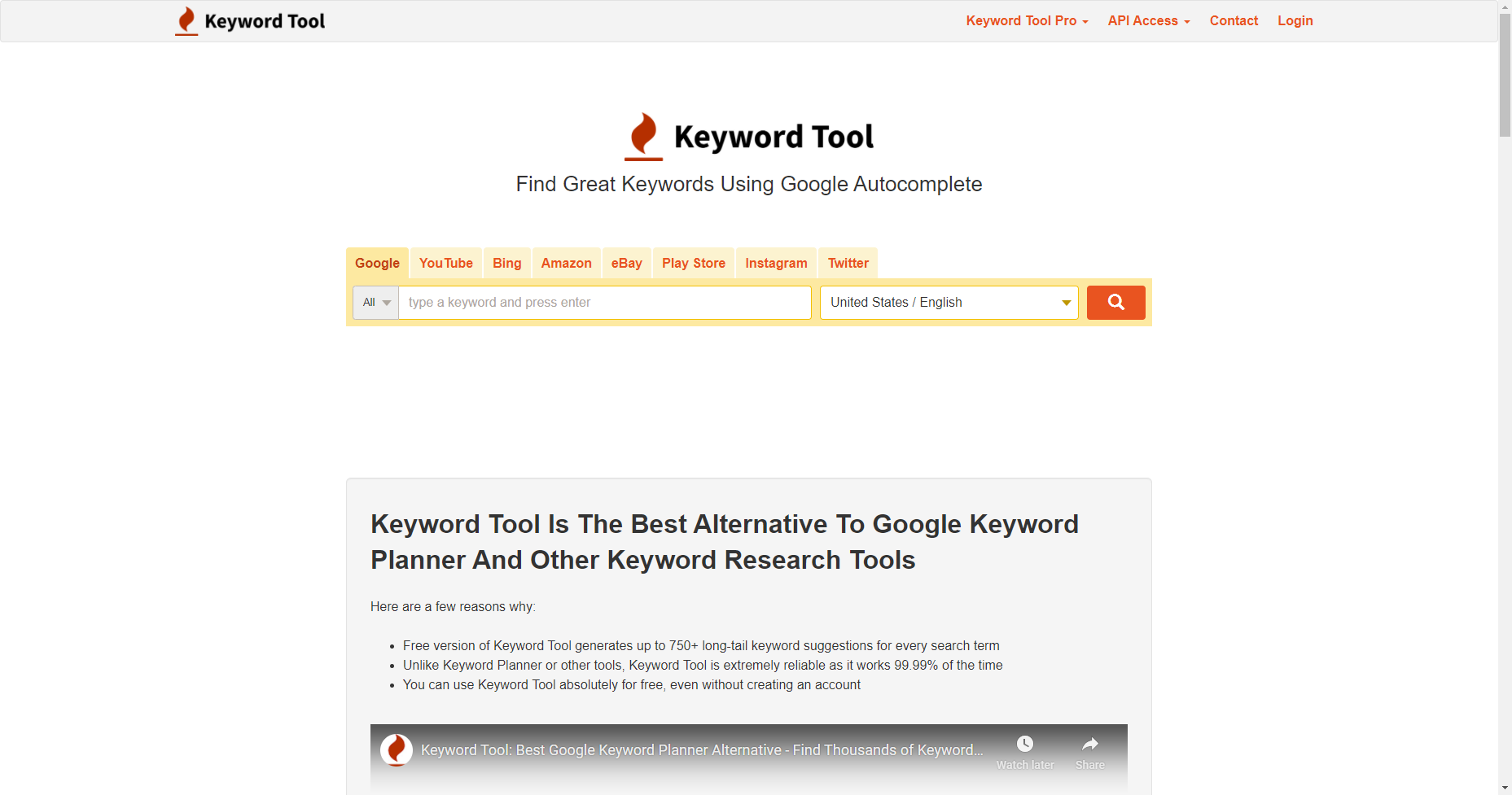
Keyword Tool is a freemium tool you can use to find topics that your viewers might be interested in based on what they’re likely to search for. Just enter a high-level keyword or topic and Keyword Tool will give you suggestions in the form of questions, prepositions, and even hashtags. The paid version starts at $69/month and gives you access to search volumes, cost-per-click, competition data, and trends.
7. Rank Tracker
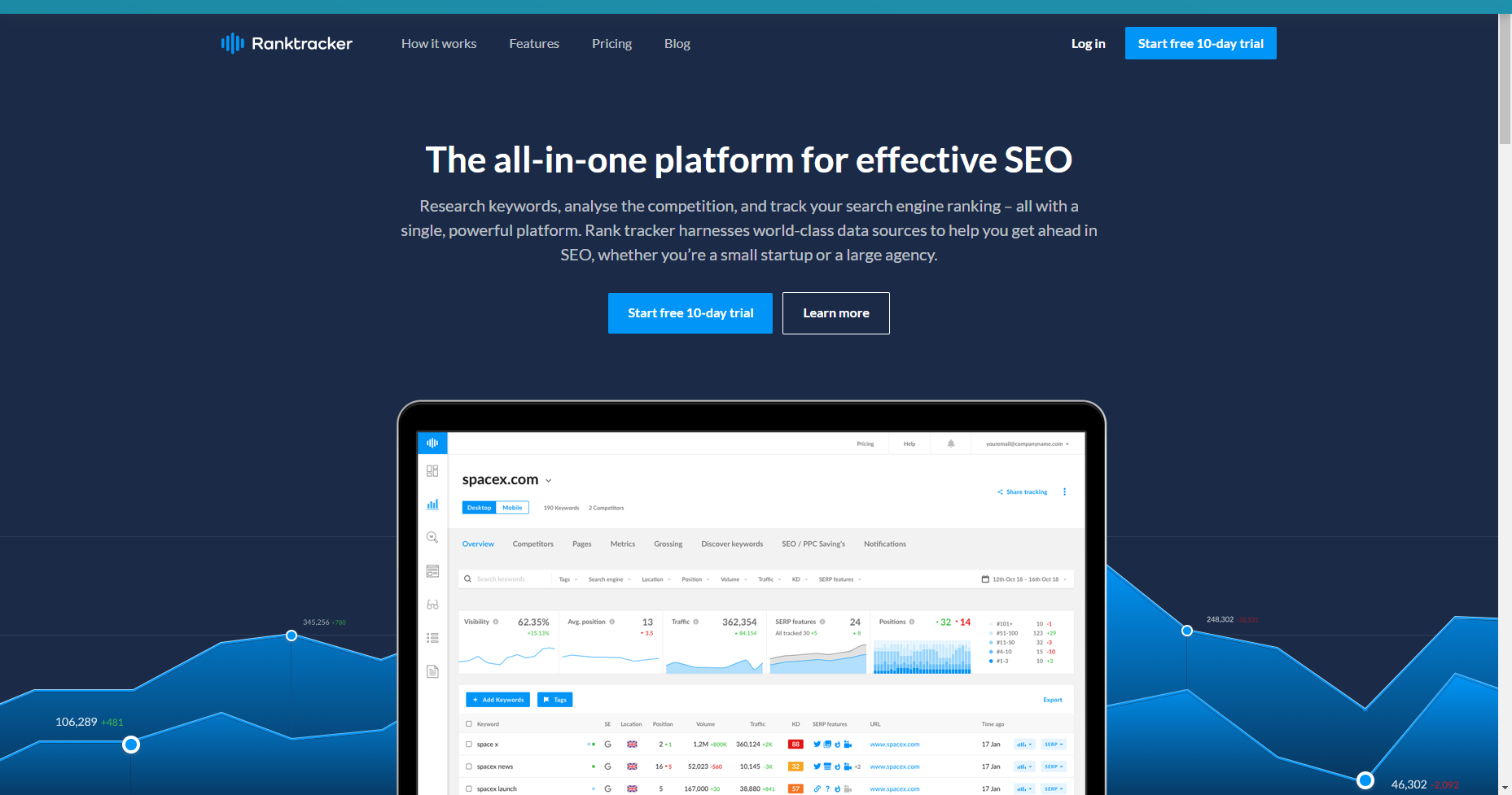
Rank Tracker is another freemium keyword research tool. You can use it to pull keywords from YouTube’s suggestions and view search volume, competition, expected visits, and more. Rank Tracker is great for finding keywords that will put your videos in the running for that coveted featured snippet position that puts you at the top of the search results. The paid version starts at $72/year.
8. Ahrefs Keywords Explorer
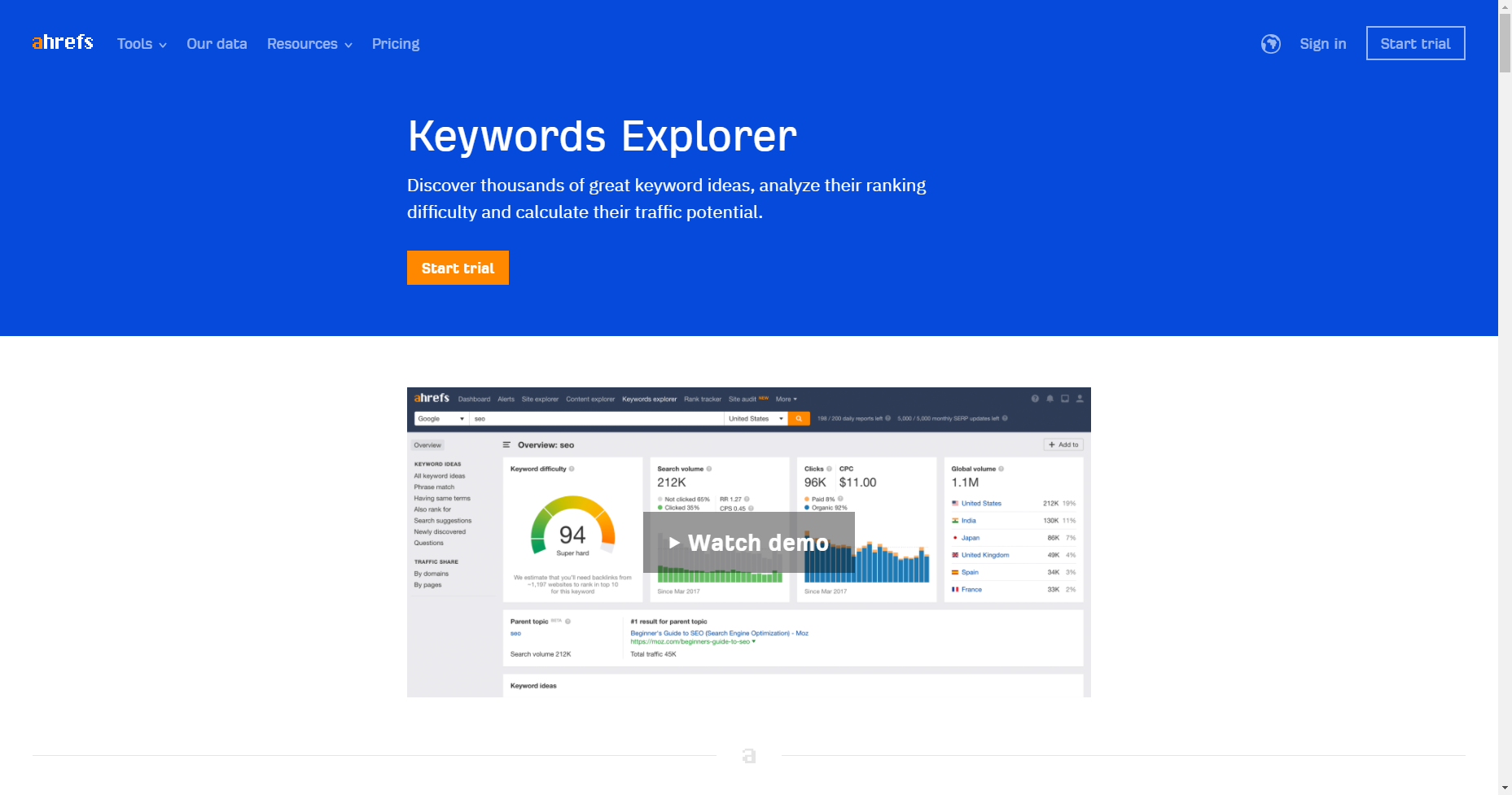
Ahrefs Keywords Explorer has one of the largest databases of YouTube keywords. You can search for your keyword and find local and global search volume, clicks, click percentage, and clickstream data so you can find out how many people search a certain term on YouTube each month. There are also keyword ideas reports that can give you some great keyword or topic ideas.
9. Kparser
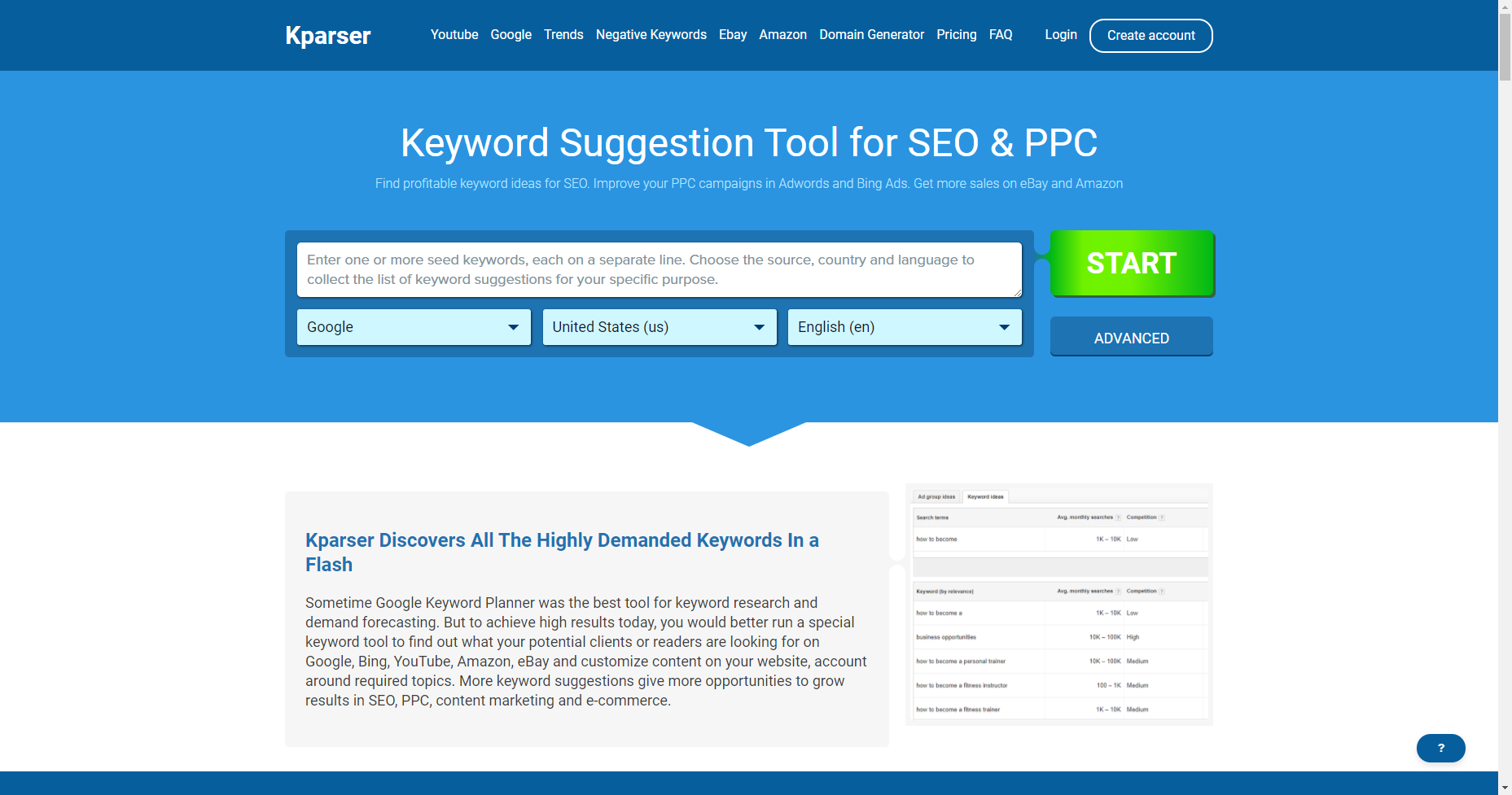
Kparser is another easy-to-use paid keyword research tool that focuses on long-tail keywords. You can add keywords before and after your target keyword (similar to Keyword.io) but Kparser lets you choose the parsing depth.
10. YTRank
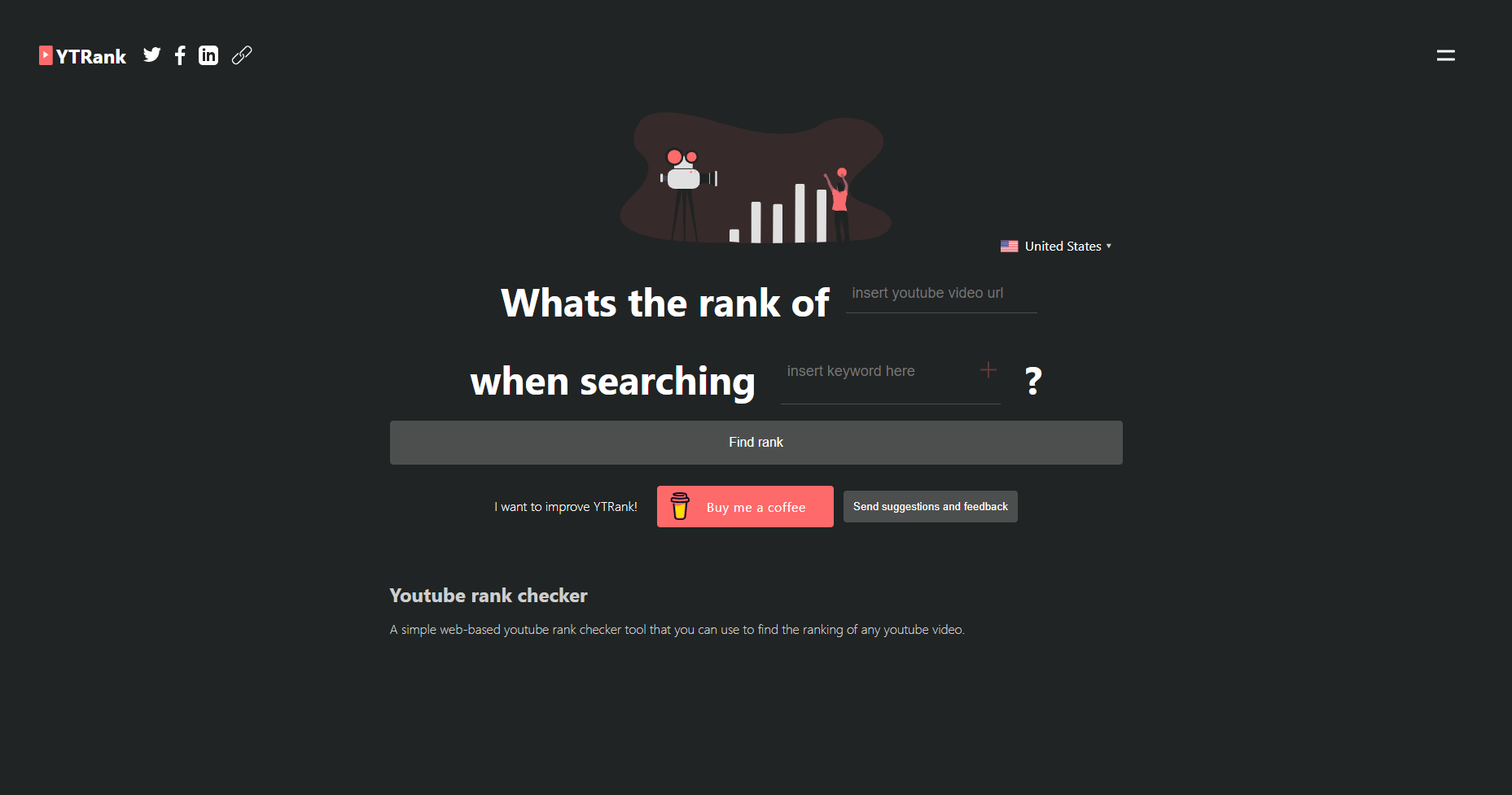
YTRank is a super simple free tool you can use to track YouTube rankings for a target keyword. Just choose the location you want, add your YouTube video URL, and add your keywords.
Research Profitable Tags
YouTube tags are words and phrases that let YouTube know what your video is about. Like keywords, tags are an important ranking factor in YouTube’s search algorithm. Here you’ll find YouTube optimization tools that will help you find the most profitable tags for your YouTube videos.
Conclusion
Let us know your thoughts in the comment section below.
Check out other publications to gain access to more digital resources if you are just starting out with Flux Resource.
Also contact us today to optimize your business(s)/Brand(s) for Search Engines