
NTFS is an advanced file system that has many useful features including security permissions, disk quotas, and alternate data streams. Although most of the time users will have no interaction with the NTFS file system and all of the files will be handled by Windows or other applications, it is still important to have a way to manage these details directly.
In this article we’ll explore some of the best applications for managing NTFS settings in Windows.
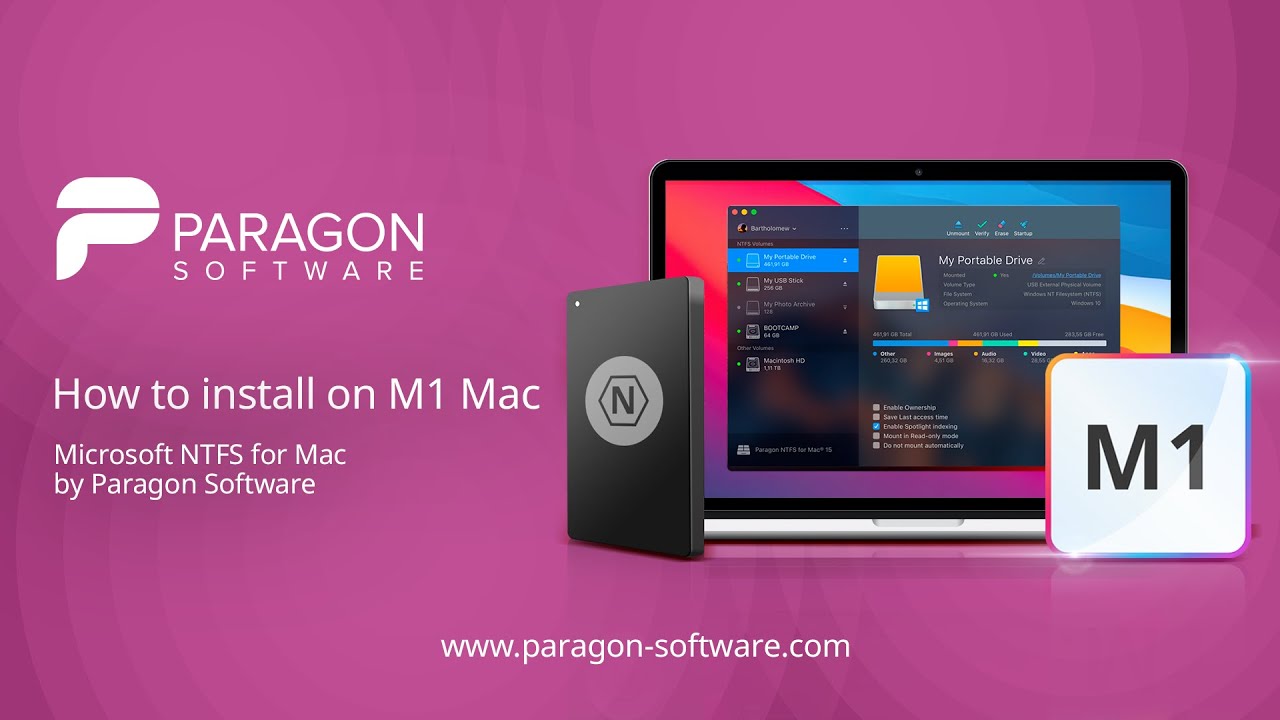
Table of Contents
Best Apps For Ntfs
NTFS stands for New Technology File System designed by Microsoft. Some of the modern features of NTFS include: setting access rights for files, recording data changes, creating copies for backup, encryption, setting disk quota limit, etc. Unfortunately, when it comes to Windows NTFS-formatted USB, external hard drives,… Macs are only built for reading. In case you want to edit, remove, copy, or delete the files, an add-on NTFS-driver is needed.
That’s why I want to introduce the two most popular and effective add-on drivers in this section, Tuxera NTFS and Paragon NTFS. Both have advantages and disadvantages, so choose the one that most meets your demand.
Top 10 Best Mac Cleaner Apps To Speed Up Your Mac
Top 10 Best Mac Cleaner Apps To Speed Up Your Mac
Read more
CONTENTS
Paragon NTFS for Mac 15 [Recommend]
Microsoft NTFS for Mac by Paragon
iBoysoft NTFS for Mac
Tuxera NTFS for Mac
Comparison Between Tuxera And Paragon NTFS
How To Write On NTFS Without Using Specialized Software
Conclusion
Paragon NTFS for Mac 15 [Recommend]
Microsoft NTFS for Mac by Paragon
Microsoft NTFS for Mac by Paragon
Microsoft NTFS for Mac by Paragon Software
Microsoft NTFS for Mac by Paragon Software
$19.95
Buy Now
Microsoft NTFS for Mac by Paragon
Paragon NTFS for Mac is the only NTFS driver on the market that provides full read/write NTFS access with the same high speed as native HFS + files. Also, it is the first NTFS driver to support Snow Leopard 32 and 64-bit modes.
Paragon NTFS for Mac allows quick and secure access to NTFS partitions from macOS 10.13 High Sierra. In particular, its features include:
Partition management tool: It allows content navigation and reading, editing, copying, or creating files and folders.
Safety assurance: Paragon NTFS for Mac provides smooth data exchange between Windows and Mac, even in heavy workload situations.
Easy usage: Format any partition to NTFS on your Mac, no special commands needed to have access. Connect a drive or storage media to an NTFS partition and use it as you wish.
Purchase: You need to spend $19.95 for Paragon NTFS for Mac. Users who have purchased it will receive a 100% free guarantee for the next version as soon as it is released. Customers who own the older version will be offered a 50% discount.
Microsoft NTFS for Mac by Paragon Software
Microsoft NTFS for Mac by Paragon Software
$19.95
Buy Now
iBoysoft NTFS for Mac
iboysoft
MICROSOFT NTFS FOR MAC BY IBOYSOFT
Boysoft NTFS for Mac is a light-weight app that grants users full read-write access to Windows NTFS-formatted volumes on Mac computer. The app is fully compatible with a large range of Mac OS, especially in macOS 11 Big Sur and macOS 10.15 Catalina.
Easy installation. a .dmg file will be downloaded in the download list of a browser. Then you just need to double-click it to start the installation following the onscreen instructions.
No need to turn off SIP to write to BOOTCAMP partition. SIP (System Integration Protection) is a security feature of Apple’s operating system. If you need to scan or modify data on startup disk, you need to disable SIP first. iBoysoft NTFS for Mac doesn’t requiring disabling it when you need to write to Windows BOOTCAMP partition which is NTFS-formatted.
Manage NTFS/non-NTFS volumes in one place. The app will mount NTFS drives in read-write mode automatically, so users can directly use NTFS drives directly as soon as the NTFS volumes are detected. In addition, it works as a disk management tool to open, erase, repair and format NTFS disks and format non-NTFS disks to NTFS.
Excellent safety and stability. The speed of data transferring is very stable and safe. No obvious delays or file corruption are reported. It will be the same as using a drive with a Mac-compatible file system.
Affordable Price. Users can free download and use the app for 7 days. Then the price starts at $19.95 with lifetime usage.
iBoysoft NTFS for Mac via Setapp
iBoysoft NTFS for Mac via Setapp
Read More
Tuxera NTFS for Mac
Microsoft NTFS for Mac by Tuxera
Microsoft NTFS for Mac by Tuxera
Tuxera NTFS uses the same external USB drives for both Mac and Windows PCs so that you can switch drives in the simplest way possible. Fast transfer speed supported by advanced technology helps save your time. It allows you to enjoy speedy saving and copying files process between your Mac and USB drives without waiting for too long.
Another advanced technology used in Tuxera NTFS is fail-safe technology. You do not have to worry about data loss since it makes sure that all your information (videos, pictures, documents, etc.) is safe.
Microsoft NTFS for Mac by Tuxera
Microsoft NTFS for Mac by Tuxera
Additional features: Tuxera NTFS for Mac is the only software supporting for NTFS extended attributes.
Purchase: Tuxera offers a price of $31 per license. You do not need to pay more for an upgraded version.
iBoysoft NTFS for Mac on Setapp
iBoysoft NTFS for Mac on Setapp
Full Review
Comparison Between Tuxera And Paragon NTFS
NTFS APPS PARAGON NTFS 15 TUXERA NTFS
Compatibility
Works perfect in High Sierra, Mojave,macOS Catalina and older macOS
Compatibility with other apps: Parallels Desktop & VMware Fusion.
Works perfect in Yosemite, Capitan, Sierra, macOS Catalina.
Write access to NTFS Yes Yes
Set up and Use Yes Yes
Work perfect without common errors Yes Yes
Support for creating, verifying and repairing NTFS partitions under Mac® OS X Yes Yes
Active 1 PC 3 PCs
Price $19.95 $15
Free trial 10-day trial 15-day trial
Discount Yes Yes
BUY NOW
BUY NOW
Cost: Paragon offers a $19.95 purchase while Tuxera charges its users ~ $15, much cheaper. On top of that, Tuxera provides a trial period of 15 days, and Paragon gives you a chance to use it for ten days at no cost.
Compatibility: Both Tuxera and Paragon NTFS are compatible with Mac OS X 10.11/10.10/10.9/10.8/10.7 and macOS 10.15/10.14/10.13/10.12.
Speed: Paragon NTFS claims to be the fastest NTFS for Mac. Its speed is estimated to be up to six times more than that of other NTFSs.
Stability: From the reviews and feedback, it is Paragon NTFS that impresses users more in terms of stability. Tuxera’s “can not mount” error seems to occur more frequently than Paragon.
That is all for the detailed features and further comparison between Tuxera NTFS for Mac and Paragon NTFS for Mac. It is recommended to choose one option from the two paid NTFS software above, depending on your demand. The reason is that if you happen to have a technical problem, there will be appropriate technical support.
However, if you do not use NTFS that frequently, spending on it is maybe a little bit costly. Instead, there are two cost-effective ways to write, copy, or move files on NTFS with no need to use charged software. Stay tuned for valuable information stated below!
How To Write On NTFS Without Using Specialized Software
Best NTFS Apps
- Use terminal and command line
First, you need to use Finder to open Terminal. Click Go → Utilities → Terminal
Start Terminal and then type the code:
sudo umount /Volumes/NAME
sudo mount -t ntfs -o rw,auto,nobrowse /dev/disk3s1 ~/ntfs-volume
or
sudo nano /etc/fstab
Add “LABEL=NAME none ntfs rw,auto,nobrowse” to fstab.
This is a bit confusing for those who are not familiar with command line. However, don’t worry and follow the instructions. I believe it is clearly stated so that you can easily follow the process.
- Use 3G-NTFS
3G-NTFS is open source software, supported on Android, Mac and other operating systems. Here, I give you specific instructions on installing and using 3G-NTFS.
Most of the distributions have 3G-NTFS as its default software. If it is the old version, you can install a new one from the source code. Remember to install the two basic tools: gcc compiler, libc-dev libraries before. Type:
./configure
make
make install #
or
‘sudo make install’
Now you have installed 3G-NTFS successfully. What to do next? Follow these steps. If the NTFS volume is mounted during the installation process, unmount it by typing the following line at the end of the /etc/fstab file:
/dev/sda1 /mnt/windows ntfs-3g defaults 0 0
For more information about 3G-NTFS and its usage, you can visit here.
Conclusion
I hope that all NTFS for Mac options mentioned above is useful for you – Mac users. Remember to refer to the feedback on review sites so that you will have a better overview to choose the most suitable one.
best ntfs app for android
Usb OTG Reader
and Unmount drive with a single click.4 Full NTFS support.5 exFAT support! .6 Notification when drives mounted!.7 Load modules required automatically.8 Option to enable utf-8 mode .9 Automatically open the mounted drive 10…
ES File Explorer File Manager
Free, Safe, Simple, Manage your files efficiently and easily with ES File Explorer (File Manager)! ES File Explorer (File Manager) is a full-featured file (Images, Music, Movies, Documents, app) manager for both local and networked use! With…
SanDisk Memory Zone
SanDisk® Memory Zone 3.0Memory management on your Android™ device made easy. Manage your memory on your phone – on your card – in the cloud. The new SanDisk® Memory Zone 3.0 app offers you more functionality and combines the most popular…
Total Commander – file manager
Android version of the desktop file manager Total Commander (www.ghisler.com). Important note: This app does NOT contain any ads. However, it contains a link “Add plugins (download)” in the home folder. This is treated as an ad by the Play…
File Manager
Manage your files efficiently and easily with ASUS File Manager! ASUS File Manager helps you handle all your files whether they are stored in your device’s memory, microSD card, local area network, and cloud storage accounts.By default, ASUS…
File Manager HD(File transfer)
Fully Featured File Management Tool! Developed by the Clean Master team Highlights of File Manager HD☆ Fully featured:Cut, copy, paste, delete, compress, decompress, search and more.☆ Cloud support:Switch between local and cloud files -…
Solid Explorer File Manager
This is Solid Explorer File and Cloud ManagerPlease note that this is a 14 day trial versionIf you own the Solid Explorer Unlocker you can use the premium version for free! New feature!Now you can protect your files and folders with a password. If…
X-plore File Manager
Highlights: ● Dual-pane tree view● Root, FTP, SMB, Sqlite, Zip, Rar, 7zip, DLNA/UPnP explorer● Disk Map – see which files consume most space on your disk – http://bit.ly/xp-dmap● Cloud storage access: Google Drive™, Dropbox, Box.net,…
HTC File Manager
HTC File Manager makes it easy to find, browse and organize files on your phone, SD card or USB storage. Heart items to add them to your favorites, search for files by name and select multiple files or folders to cut, copy, delete, rename or move….
MLUSB Mounter – File Manager
Can also use the USB hard drive of the PC!MLUSB Mounter supports NTFS/exFAT/FAT, so you can easily access file of PC could not be read so far. * Can use USB devices easily to insert and…
USB plugin for Total Commander
between your Android device and any NTFS, FAT32 and HFS+ formatted drive or memory stick. Please, note that this app only works in pair with Total Commander app via USB On-The-Go. NO ROOT access needed. With Paragon…
[root] StickMount
are supported. On the latest Android versions, ntfs is also supported in read-only mode. Some devices also support exfat out the box, but most do not. StickMount can utilize the “ntfs-3g” and…
DriveDroid
This application requires root DriveDroid allows you to boot your PC from ISO/IMG files stored on your phone. This is ideal for trying Linux distributions or always having a rescue-system on the go… without the need to burn different CDs or USB…
USB Photo Viewer
Formerly known as Nexus Photo Viewer, USB Media Viewer allows you to view the JPEG and RAW photos from a USB flash drive or SD card your Nexus, Pixel or other Android 4.0+ devices with USB Host support. Requires the following hardware:1) A USB OTG…
Seagate Backup
Tired of seeing “Not Enough Available Storage” messages? The Seagate® Mobile Backup app offers users an easy way to back up and restore all of the photos and videos on your gallery, plus your contacts, music, call logs, and text messages…
AParted ( Sd card Partition )
This tool allows you to create partitions and administer them in your sdcard or usb device.You can add more RAM to your device by creating a swap partition.Also you can repair some damaged sdcard and scan for bad blocks. Working in all Android…
FolderMount [ROOT]
ROOT is required. Without it, the app will not launch.Problems? Use the EMAIL DEVELOPER link in the Play Store. Today some apps store big files over the internal SD card (e.g. games, podcasts, offline RSS content, pictures, videos, offline…
Paragon exFAT, NTFS & HFS+
Easily copy, transfer and modify data on NTFS volumes alongside with HFS+ ones. Forget about incompatibility issues between your mobile handheld and its big brothers – PC and Mac. Attach to your device any flash drives,…
USB Media Explorer
USB Media Explorer (UME), formerly known as Nexus Media Importer, allows you to stream and transfer music, video, photos and documents from a USB flash drive or card reader connected to your Nexus device (5, 5X, 6, 6P, 7G1, 7G2, 9, 10) or other…
[root] Ntfs Mounter
Automatically mount and dismount NTFS/FAT/EXT2/EXT3/EXT4 formated USB Sticks, USB HDD, SD Cards !!! REQUIRES ROOT !!!!!! Tested on Samsung Galaxy SII ICS 4.0.3 (CF, Siyah, N.E.A.K kernels) !!! Works on following ICS devices: –
Conclusion
Let us know your thoughts in the comment section below.
Check out other publications to gain access to more digital resources if you are just starting out with Flux Resource.
Also contact us today to optimize your business(s)/Brand(s) for Search Engines