
There are a lot of really great, free tools out there for managing projects and collaborating with other people on those projects. Most of them have pretty similar features, so it can be hard to choose which one is best for you.
We’re going to walk through some of the different options, what their pros and cons are, and then help you figure out which one will work best for you.
Table of Contents
Group Project Tools
1. ProProfs Project
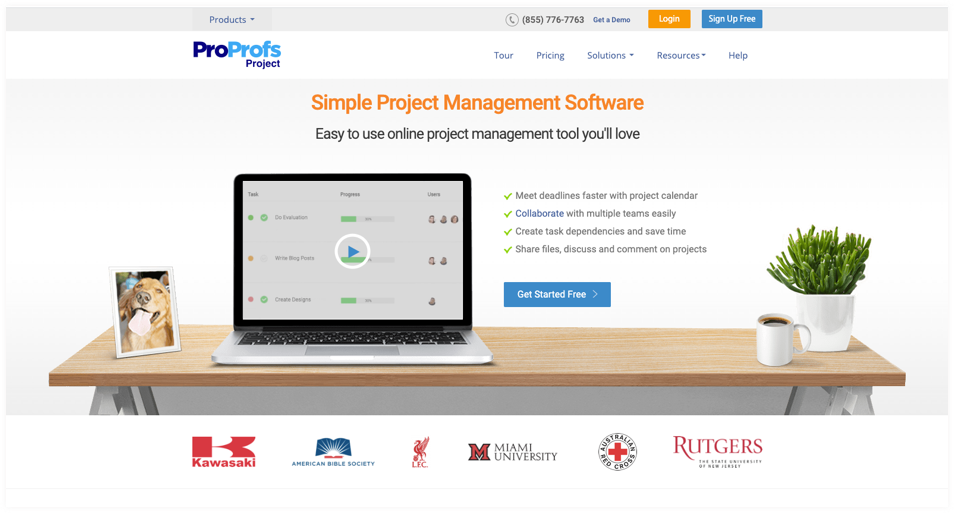
ProProfs Project management software is the simplest of these cloud collaboration tools and offers everything you need to manage multiple projects on a single dashboard along with efficient team collaboration features.
The best part of ProProfs is that you automated email notifications and can access your projects on the go using your smartphone.
You can plan a project with a shared calendar, visualize milestones with Gantt charts, collaborate with teams using task comments to discuss obstacles, and share files on the go.
Take a look at the individual features of this highly user-friendly online collaboration software:
Features

Single DashboardView all projects and tasks on one dashboard. Assign tasks to different teams and track project execution easily on a single dashboard.
Gantt ChartStaying up-to-date with project progress is fundamental to improve the odds of success. And gantt charts exactly help you in that regard.
Task CommentsDrop comments on tasks and projects to let everyone know where the project stands.

TimesheetsTrack time spent on every task and calculate billable and non-billable hours efficiently
Shared CalendarPlan your project execution stages alongside your team efficiently with a shared calendar. Create Gantt charts to visualize milestones and see if you can meet deadlines easily.
File SharingShare important project-related files with teams, clients, and stakeholders easily. You can also attach them with your aligned tasks so that every concerned team member receives a copy of the file.
Pricing: ProProfs Project starts at $0
Why Use ProProfs Project?
- Easy SetupNo download, installation, or technical expertise required. Simply log in to your account and you’re good to go.
- Simple UIProProfs Project is designed in a manner that even a complete beginner can use the software to its full potential.
- All-Round FeaturesRight from project initiation to closing, ProProfs Project offers all the features needed to keep everything in check and streamline the entire process.
Get Started With ProProfs Project For Free! Or Get a Demo
2. Asana
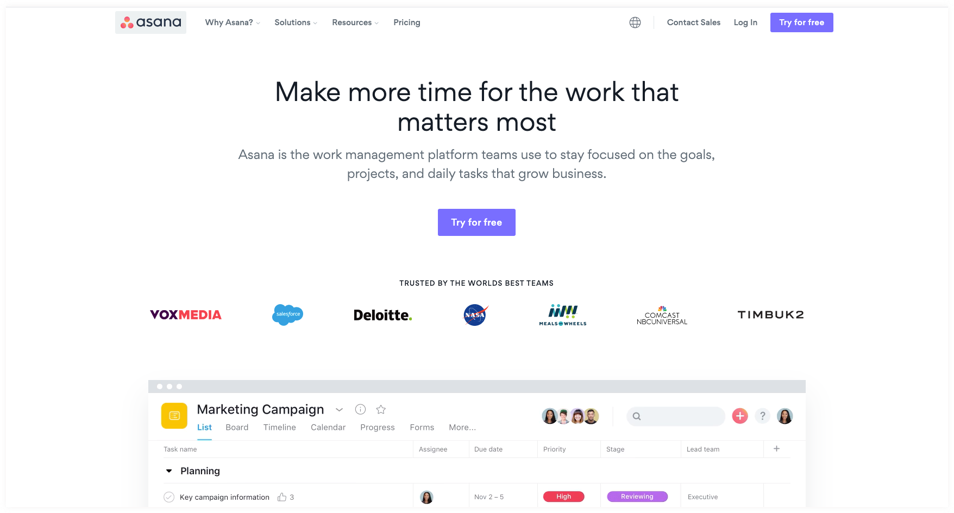
Asana is again one of the best cloud collaboration software. This tool has a mobile app that enables users to log in to their accounts from pretty much anywhere in the world. Even though the framework is quite complex and rigid, the user interface is easy to navigate and visually appealing too.
Features of Vision Helpdesk:
✓ Easy Task Assignment
Assign tasks to relevant teams instantly. Make sure you limit the teams who have access to project-related information and keep only the needed employees in the loop.✓ Single View Dashboard
View all your projects on a single dashboard and always know where every project stands.✓ Scheduling Calendar
Schedule project execution using the calendar view to get a clear idea about what needs to be done and by when.Pricing: Asana starts at $10.99/user/month.
Why Use Asana?
- Uncomplicated UIThe UI is simple and easy to understand. So, even if you’re using the software for the first time, it is easy to find your way around the dashboard.
- Multiple Task AssignmentAssign multiple tasks to one person or assign multiple people to one task to ensure deadlines are met effortlessly.
- Task CoordinationCoordinate with your team and assign work only after seeing every team members’ schedule.
3. ClickUp
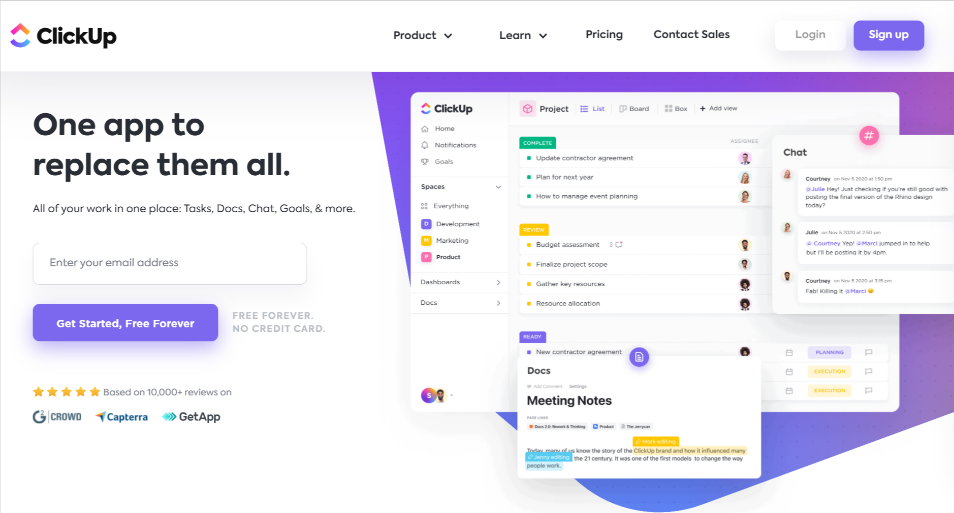
ClickUp is a powerful and flexible project management platform built for teams of all sizes and across any industry—even individual use. It is completely customizable and offers a fully transparent, feature-rich experience to manage your workload, monitor project updates, and collaborate in real-time, no matter what project style you use.
Features:
✓ Customizable Views
Visualize your projects in over 15 ways including List, Mind Maps, Gantt, and Kanban-like Board view.✓ Built-in Integrations
Easily integrate with over 1,000 other tools to streamline your work in one place.✓ Assigned Comments
Easily edit and assign comments and turn any thought into an action item, leave feedback for your team, and communicate effortlessly without needing to switch to another app.✓ Dashboards & Reporting
Set goals and Milestones for your projects, create custom statuses, and get an instant high-level overview of your team’s progress.Pricing:ClickUp starts at $5/user/month billed annually.
Why Use ClickUp?
- 24/7 SupportGet the help you need when you need it. You don’t need to be an expert to get the most out of this software.
- Designed to fit your workflowClickUp’s flexible Hierarchy structure easily breaks down projects into manageable tasks and subtasks for your team to collaborate on.
- Built for CollaborationCustomize your notifications to stay on top of updates as soon as they happen.
4. Wrike
If you are keen on folders, Wrike is the best team collaboration software for your business. You will be delighted to know that this online collaboration tool offers full visibility to its users by presenting real-time reports and status regarding team performance. Manage, track, and collaborate on multiple projects easily.
Features:
✓ Project Nesting
It has a unique feature of nesting each project task and subtasks into multiple folders that enable a convenient organization for your team members.✓ Pre-Defined Project Templates
Create and save project templates to ease the process of adding new projects in the future. Save your teams’ time and energy with this project management software.✓ Activity Streams
Get a clear picture of what is being done and by whom via real-time activity streams.Pricing:Wrike starts at $9.80/user/month billed annually.
Why Use Wrike?
- Efficient Team CollaborationBring your team together and communicate over tasks and projects on the go.
- Work TransparencyStay in the loop and always know what’s going on during project execution.
- Easy Team Productivity MonitoringCreate insightful reports and gain insight into your teams’ productivity. Improve your team’s performance easily.
5. Monday.com
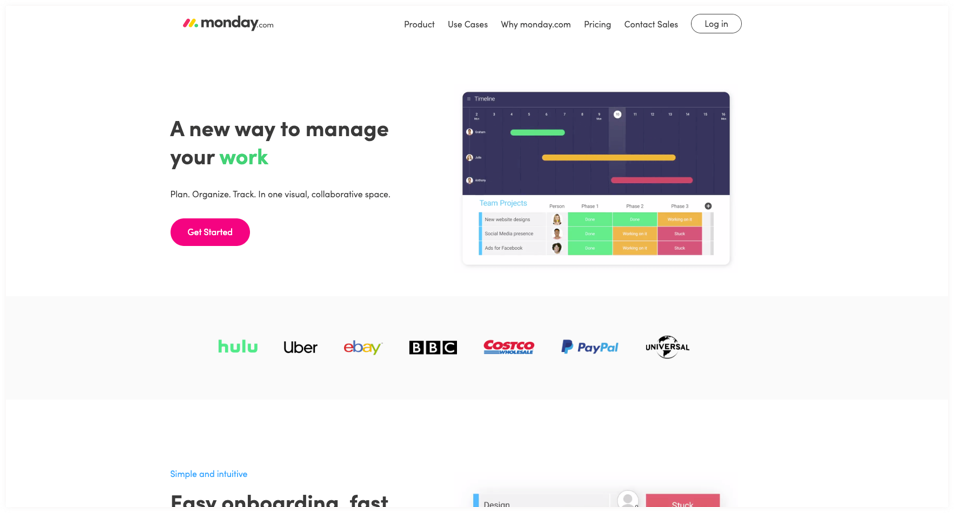
If you like your free online collaboration tools to be extremely visual, then you can definitely integrate Monday.com with your business website to initiate and consolidate your project management requirements.
Features:
✓ Visually Appealing Interface
Effortlessly monitor and track project progress via a visually appealing interface.✓ Timeline Management
Ensure that you maintain your timelines and meet deadlines of task completion with the schedule feature.✓ Team Collaboration
Your collaboration with the team is far better with features like file sharing, ideas, comments, and more.Pricing: Monday starts at $25/month billed annually.
6. nTask Projects
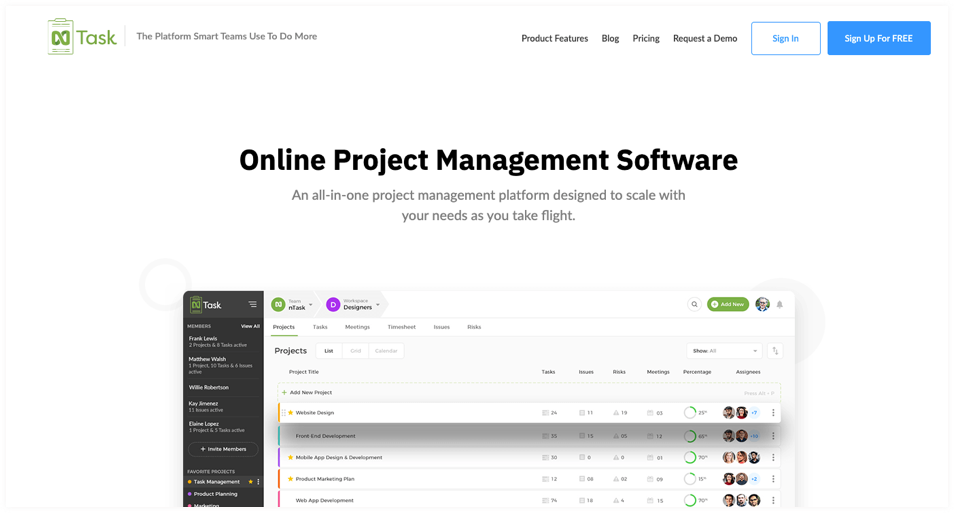
nTask, a project management tool, has a simple interface and offers every feature you could possibly need to manage your projects. With a single platform, nTask allows you to stay on the top of multiple projects, assign tasks, and track progress with ease.
Features:
✓ Assign tasks and collaborate online
Quicker task allocation with the option for multiple assignees, collaborate in real-time by leaving comments and feedback, attach files to communicate with your team, and get notifications and reminders to ensure you never miss a deadline.✓ Task tracking
Stay updated about the progress of task activities and taken time.✓ Task visualization
With Gantt charts and Calendar views, you can easily monitor the progress of your projects and schedule tasks.Pricing: nTask has a free plan available as well as subscriptions starting from $2.99/user/month.
Why Use?
- nTask is a smarter way to manage projectsEnjoy seamless project planning, tracking, team collaboration, and report generation on one platform.
- Ability to hold productive team meetingsCreate meeting agendas, note down discussion points, and highlight follow-up actions and discussions effortlessly.
- Track issues and bugsTrack, assign, prioritize, and fix any bugs or issues that arise during the project development cycle.
7. Basecamp
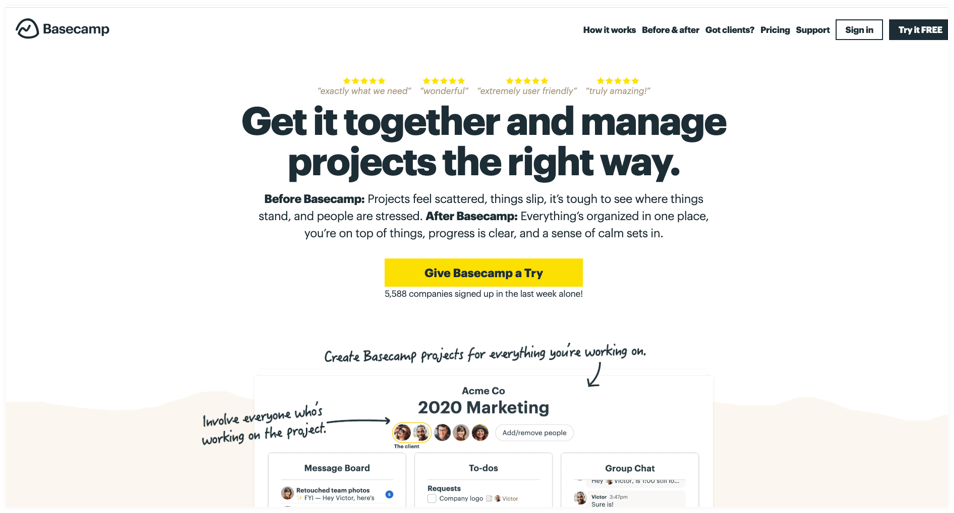
An early entrant in the market, Basecamp has captured attention with its suite of collaborative tools for convenient project management. Being one of the best online collaboration tools available today, no wonder so many projects teams are using their software across the globe.
Features:
✓ Easy Interface
One interface for all your projects – it’s easy to use and efficient for all team members.✓ Instant Messaging Platform
Chat with your teams instantly with a live chat option. Give instant updates to your team members in real-time.✓ To-Do Lists
Create to-do lists and plan your entire days’ work to know what you need to complete on priority.Pricing:Basecamp starts at $99/month billed annually.
Why Use Basecamp?
- Streamlined Project ManagementStreamline all your projects and ensure all project deadlines are met hassle-free.
- Centralized Database for Project-Related DocumentsStop worrying about managing multiple project documents – this tool offers a centralized database to store all information easily.
- Instant Group Chatting FeaturesKeep things transparent and chat with your teams to avoid any confusion and ensure a smooth project execution.
8. Trello
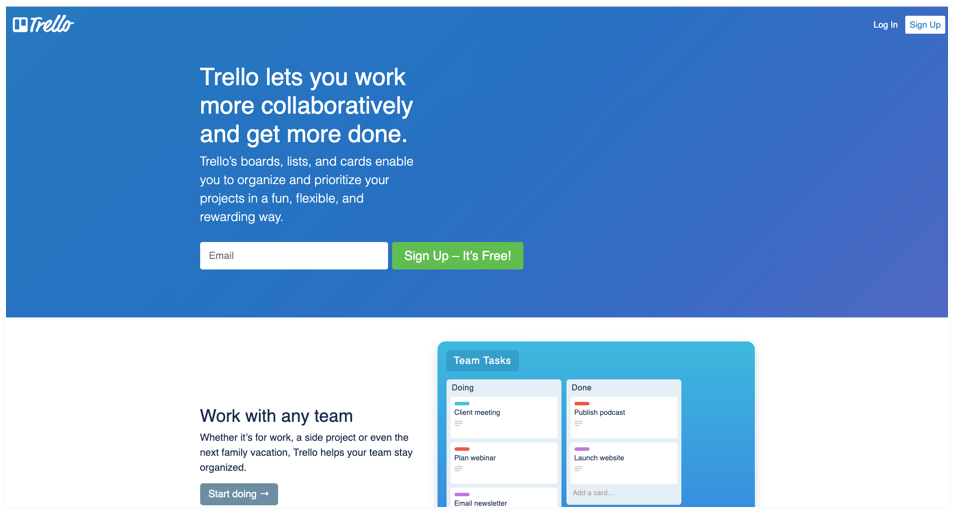
Showcasing an interesting display similar to the card game Solitaire, Trello is leading the pack of best collaboration apps by transforming it with a card and board views interface. With its standout drag and drop Kanban board feature, you can promptly get an overview of any project and check out individual task completion responsibilities.
Features:
✓ Trello Boards
Keep track of all your projects using Kanban boards easily.✓ Drag & Drop
Drag and drop tasks in any Kanban board & streamline the entire execution process.✓ Mentions
Tag your team in tasks or projects and let them know how to proceed with the project execution.Pricing: Trello starts at $9.99/user/month billed annually.
Why Use Trello?
- Powerful IntegrationsIntegrate 3rd party software to this robust project collaboration software and use it to its full potential.
- Creative View BoardsView all project boards alongside your team and keep them in the loop in real-time.
- Dynamic Task AssignmentAssign tasks to team members by simply dragging the task in their Trello board.
9. Zoho Projects
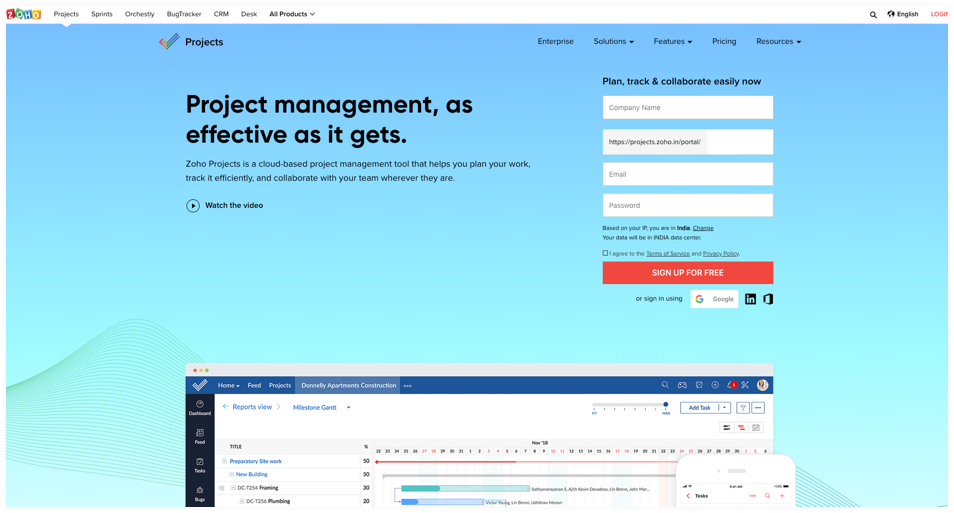
Zoho Projects is a highly sought after online collaboration software. Right from project initiation to closing, you can track everything that is done using Zoho Projects. Not only that, you can split projects into subtasks and define milestones to meet project deadlines easily. Create task blueprints to stay on top of all project execution processes with this PM tool.
Features:
✓ Task Blueprints
Create task blueprints and save them for future reference to make task creation and execution easier.✓ Milestone Definition
Define project milestones easily and share every milestone detail with your team members in real-time.✓ Kanban Boards
Manage all your projects effortlessly and in an organized manner using dynamic Kanban boards.Pricing: Zoho Projects starts at $12/month billed annually.
Why Use Zoho Projects?
- Easily Identify Project BottlenecksThis online collaboration software makes it really easy to identify project bottlenecks and keeps things transparent for users.
- Efficient Task AutomationAutomate task creation and make it easy to streamline the entire task creation process alongside your team.
- Meet Deadlines EffortlesslyCollaborate with relevant teams efficiently and meet all your set deadlines easily.
10. Scoro
Scoro is one of the simplest online collaboration software applications. It can help you organize communication within teams using a single platform. Compared to other online business collaboration tools, Scoro boasts of the best reporting capabilities in the market.
Features:
✓ Workflow Definition
Define all your workflows easily alongside your team in real-time.✓ Task Comments
Drop comments to instruct your team on how to go about completing tasks while meeting the company’s quality standards.✓ Advanced Reporting
Create reports that showcase all essential data that analyzes team performance and productivity.Pricing: Scoro starts at $26/user/month billed annually.
collaborative tools in ict
On average, how many emails do you exchange with co-workers everyday? And how much time does it normally take to brief your team on goals or progress? If your answers make you cringe, you should consider updating your collaboration tools.
Team collaboration software is on the rise. From communication to project management, technology offers an abundance of options. More online collaboration tools spring up every year, while existing ones are constantly improving their features and functionality. Some companies grow and thrive through holacracy, a collaborative management structure.
Here’s a list of 15 of the best collaboration tools that can support your team’s needs:
Communicate with your team
People can’t collaborate if they don’t communicate. From instant messaging to video conferencing tools (the best alternative to face-to-face meetings), there are many options for team collaboration tools:
1. Flowdock
Flowdock is a group and private chat platform. Its most interesting feature is its team inbox which aggregates notifications from other channels, like Twitter, Asana and customer support tools.
2. GoToMeeting
GoToMeeting is an online video conferencing software that allows users to schedule meetings and share screens. It’s one of the most popular video tools with millions of users.
3. Slack
Slack is a popular and well-crafted platform offering instant messaging, file transfers and powerful message search. It has many features and dozens of integrations with other tools like Trello and Intercom.
4. WebEx
Cisco’s WebEx provides personalized video meeting rooms where users can to host and join meetings. People can use WebEx for team collaboration, webinars, training and customer support.
Streamline your hiring process
Want to learn how an applicant tracking system can help you hire better, faster and more cost efficiently? Find out with Workable, the world’s leading ATS.
Try our ATS
Manage projects and tasks
Project management tools are critical. Who can coordinate effectively when they can’t monitor task progress or keep track of objectives?
5. Asana
One of the most well-known project management tools, Asana allows users to assign tasks to other members, add followers to projects and monitor deadlines. It’s very useful as a to-do list or calendar for strategic planning.
6. Dapulse
Dapulse is a collaboration tool that helps you communicate, set objectives and assign tasks. Its big advantage: it has a great visual design so it’s easy to understand and work with.
7. ProofHub
ProofHub is a work management tool that offers a comprehensive suite of collaboration and project management functions. On this platform, you can organize files, plan and monitor projects and discuss with colleagues and stakeholders. ProofHub also lets you review and approve files through an online proofing tool.
8. Redbooth
Redbooth is an easy-to-use project management tool. Its platform allows users to plan and collaborate through many functions from video conferencing to creating Gantt charts.
9. Trello
Trello has an intriguing interface that resembles solitaire (you can even drag task cards across columns, just like you would playing cards). It’s easy to learn and works well for monitoring projects and assigning tasks. Trello also makes using Agile, Scrum and other project management frameworks easy.
10. Wimi
Wimi offers users their own ‘unified workspaces’ where teams can manage projects and share files and calendars. You can control access in each workspace with a rights-based system. Wimi Drive, their file syncing software, helps you make the most out of cloud technology.
Conclusion
Let us know your thoughts in the comment section below.
Check out other publications to gain access to more digital resources if you are just starting out with Flux Resource.
Also contact us today to optimize your business(s)/Brand(s) for Search Engines